If you want AI assistants to cite your business, pick a tool that helps you improve the pages and sources they use. RankSpot lets a founder research a prompt and publish an article. Surfer helps an editor update existing pages. AIOSEO keeps the work inside WordPress.
An LLM SEO tool can show where ChatGPT, Gemini, Perplexity, or Google AI answers cite a competitor. Before paying for one, ask whether it helps you fix the page and publish the change. No tool can guarantee a citation.
What is LLM SEO?
LLM SEO means making your site and brand easier for AI-powered answers to find, understand, and cite. You may also hear generative engine optimization (GEO) and answer engine optimization (AEO). The names overlap; the work still depends on accessible pages, useful answers, corroborating sources, and clear brand details. For a broader look at the category, see our GEO tools comparison and AI visibility tools.
Traditional SEO asks whether a page earns search visibility and visits. AI-answer work also asks whether your name appears in a response and whether a source link points to your page. Those are different outcomes: a mention is not necessarily a citation, and a citation is not necessarily a click.
Tracking versus execution: which do you need?
Start with the task you cannot do today. A tracker shows whether you appear for buyer questions and which URLs assistants cite. An execution tool lets you research, rewrite, audit, or publish in response. If tracking is your main need, our LLM tracking tools comparison covers prompt limits and cost per check in detail.
Your bottleneck | Buy first | What you should be able to do next |
|---|---|---|
You do not know which prompts mention your brand | Prompt and citation tracking | Save a repeatable set of buyer questions and examine cited URLs |
Your existing articles are thin or hard to navigate | Content optimizer | Rewrite the answer, add concrete details, and update the page |
You have no time to ship new pages | Creation and publishing workflow | Turn a useful question into a reviewed, live article |
AI crawlers may not reach key pages | Site or crawler audit | Locate the blocking rule or rendering problem and repair it |
Other sites define your category better than you do | Research and outreach workflow | Earn accurate third-party mentions and track the source |
An LLM SEO checker gives you a starting point. If you know which questions your pages miss but have no time to publish, pay for an editorial workflow. If you publish every week and cannot tell what assistants cite, add tracking.
What should an LLM SEO tool help you fix?
A useful tool should show you a specific obstacle. For a small site, work through crawl access, the page itself, and how other sites describe your brand.
Make the answer accessible
Check whether the important page is indexable and whether your robots.txt choices match your goals. OpenAI distinguishes OAI-SearchBot, used for ChatGPT search, from GPTBot, used for training. PerplexityBot has its own access rules. A technical audit can flag blocked crawlers or pages whose main text depends on rendering. Allowing one bot does not allow them all.
The proposed llms.txt file maps useful material for LLMs. It cannot replace crawl access, regular HTML, or robots.txt, and it cannot secure mentions on its own. Fix blocked or incomplete pages first.
Give the reader a quotable answer
Put the answer near the top of the page, then add proof, constraints, examples, and a clear update date where the facts change. Use headings that separate distinct questions. In the Princeton and IIT Delhi research that coined “GEO”, adding citations, quotations and statistics lifted a page’s visibility in generative answers by up to 40%, with results varying by domain. Schema can clarify eligible page information, but markup cannot rescue vague copy or force an assistant to cite a URL. Content optimizers are useful for coverage and structure; an editor still needs to verify claims.
Make the brand consistent beyond your site
Use the same product name, category, and description on your pages and in legitimate third-party profiles. Look at the actual cited sources for your buyer prompts. A relevant review, comparison, forum discussion, or Reddit thread may be more useful to a buyer than another page repeating your own claims. Participate where you can contribute facts, not planted endorsements. Revisit pages after product changes so stale features and prices do not keep circulating.
Measure mentions, cited URLs, and referral or lead quality separately. A citation can help a buyer form an opinion without sending you a session, so clicks alone miss part of the picture.
"Users clicked a link to a source in the AI summary in 1% of visits to pages with an AI summary." - Pew Research Center
Best LLM SEO tools compared
Choose by the job and the price of the plan that actually performs it. Prices were checked on each vendor’s pricing page in November 2026; annual-billing equivalents, promotions, and higher-tier publishing are called out where they matter.
Tool | Main job | AI-specific features | CMS publishing | Starting price | Free trial |
|---|---|---|---|---|---|
RankSpot | Research, create, track | Four-engine prompt tracking, cited sources, fan-out queries | WordPress, Webflow, Shopify, Wix, Framer, Ghost | $0.004/AI check; $3/article | $1 free credit |
Rankability | Optimize, create, track | 100 AI queries across 11 platforms | WordPress, Webflow; GitHub or webhook options | $97/month | 7 days |
Surfer | Optimize, track | AI Search Analytics; 25 prompts on Standard | WordPress plugin export | $99/month billed yearly (Standard) | No |
Frase | Optimize, track, create | SEO/GEO scoring; ChatGPT and Google AI visibility | WordPress, Webflow, Sanity, Wix; FraseCMS | $49/month, or $39/month billed yearly | 7 days |
Clearscope | Optimize, track | 50 tracked queries across ChatGPT and Gemini | WordPress in-editor plugin, not direct export | $129/month | 14 days |
Scalenut | Create, track | Starter tracks 10 prompts on ChatGPT and AI Overviews | WordPress, Shopify auto-publishing on Plus | $59/month; publishing plan $89/month | 7 days |
Writesonic | Create, track | 50 prompts; ChatGPT, Gemini, AI Overviews | WordPress, Sanity, Contentful integrations | $79/month billed yearly | 7 days |
LLMrefs | Track | 500 prompts; mentions, citations, fan-out queries | No CMS publishing | $79/month | Free plan |
LightSite AI | Audit, serve AI-readable content | Crawler analytics and an AI-readable layer | Separate website layer, not CMS blog publishing | $129/month billed yearly | 7 days |
AIOSEO | WordPress optimize | AI Suite and in-editor AI writer | Inside WordPress | $49.50 first year ($99/yr renewal) | 14-day refund |
The prices buy different amounts of work. Compare a per-article charge with a monthly plan using the number of pages you expect to ship, and treat introductory annual prices separately. The job column tells you which plans solve the same problem.
10 LLM SEO tools by job
Some of these tools help you publish; others help you improve pages or diagnose what assistants cite. Choose the job before comparing plan limits.
1. RankSpot: create and publish from prompt research
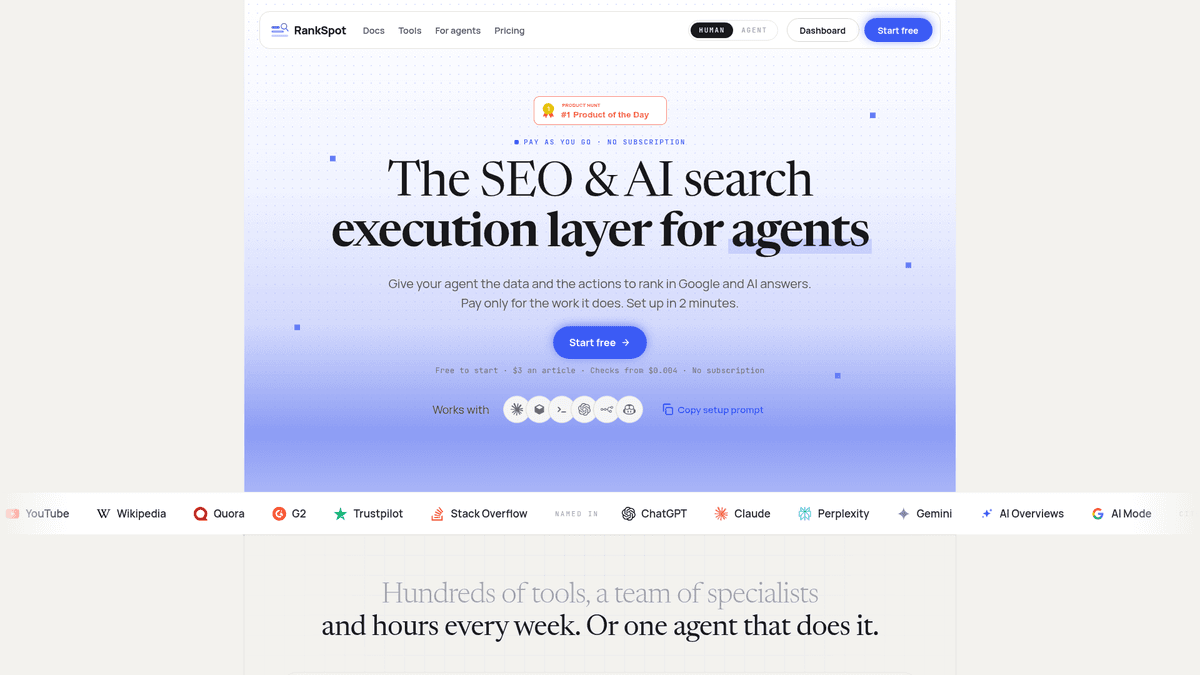
RankSpot fits founders who need a repeatable route from a buyer question to a live page. It combines keyword and competitor research, fan-out queries, prompt tracking, cited-source inspection, article writing for Google and AI answers, and publishing to WordPress, Webflow, Shopify, Wix, Framer, or Ghost. It also surfaces Reddit and forum opportunities. An AI agent can access the workflow through MCP.
If you publish in bursts, the pricing is straightforward: $0.004 per AI check and $3 per article, with $1 free credit and top-ups from $10. A small team can track a question, inspect cited sources, write an answer, and publish without paying for several fixed monthly plans. A live article still has to earn its citation.
Trade-off: RankSpot does not provide a technical site audit and does not track Claude. Its four tracked engines are ChatGPT, Perplexity, Gemini, and Google AI, with AI Overviews and AI Mode counted as one Google engine. Use a dedicated site audit if crawl access is your problem.
2. Rankability: optimize with an editorial workflow
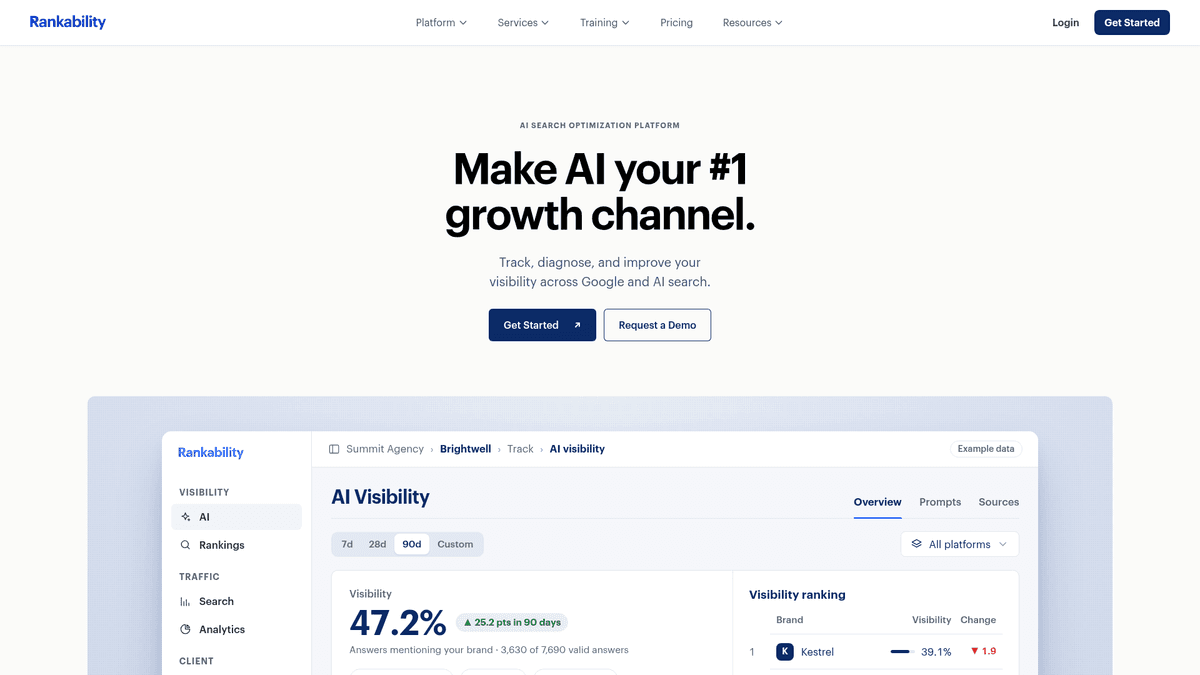
Rankability suits a team that wants a content editor alongside AI-query monitoring. Its Starter plan is $97/month, or $970/year, and includes daily monitoring for 100 AI queries across 11 AI platforms, including ChatGPT, Claude, Perplexity, Gemini, AI Overviews and AI Mode. Monthly plans come with a 7-day free trial (card required). Content can move to WordPress or Webflow, into a GitHub pull request, or through a webhook. Those routes matter if an editor or developer reviews everything before it goes live.
This setup works for a team that publishes on a schedule and wants to connect edits with monitored queries. A solo founder still pays the fixed monthly bill during quiet months. Compare it with the number of pages you ship, or see Rankability alternatives.
3. Surfer: improve pages already bringing traffic
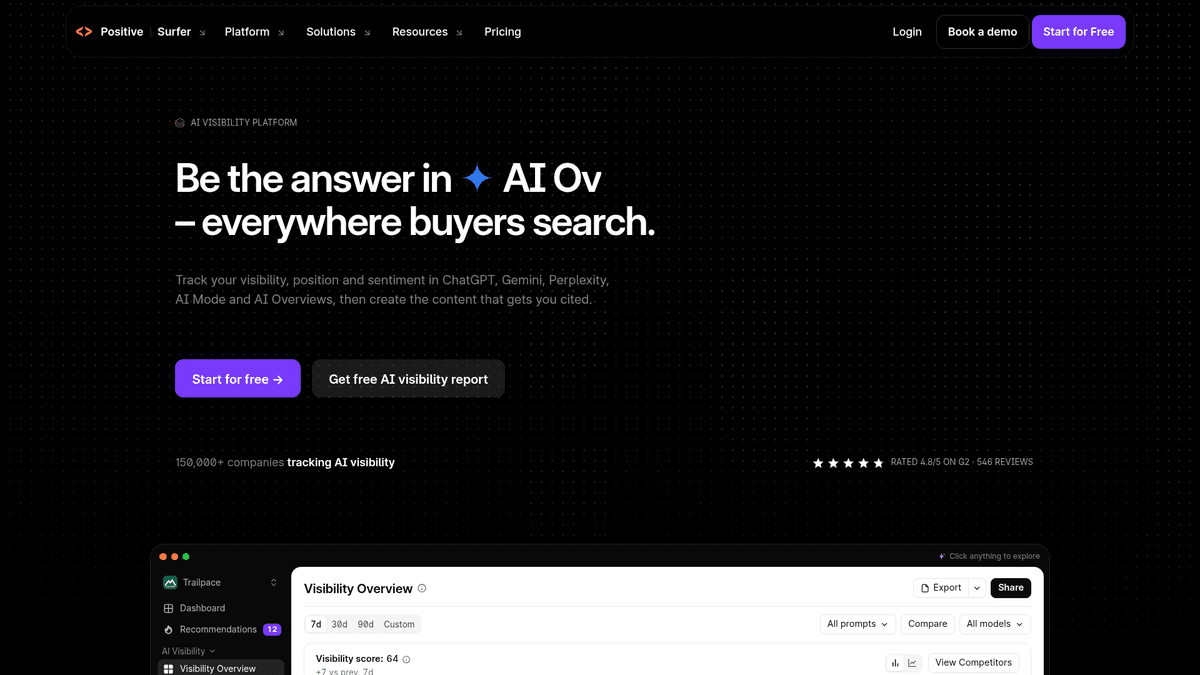
Surfer's Content Editor helps improve topic coverage and page structure against search results. Its AI Search Analytics adds a separate view of AI visibility. Standard, the first plan combining the content suite with tracked AI prompts, is $99/month billed yearly and includes 25 prompts refreshed weekly. AI tracking is also sold on its own from $95/month, or $82/month billed yearly, for 50 daily prompts.
For a library of existing pages, Surfer gives editors a way to decide what to cover. Its WordPress plugin can send Content Editor work to posts, pages, or drafts. The content score guides the edit; AI prompt tracking tells you whether answers mention the brand. Neither guarantees a citation. Compare other editors in Surfer SEO alternatives.
4. Frase: turn research into answer-led briefs
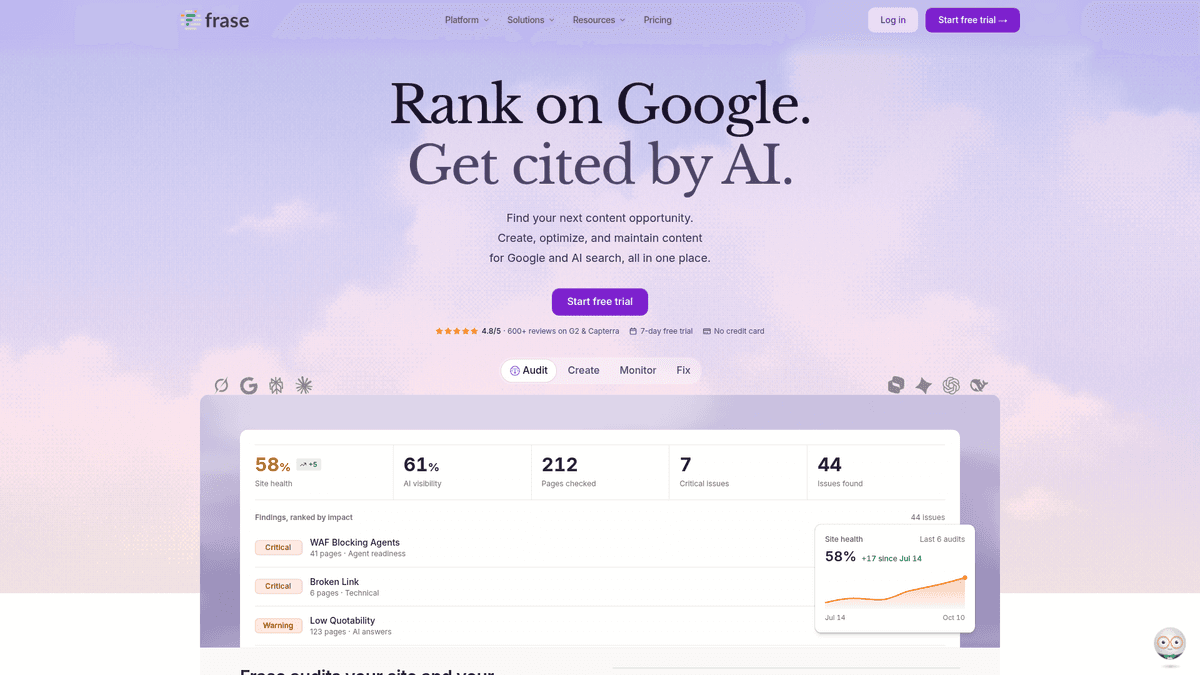
Frase is useful when one person has to research a question, outline a response, and improve a draft without juggling tabs. Its SEO/GEO scoring and AI Visibility on Starter include ChatGPT and Google AI, with 20 tracked prompts and 10 articles a month. The plan is $49/month month-to-month or $39/month billed yearly, with a 7-day free trial and no card. It offers publishing integrations for WordPress, Webflow, Sanity, and Wix, plus FraseCMS.
That combination suits a small content team. Starter's visibility coverage focuses on ChatGPT and Google AI, so it will not show you what happens when your buyers ask Perplexity or Gemini; Perplexity arrives on the $129 Professional plan. Choose monitoring coverage around the engines your customers use. More workflow comparisons are in Frase alternatives.
5. Clearscope: sharpen content quality across an editorial team
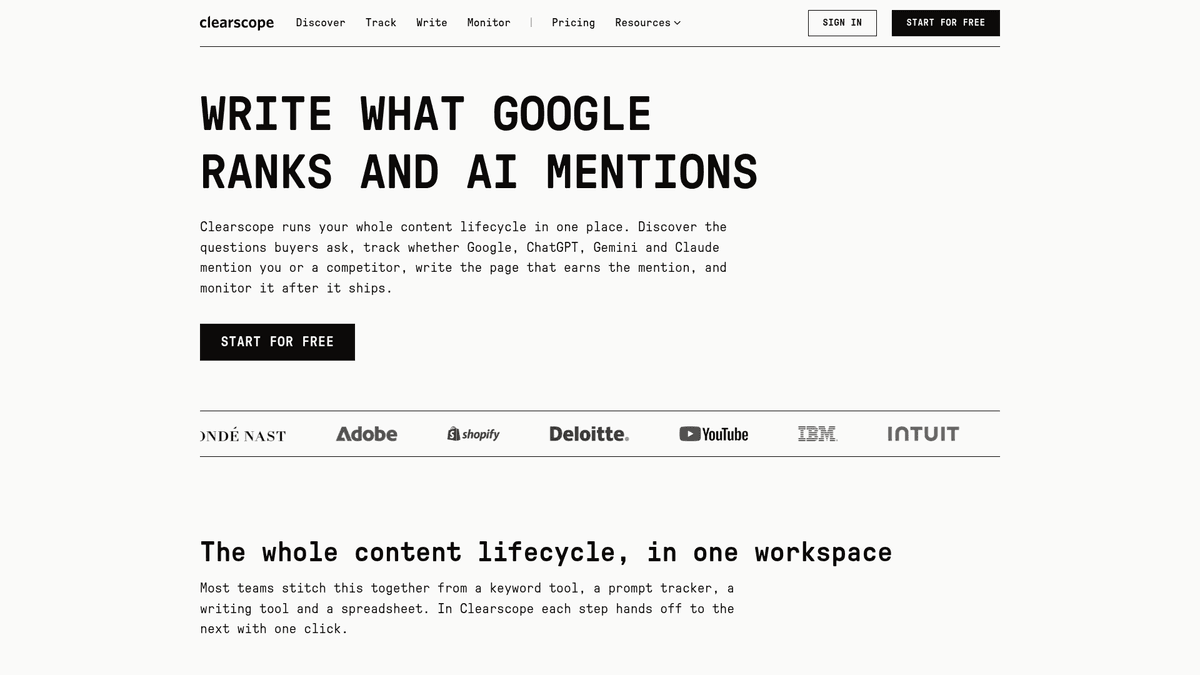
Clearscope is for teams that need shared guidance while improving a large set of existing pages. Essentials costs $129/month and includes 50 tracked queries across ChatGPT and Gemini, with extra queries at $6.50/month each and a 14-day free trial. Business is $399/month for 300 queries. The WordPress plugin puts recommendations in the WordPress editor, so writers can work on the page rather than copy suggestions into another tab.
Use Clearscope for editorial guidance and AI-query information. Its plugin brings recommendations into WordPress; it does not publish from Clearscope in one click. You will still need people to revise and publish the pages.
6. Scalenut: produce articles with a publishing path

Scalenut combines article creation with AI-answer prompt tracking. Its regular Starter price is $59/month, with weekly tracking for up to 10 prompts on ChatGPT and Google AI Overviews. Auto-publishing to WordPress and Shopify starts on Plus at $89/month, which also raises tracking to 25 prompts. Perplexity tracking starts on the $199 Professional plan. Scalenut often runs limited-time discounts on these list prices, and there is a 7-day free trial.
If you need drafts and a publishing route, price the Plus plan rather than assuming Starter includes automation. Starter monitors a narrow set of prompts, and a person still has to review generated copy before it represents the business. See Scalenut alternatives if publishing is your priority.
7. Writesonic: content production plus broader AI monitoring
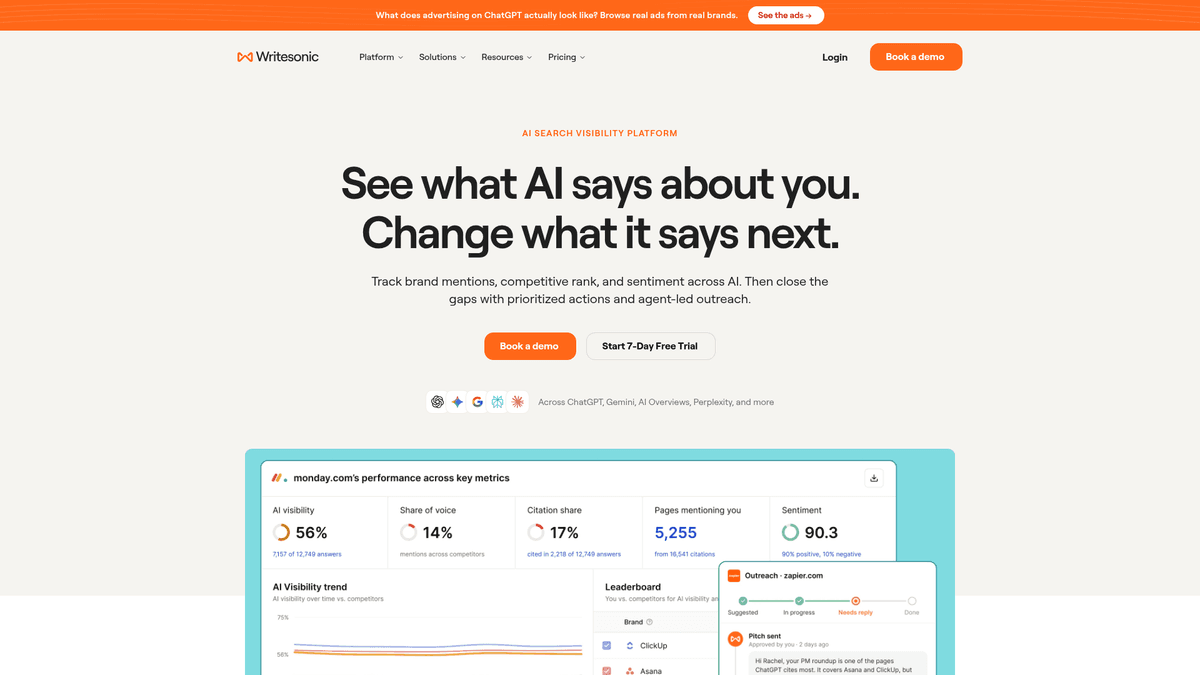
Writesonic is a fit when you want AI article production tied to a visibility dashboard. Starter costs $79/month billed annually, with 50 prompts, 15 AI articles per month, and tracking across ChatGPT, Gemini, and Google AI Overviews. Paid plans start with a 7-day free trial. Its integrations describe publishing to WordPress and updates to Sanity and Contentful.
The included article volume can help a team with steady output plan its work. It still needs to check facts and product details, then make each draft useful to its buyers. If you publish occasionally, compare what you ship against the annual commitment. More options are in Writesonic alternatives.
8. LLMrefs: diagnose citations before you edit
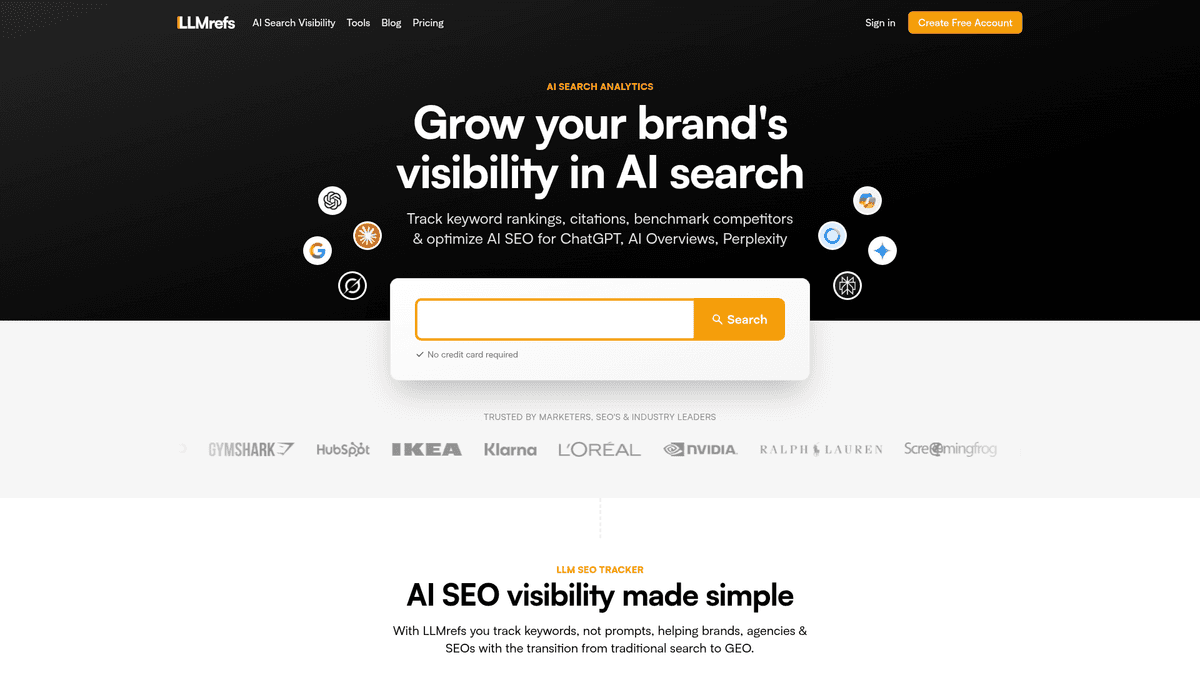
LLMrefs is the tracking-first exception here. It shows brand mentions, cited sources, and fan-out queries, so you can see which adjacent questions and URLs feed AI answers. The All in One plan costs $79/month for 500 tracked prompts with weekly reports, and a free plan lets you test it first.
If your writer and CMS workflow already work, LLMrefs can show you which citations to investigate. It does not publish to a CMS, so someone on your team still needs to edit the page and earn credible references elsewhere. Its value depends on whether you can act on the findings.
9. LightSite AI: serve a separate machine-readable layer
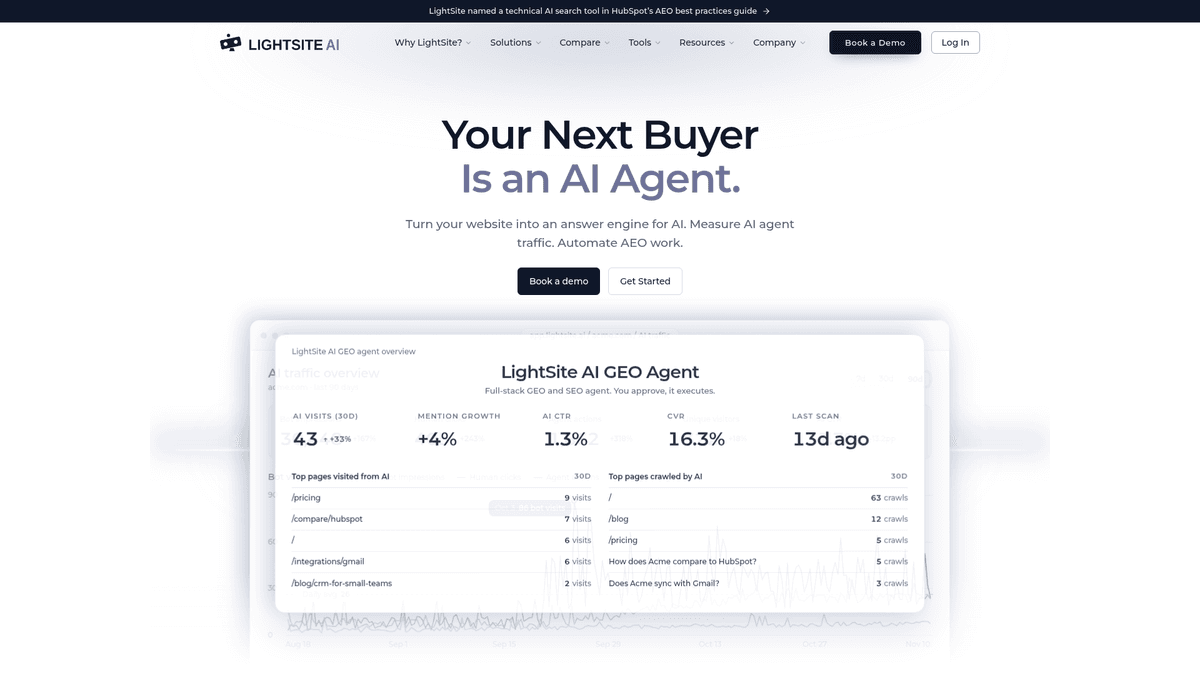
LightSite AI takes a different execution route. Its Foundation plan is $129/month billed annually and includes 500 prompts per month, crawler analytics, basic brand-mention tracking, and an AI-readable website layer on your domain, with a 7-day free trial. The vendor says that layer works alongside CMS platforms without a CMS integration.
For hard-to-parse pages, that separate presentation may be useful. LightSite does not publish ordinary blog posts into WordPress or Shopify. Your team still has to maintain the underlying content and decide whether a second layer fits the site's architecture.
10. AIOSEO: handle AI-aware SEO inside WordPress
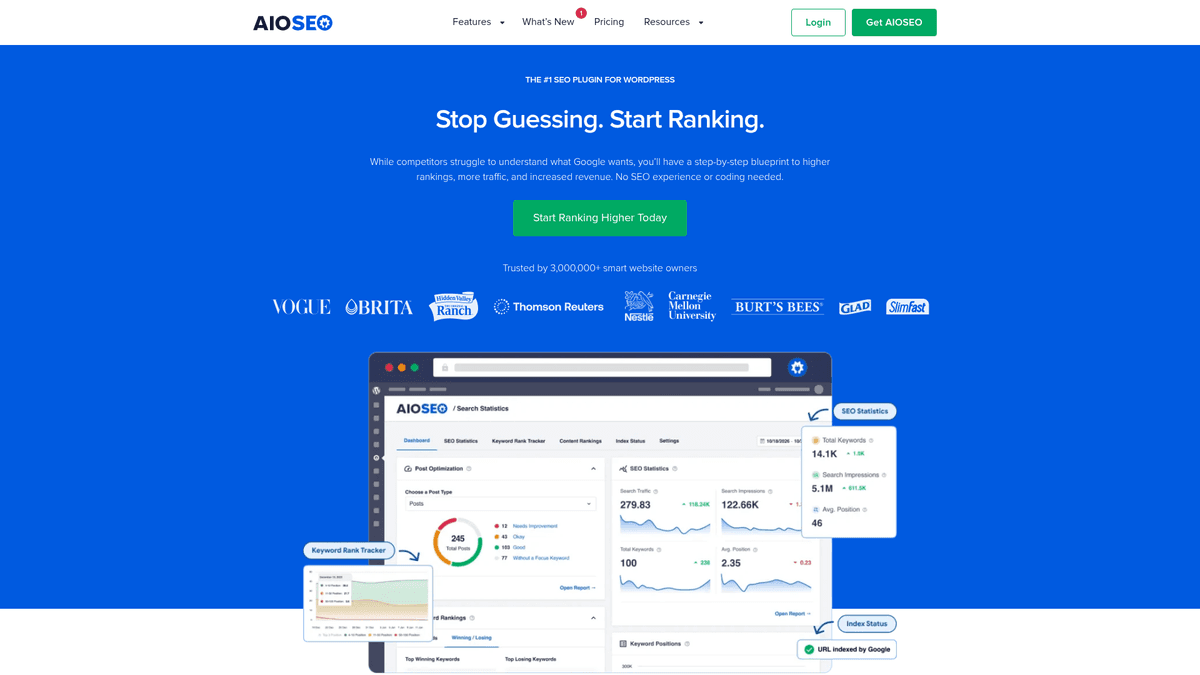
AIOSEO fits a WordPress owner who wants content and SEO controls in the place they already publish. Basic costs $49.50 for the first year for one site and renews at $99/year; Plus, Pro and Elite cover 3, 10 and 100 sites. Paid plans include its AI tools and a monthly pool of AI credits, plus a 14-day money-back guarantee.
If your team already works in WordPress, you can improve and publish pages there. AIOSEO does not track AI answers or publish to other CMS platforms, and its renewal price is double the introductory price. Compare it with other SEO tools for WordPress before choosing a plugin.
Practical stacks by budget and team size
Start with the step that slows your team down. You should be able to identify a buyer question, publish a useful change, and monitor the result without juggling unnecessary tools.
Situation | Starting stack | First useful action |
|---|---|---|
Solo founder with sporadic publishing | RankSpot plus your CMS | Track five buyer questions, inspect cited pages, publish one stronger answer |
Small team updating a content library | Surfer Standard or Frase Starter plus an editor | Improve an existing page, retain its useful details, then monitor the relevant prompts |
WordPress operator with a technical backlog | AIOSEO plus a separate crawl/access check | Fix accessibility first, then edit and publish the answer in WordPress |
Agency with several client sites | Rankability or Clearscope for editors, plus a separate technical audit as needed | Set a prompt set per client and assign a specific page owner for every finding |
A SaaS founder may find an assistant citing a forum thread about their category. Publish a page that answers the buyer's question with current product details, and contribute accurate context to relevant third-party discussions. Then rerun the same prompts. If the response changes, you have a useful signal, though you cannot attribute it to a single edit.
Run one useful AI-citation sprint
Pick a buying question your customers actually ask, such as “Which invoicing app works for a two-person consultancy?” Record the exact wording, the engine, your brand's presence, and the cited URLs. Ask a close variant too. Different wording may surface different sources, so a single prompt is a poor baseline.
Open your page and the cited sources. Does your page answer the question in plain language? Does it explain the limits, integration requirements, and price terms that affect the decision? If the answer is buried in a long feature list, edit that page before commissioning another one. If no useful page exists, write one that helps the buyer compare realistic options. Give an owner responsibility for fact-checking and publication.
After publication, keep the prompt set stable while you track changes. Note which URLs are cited, not just whether the brand is named. An assistant may mention you because a third-party comparison describes you well while still overlooking your own page. That points to a different task than a missing mention: improve your original explanation and build accurate references elsewhere. Keep Google search traffic and customer inquiries in the same view so the work remains tied to business outcomes.
Final verdict
Choose Surfer or Clearscope if your editors need help improving existing pages. Choose AIOSEO if you publish entirely in WordPress. If content production already works well, a tracking specialist such as LLMrefs can show you where to focus it.
For a founder who needs to find a question, write an answer, and get it live without another monthly suite, try RankSpot. Pay per use to track your buyer prompts, inspect cited sources, and publish a page. If crawler access is the problem, bring in a separate technical auditor.
FAQ
What is an LLM SEO tool?
An LLM SEO tool helps you get your pages found, understood and cited by AI assistants such as ChatGPT, Gemini and Perplexity. Some track whether answers mention you; others help you audit, rewrite or publish the pages those answers draw on.
Do I need llms.txt?
It is optional. llms.txt is a proposed file that points LLMs to your most useful content, but it does not replace crawl access, readable HTML or robots.txt rules. Fix blocked or thin pages first, then add it if it is cheap to maintain.
Can you optimize for ChatGPT?
You can make citation more likely, not guarantee it. Allow OAI-SearchBot to crawl your key pages, answer buyer questions directly near the top, back claims with specific data, and earn accurate mentions on sites ChatGPT already cites.
How is LLM SEO different from SEO?
SEO targets rankings and clicks in search results. LLM SEO targets mentions and citations inside AI answers. The foundations overlap: crawlable pages, clear answers and credible sources. But you measure success with mention and citation rates, not positions.
What is the best free LLM SEO tool?
For tracking, LLMrefs has a free plan and RankSpot’s $1 credit covers 250 checks. For on-page work, most tools offer 7- to 14-day trials. A manual check, asking each assistant your top buyer questions and logging the cited URLs, costs nothing and makes a good baseline.