If an AI assistant tells a buyer that your product lacks a feature you launched last month, a mention count won't help you correct it. AI search monitoring should preserve the answer, the other brands recommended and the pages cited. Start with RankSpot if your small team needs to investigate and fix claims. Choose Peec AI for automated sentiment across AI answers, or Brandwatch if negative social conversation is the immediate problem.
These tools cover two jobs: watching generated answers and listening for mentions on the web. Some do both. Prices below were checked on each vendor's pricing page in November 2026; cheaper plans don't necessarily include every engine.
What AI brand monitoring actually catches
AI brand monitoring records how an assistant describes your company when someone asks a buying question. Traditional brand monitoring finds mentions in posts, news, reviews and forums. You may need one or both, depending on where the damaging claim appears.
Google Alerts or a social listening dashboard can surface a critical Reddit thread. To see whether ChatGPT calls your product unreliable and cites that thread, you need to inspect the AI answer. An answer monitor may show the citation without catching the wider discussion on social networks. If both matter to you, choose documented coverage for each.
For general share-of-voice measurement, see our AI visibility tools comparison; for prompt-tracking mechanics and cost per check, see LLM tracking tools. Here the question is narrower: what is an assistant saying about your brand, and what can you correct?
Assistants get facts wrong often enough to matter. In the largest study of its kind, coordinated by the European Broadcasting Union and led by the BBC, 45% of AI answers to news questions had at least one significant issue, and 31% had serious sourcing problems. Brand facts are no safer. Read the answer before counting a mention as a win.
"45% of all AI answers had at least one significant issue." - European Broadcasting Union
What should you monitor in an AI answer?
For each answer, note the claim, the context and the cited source. Keep your buyer prompts consistent so you can tell when the wording changes.
Signal | What to record | Why it matters |
|---|---|---|
Mention and omission | Whether your brand appears for a relevant category or use-case question | A buyer cannot consider you if the answer only names rivals. |
Wrong facts | Exact sentence about pricing, features, availability or company identity | A favorable mention can still send buyers away if its details are false. |
Framing or sentiment | Whether the description recommends, warns about or dismisses you, with the supporting words | A sentiment score is a filter; the original wording is the evidence. |
Competitor comparison | Which rival appears and the reason the assistant gives | Reveals the claim a buyer may believe when choosing between you. |
Cited sources and pages | URL and passage where the assertion may have come from | Shows where a correction or new page might help. A citation does not prove the source caused the claim. |
Change over time | Prompt, engine, date and full saved response | Answers vary. One screenshot is a lead to investigate, not a stable benchmark. |
Include branded questions ("Does Acme have a free plan?"), comparisons ("Acme versus Beta for a small team?") and unbranded category questions ("Which inventory tool works for a two-person store?"). Run each on every engine you care about. An answer that criticizes your support and one that omits your product call for different fixes.
AI search monitoring tools compared
Compare the engine coverage before picking a tool on price. Accuracy checks means automated checking for false claims; "manual" means you inspect the response yourself. "Alerts" means a documented notification feature rather than a reporting dashboard.
Tool | Type | AI answers monitored at entry | Sentiment | Accuracy checks | Alerts | Starting price |
|---|---|---|---|---|---|---|
RankSpot | AI-answer monitor and execution | ChatGPT, Perplexity, Gemini, Google AI (Overviews and Mode counted as one) | No score | Manual review of stored answers | No | $0.004 per AI check; $1 free credit |
Profound | AI-answer monitor | Up to 10 engines on Enterprise | AI-answer sentiment | Manual review | Account-team notifications | Custom pricing (Enterprise only) |
Peec AI | AI-answer monitor | Three engines chosen from eight | AI-answer sentiment | Manual review | Via Slack workflow setup | $95/month |
OtterlyAI | AI-answer monitor | Three engines chosen from seven | Brand sentiment | Manual review | No | $29/month |
Scrunch AI | AI-answer monitor | 8 engines; Claude as add-on | AI-answer sentiment | Manual review | No | $250/month |
Semrush AI Visibility | SEO and AI visibility | ChatGPT, Google AI, Gemini, Perplexity | Brand Performance sentiment | Manual review | No | $99/month per domain |
Ahrefs Brand Radar | SEO and AI visibility | Index: AI Overviews, AI Mode, ChatGPT, Perplexity, Gemini, Copilot | AI-search sentiment | Manual review | No | Custom prompts $50/month; Brand Radar AI $199/month |
Brand24 | Social listening plus AI add-on | Add-on: ChatGPT, Perplexity, Google AI Overviews, Gemini | AI sentiment | Manual review | Social alerts (Storm Alerts) | $249/month plus $99/month AI add-on |
Brandwatch | Social listening | No AI-answer monitoring | Web/social sentiment | Manual review of social posts | AI smart alerts for social conversation | Custom pricing |
Mention | Web and social listening | No AI-answer monitoring | Web/social sentiment | Manual review of web/social posts | Web/social alerts | $599/month on an annual contract |
Read the engine column before the price. Vendors bundle AI Overviews, AI Mode and Gemini differently under labels such as "Google AI." A social listener that uses AI to classify mentions may still have no access to ChatGPT answers.
AI-answer monitors: the best fit for wrong or missing recommendations
Choose an answer monitor when you need to read what an assistant told a buyer. The five tools here differ most in what you can do after finding a problem.
1. RankSpot: for founders who need to find and fix the source
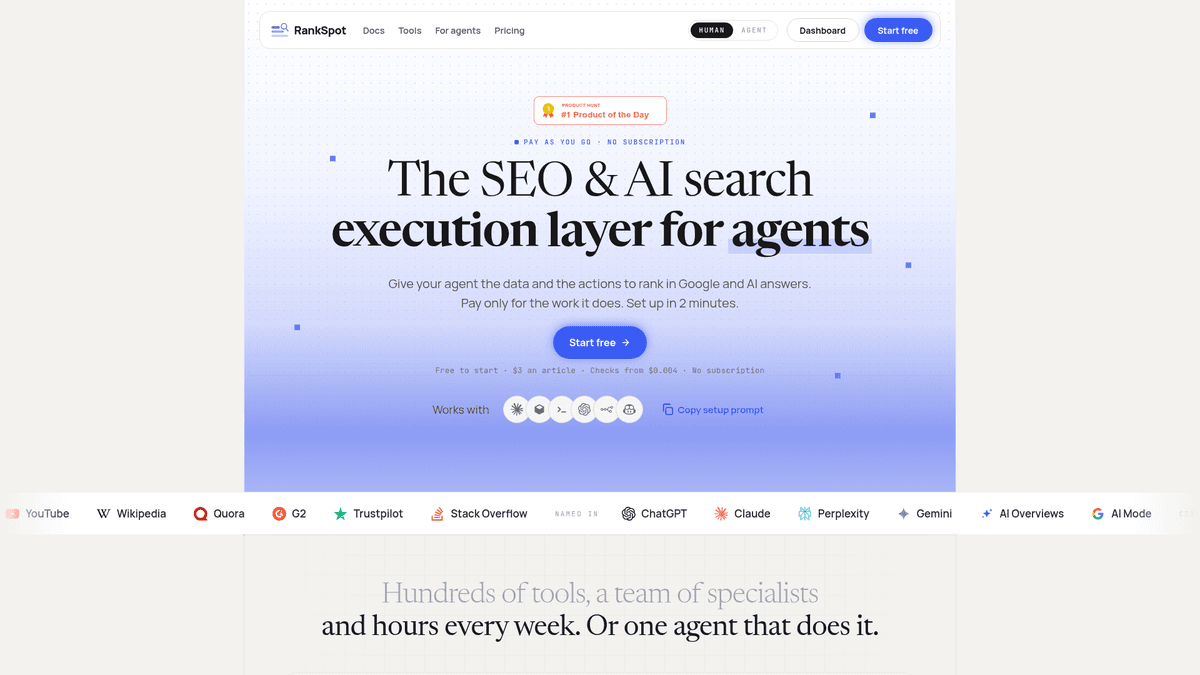
RankSpot tracks prompts on ChatGPT, Perplexity, Gemini and Google AI, counting AI Overviews and AI Mode as one engine. It stores responses, competitor mentions and cited sources or pages. You can read precisely what went wrong and see whether the same outside page keeps appearing in citations.
RankSpot also surfaces relevant Reddit and forum threads and lets you write and publish articles to your CMS. With MCP access, an operator or AI agent can use the stored prompt and source context rather than rebuild the investigation in another tool. You still have to decide whether a claim is false, and no publication forces an assistant to update its answer.
There is no subscription. Each AI check costs $0.004; an article costs $3. New accounts get $1 credit, with top-ups from $10. Fifty prompts daily across four engines cost about $24 over 30 days (50 × 4 × 30 × $0.004), before any article work. That works well if you have a short list of buyer questions and need to go from answer to source to correction.
RankSpot has no sentiment score, automated hallucination detection, alerts, social listening or Claude tracking. You'll need another process if you want negative-answer notifications or Claude coverage. With pay-as-you-go checks, you can set the monitoring volume to match your budget.
2. Profound: for structured AI-answer analysis at enterprise scale
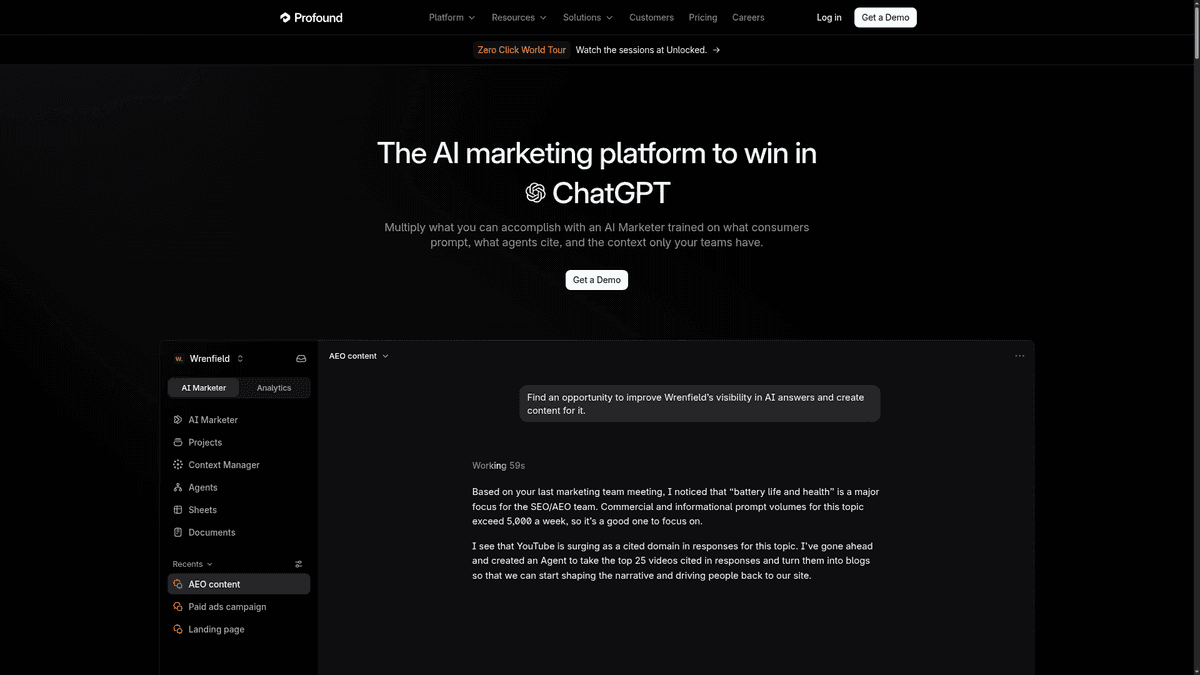
Profound tracks assistant answers and reports sentiment, citations and ranking by prompt, which helps a large team sort through many brand descriptions. It retired its self-serve Starter and Growth plans in September 2026, so Enterprise with custom pricing is now the only option. Enterprise tracks up to 10 engines, including ChatGPT, Perplexity, Gemini, Claude, AI Overviews and AI Mode, with daily runs, unlimited seats and SSO.
Profound fits a marketing team that reports sentiment changes across brands and can dig into the underlying answers. Its sentiment label doesn't determine whether a claim is true, and you still verify facts by hand. If you mainly correct a few high-stakes prompts, you may not need this much reporting or a sales process. See Profound alternatives for lighter options.
3. Peec AI: for sentiment across selected models
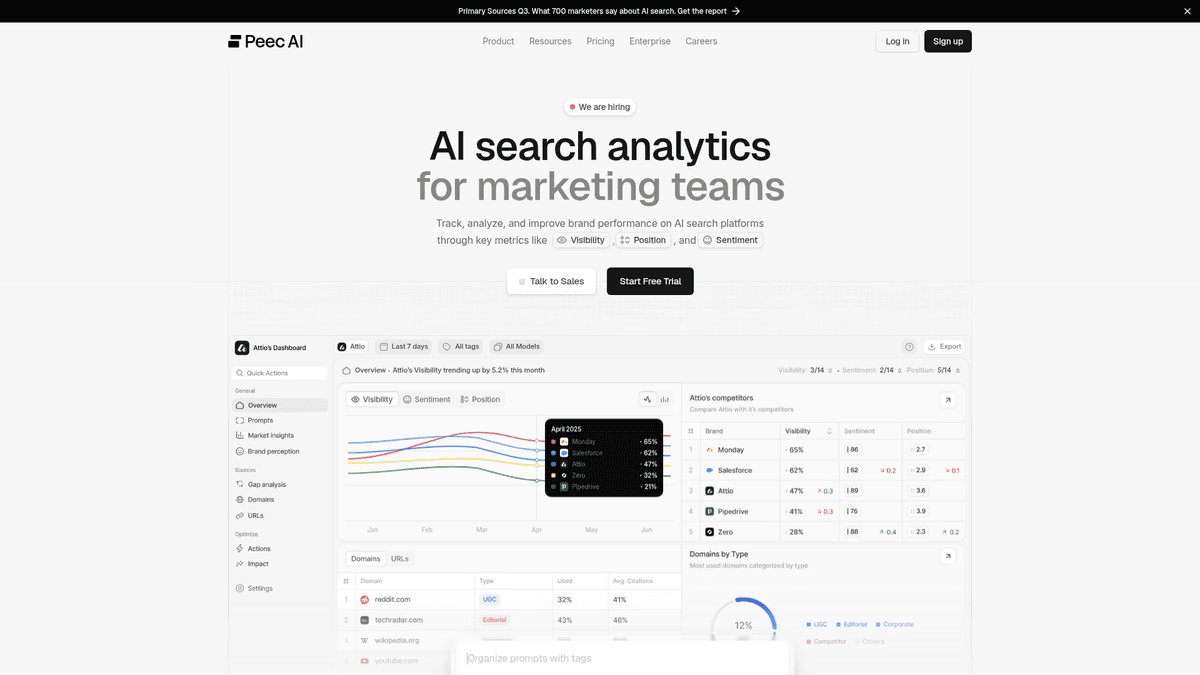
Peec shows visibility, position, share of voice and sentiment for tracked prompts. Its $95/month Starter tier includes 50 prompts and three active models, with a free trial. The available roster includes ChatGPT, Perplexity, Google AI Overviews, AI Mode and Gemini, but Starter cannot run all of them at once; a fourth model costs from $30/month.
Peec works well if you already have priority prompts and want to spot negative portrayals. The vendor documents a sentiment-to-Slack workflow using MCP and a scheduled task, which requires setup rather than relying on a built-in Starter alert. Read the answer and trace its cited source before making changes. For other budget and coverage tradeoffs, see Peec AI alternatives.
4. OtterlyAI: for a small daily prompt set
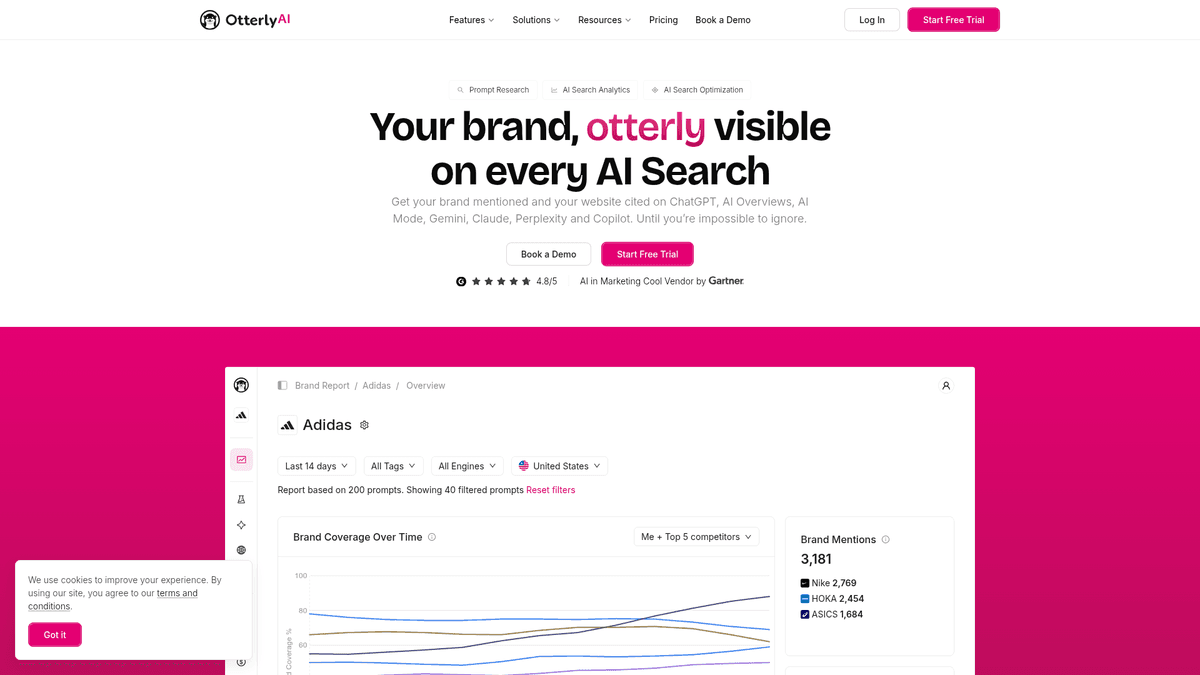
OtterlyAI's Lite plan costs $29/month for 20 prompts tracked daily on three engines you choose from seven: ChatGPT, Google AI Overviews, Perplexity, Microsoft Copilot, Google AI Mode, Gemini and Claude. Brand visibility, sentiment and citation-source tracking are included, and there is a free trial. The choice of engines is useful if your buyers rely on Claude or Copilot rather than just ChatGPT.
Twenty prompts can cover a focused list of branded and comparison questions, but they leave little room for several product lines; Standard at $189/month raises the limit to 160. Sentiment does not prove a claim is accurate. Our OtterlyAI alternatives breakdown goes deeper on that choice.
5. Scrunch AI: for teams combining monitoring with site work
Scrunch tracks brand and competitor presence, position, sentiment and citations across AI platforms. Core costs $250/month for 15,000 AI responses across ChatGPT, Perplexity, Gemini, Google AI Overviews, AI Mode, Copilot, Grok and Meta AI, with a 7-day free trial; Claude is an add-on. It also offers an agent-experience product aimed at the way AI systems access a website.
Scrunch makes sense if your team can work on the site's technical presentation as well as review answer data. You'll still need to compare specific claims with your product documentation, and the price is steep for a handful of prompts.
SEO suites with AI brand monitoring
These suites put AI answers alongside SEO reporting. You can see where your brand appears and what gets cited, then investigate any questionable claim yourself.
6. Semrush AI Visibility Toolkit: for existing SEO reporting workflows
Semrush's AI Visibility Toolkit costs $99/month per domain with 25 tracked prompts; 50 more prompts cost $60/month, and there is no free trial. It covers ChatGPT, Google AI, Gemini and Perplexity for brand mentions, and Brand Performance includes sentiment reporting. That makes it practical if the same person reports both search visibility and AI-answer exposure.
The cost is per domain, so multi-brand teams should calculate the whole bill. Use the original response and its cited pages when a negative sentiment report needs investigation; the toolkit does not certify whether a claim is incorrect.
7. Ahrefs Brand Radar: for source and competitive context at scale
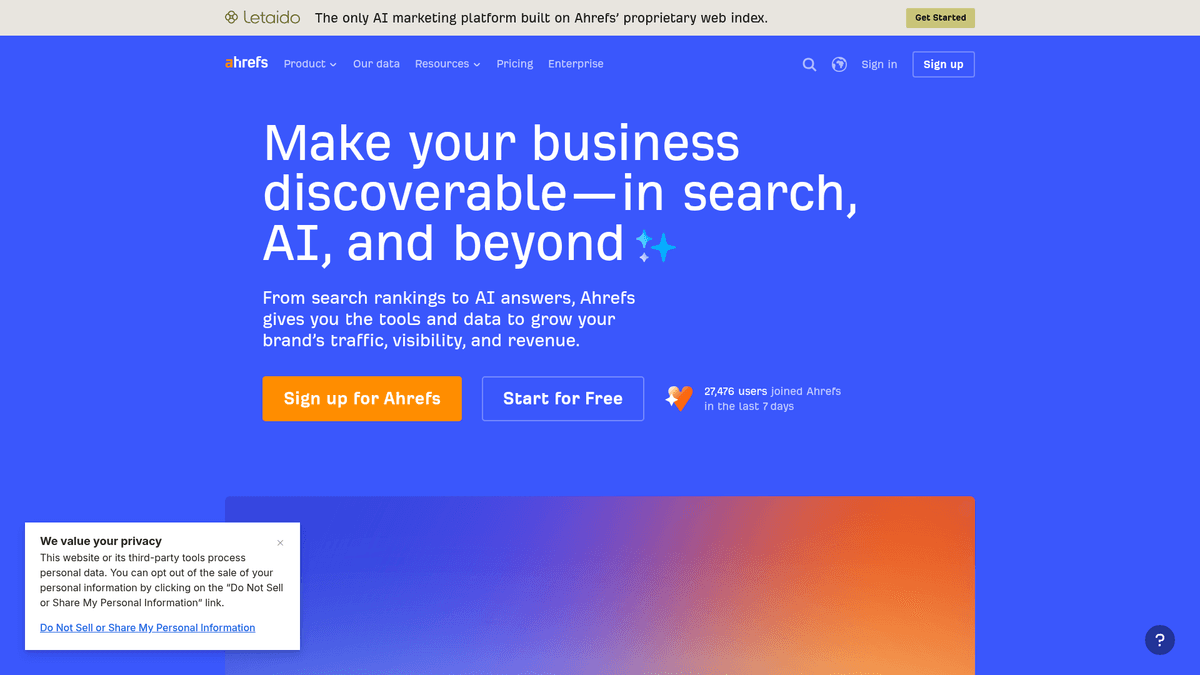
Ahrefs offers two different ways in. Custom prompt tracking starts at $50/month for 2,500 checks, while the Brand Radar AI add-on, which researches any brand across Ahrefs' prompt database, starts at $199/month. The indexed platforms include Google AI Overviews, AI Mode, ChatGPT, Perplexity, Gemini and Copilot, and Ahrefs reports AI-search sentiment. These are distinct purchases, and Ahrefs does not offer a free trial.
Brand Radar puts cited domains and brand presence beside broader search and web signals. Its index can surface patterns outside your own prompt list. Before calling a statement inaccurate or contacting a cited publisher, read the underlying answer; a mention trend alone is not enough.
Social listening tools and AI modules
Start with social listening when the reputation problem begins in public conversation. Brand24 also sells AI-answer monitoring. Brandwatch and Mention cover web and social discussion, not AI-generated answers.
8. Brand24: for social mentions plus an AI-answer add-on
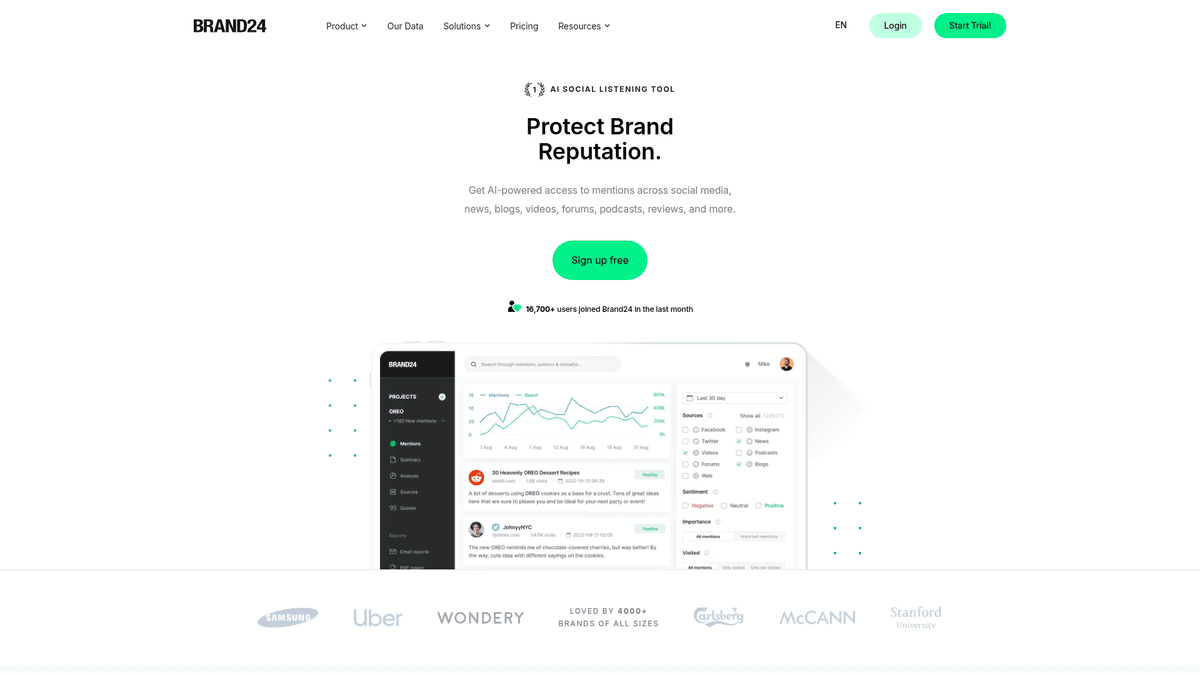
Brand24's Individual plan is $249/month on monthly billing ($199/month billed annually) for three keywords and 2,000 mentions, with a 14-day free trial and no card. Its AI Visibility add-on costs another $99/month and tracks 30 prompts across ChatGPT, Perplexity, Google AI Overviews and Gemini. The base platform includes AI sentiment analysis of mentions and Storm Alerts for social listening.
With both products, you can investigate a bad forum discussion alongside an unfavorable assistant answer. The social-mention alert does not guarantee notification when ChatGPT makes a new mistake. The combined monthly-billed entry is $348/month, which makes more sense for a brand already paying for social listening than for a founder who only needs AI responses.
9. Brandwatch: for conversation spikes and response teams

Brandwatch Listen analyzes online and social conversation, with sentiment and AI smart alerts for spikes or drops. Those alerts can bring a sudden wave of negative campaign comments to your response team's attention. Listen does not monitor AI-generated answers, so it will not store ChatGPT's response to your category prompts.
Pricing is custom and quoted by sales. This is a stronger fit for an established social or customer-care operation than a lean team whose only question is, "What does Perplexity say about our pricing?" For that question, use an AI-answer monitor.
10. Mention: for web and social mention alerts
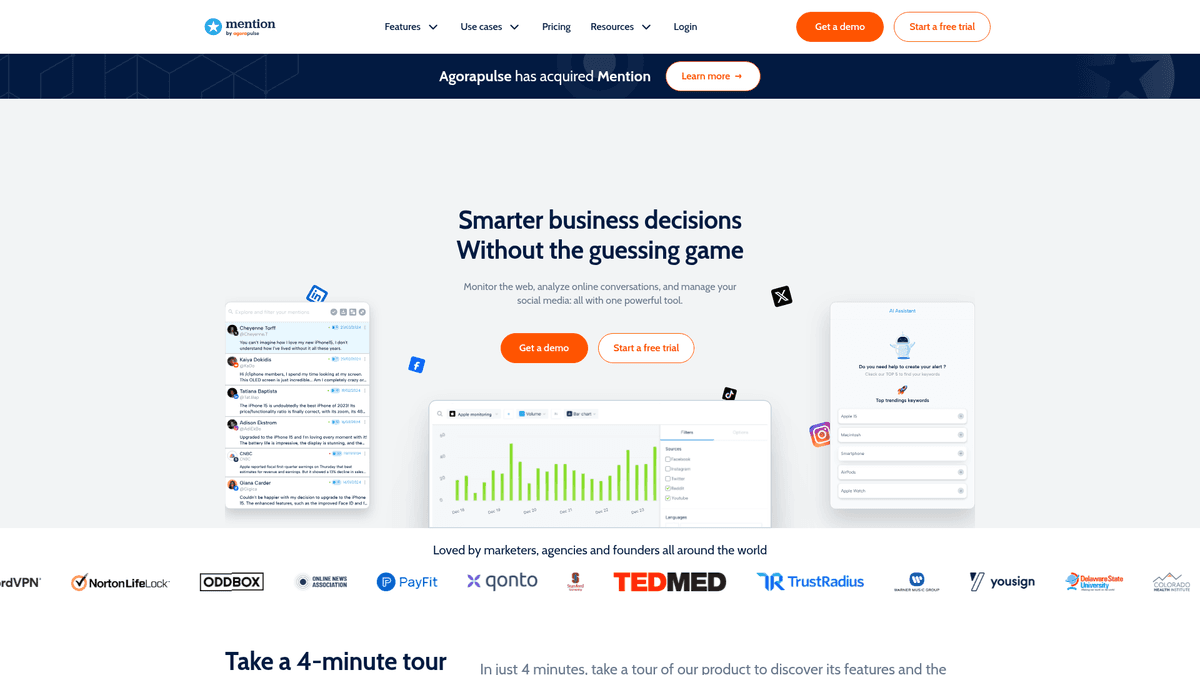
Mention monitors web, social and review discussion, with sentiment analysis, Boolean alerts and notifications. That can help you catch a public claim before other pages repeat it. Mention now sells a single Company plan from $599/month on an annual contract, with a free trial.
The limitation is scope. Mention does not track ChatGPT, Gemini or Perplexity answers. It can flag the conversation that deserves a response, but you need a separate prompt check or AI-answer tracker to learn whether an assistant repeats it.
How to fix a wrong claim in an AI answer
Save the exact sentence and its displayed source. You cannot force an engine to remove an answer, and editing a page does not guarantee that the answer will change soon.
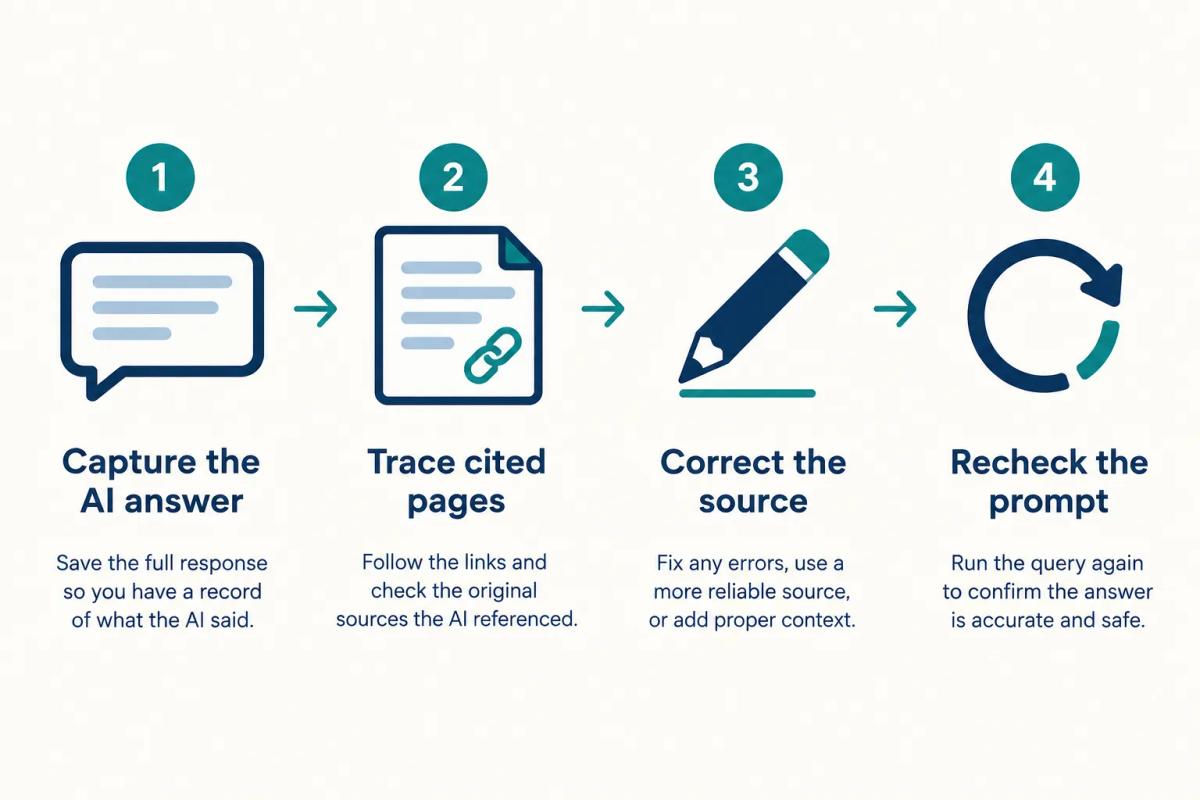
Source cleanup is a reasonable starting point. In the Princeton and IIT Delhi research that defined generative engine optimization, pages with citations, quotations and statistics gained up to 40% more visibility in generative answers. Clear, specific, sourced facts on pages you control give an assistant something better to repeat, though a single edit may not change the answer.
Save the evidence. Record the prompt, engine, date, answer text, cited URL and the correct statement. A claim like "Acme has no Shopify integration" needs a different response from "Acme is expensive." The first is falsifiable; the second may be opinion or an outdated comparison.
Prioritize buyer harm. Fix false pricing, missing capabilities and wrong service areas before optimizing a bland description. Note whether the claim appears on branded questions, unbranded buying prompts, or just a single run.
Correct your own canonical page. Put the precise, current fact on the relevant feature, pricing or help page. Give the reader a date if the product has changed. Avoid burying the correction in an unrelated press release.
Trace third-party sources without assuming causation. Inspect cited pages and relevant forum threads. If a directory has your old plan details, request an update. In a Reddit thread you can legitimately join, answer the actual question and disclose your connection to the company. Do not manufacture praise or spam a discussion because an assistant cited it.
Publish a page that answers the buyer's question. If several prompts ask whether your product works for a particular use case, write a direct answer with the limits as well as the fit. This is where RankSpot's cited-page discovery, thread discovery and CMS publishing can shorten the route from finding the issue to shipping a correction. For related execution options, see SEO automation tools and our GEO tools comparison.
Re-run the same prompts. Keep the original answers and review subsequent runs across the same engines. An apparent improvement in one answer is encouraging, but not proof the problem is gone everywhere.
Can you monitor AI answers for free?
Yes. A spreadsheet will get you through an initial audit. You won't get automated alerts or discover prompts you never thought to ask.
Choose five to ten high-stakes questions: one about your current pricing, two about core features, two comparisons and several unbranded buyer needs. Ask each in the assistants your customers use. Save the answer, date, engine, cited pages and claims you need to correct. On the next run, compare the wording, not only the mention count.
Free assistant accounts let you inspect answers, but you'll have to run and record each prompt yourself. Answers may change between runs, and a personalized or localized answer might differ from someone else's. For automated checks without a fixed subscription, RankSpot gives you $1 of starting credit at $0.004 per check. Those checks do not include instant notifications. Peec AI, OtterlyAI, Scrunch and Brand24 also offer free trials.
Which tool should you choose?
Pick by the failure you are trying to catch. For wrong facts inside AI recommendations, you need saved responses and cited pages. RankSpot suits a team that also wants to publish a correction and pay per check. Peec AI fits sentiment reporting across selected engines, and Profound fits enterprise programs; OtterlyAI offers a small daily prompt set with a choice that includes Claude. For social chatter, look at Brandwatch or Mention. Brand24 bridges social listening and generated answers with its paid AI add-on.
Start with a handful of prompts that could cost you a sale. Read the answers and fix the most damaging false statement at its source. RankSpot's free starting credit lets you try that process with saved answers, cited pages and a publishing workflow in one place. You'll still make the call on what is false.
FAQ
What are AI monitoring tools?
AI brand monitoring tools run buyer questions through assistants such as ChatGPT, Perplexity and Gemini on a schedule. They save the answers and record whether your brand is mentioned, how it is described, which competitors appear and which pages are cited.
How do I monitor brand mentions in ChatGPT?
Write a fixed list of branded, comparison and category prompts, run them in ChatGPT on a schedule, and save each full answer with its cited URLs. A tracker such as RankSpot, Peec AI or OtterlyAI automates the runs; a spreadsheet works for a small manual audit.
Can I fix wrong information AI says about my brand?
You can influence it, not edit it directly. Correct the fact on your own pages, update outdated third-party listings, contribute accurate context where the assistant cites discussions, then re-run the same prompts. Changes can take weeks to show up, and nothing is guaranteed.
Is there free AI brand monitoring?
Mostly trials and credits. RankSpot's $1 credit covers 250 checks, and Peec AI, OtterlyAI, Scrunch and Brand24 offer free trials. A manual spreadsheet audit of five to ten prompts is the only free ongoing option.
What is AI reputation management?
It is the work of keeping AI-generated descriptions of your brand accurate and fair: monitoring answers, tracing wrong claims to their sources, fixing those sources and publishing clear pages that answer buyers' questions. It sits alongside traditional reputation work on reviews and social channels.
How reliable is AI search?
Reliability varies by question and engine. Assistants can give outdated or incorrect facts about a brand, so treat a generated product claim as a lead to verify against current first-party information. Keep the full answer and cited sources when investigating a mistake.