WordPress lets you publish a post in minutes. You still need to control which pages search engines can index, find out why traffic fell, and turn keyword ideas into posts. If you want the best WordPress SEO plugin, I would start with Yoast SEO for simple guidance, Rank Math for more free controls, or AIOSEO for a guided setup with store and local-business options. Add Google Search Console to see what happens after you publish.
An SEO plugin handles metadata and sitemaps inside WordPress. A crawler finds broken pages; a content platform helps you publish. Three tools that score the same title are little use if you have no helpful posts or Google cannot index your important pages.
Quick comparison: WordPress SEO tools at a glance
Tool | Type | Best for | Price |
|---|---|---|---|
RankSpot | AI content and publishing platform | Lean teams that need a repeatable publishing workflow | $99/month advertised; trial offered |
Yoast SEO | WordPress plugin | Straightforward on-page guidance | Free; Premium $118.80/year, excluding VAT |
Rank Math | WordPress plugin | More controls in a free plugin | Free; Pro €7.99/month, billed annually, excluding VAT |
All in One SEO (AIOSEO) | WordPress plugin | Guided setup, stores, and local businesses | Free Lite; Basic $49.50 first year, then $99/year |
Surfer SEO | Content optimization platform | Editing important pages against search results | Standard $99/month, billed annually |
Ahrefs Webmaster Tools | Site research and audit tools | Backlinks and technical data for a verified site | Free for verified sites |
Google Search Console | Google first-party data | Indexing and search performance | Free |
Semrush | SEO suite | Research and reporting across a team | SEO $139/month or $117.33/month billed annually |
SE Ranking | SEO suite | Rank tracking and research on a smaller budget | Core $129/month or $103.20/month billed annually |
Screaming Frog SEO Spider | Desktop site crawler | Technical audits and broken-link discovery | Free up to 500 URLs; £199/year license |
Prices above use the displayed entry plans and billing terms. RankSpot's homepage advertises a trial, but its trial duration differs between its homepage and terms, so use the offer shown at checkout.
My starting stack: one SEO plugin and Search Console. I add another tool once I know what job it needs to do. Choose one plugin to manage canonical tags, the XML sitemap, and page titles; activating all ten tools is neither necessary nor useful.
How to choose the best WordPress SEO plugin
Start with the post editor. The best WordPress SEO plugin for you should let you edit page titles, meta descriptions, canonical URLs, and social media previews, then set defaults and generate XML sitemaps. These page optimizations matter on blogs and online stores alike. Open Graph meta tags control how a shared link appears; visitors still need a useful page behind the preview.
Think about your site before paying for advanced SEO controls. A small blog can start with a free SEO plugin and Search Console. A store may need product schema and ecommerce optimization; a site with changing URLs may need redirects. Write image alt text for people using assistive technology, instead of repeating a focus keyword. Google's SEO Starter Guide recommends descriptive alt text and says useful content is likely to influence search visibility more than its other suggestions. Settings alone cannot make a thin page rank higher.
Slow pages are not necessarily an SEO plugin problem. Hosting or a caching plugin usually handles page caching and browser caching. If page speed is the issue, look at images, hosting, and scripts before installing yet another plugin.
The 10 best SEO tools for WordPress
1. RankSpot: for turning keyword research into published posts
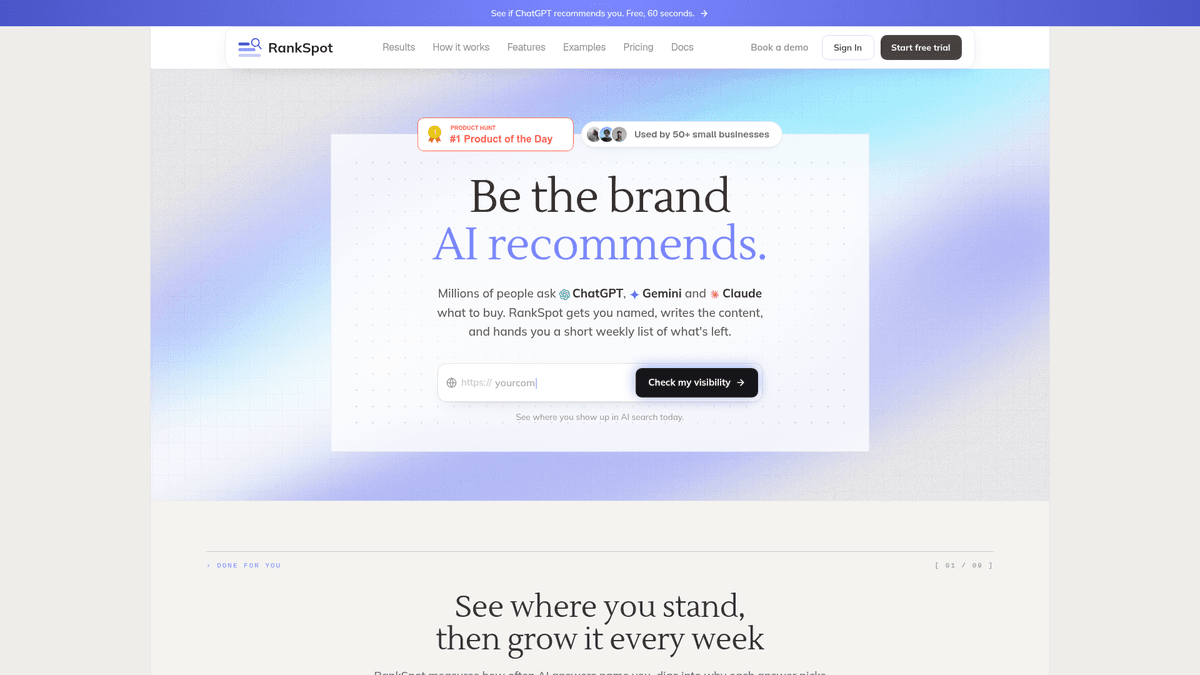
RankSpot handles content production rather than WordPress plugin settings. Give it a website URL and it builds a plan around your business and competitors, researches keywords, creates long-form posts with images and on-page formatting, then publishes to WordPress. It also aims for visibility in AI answers and finds relevant Reddit and forum conversations. If you set up your sitemap weeks ago but have yet to publish a post, this is the part of the job you need help with.
RankSpot cuts the handoffs between research, drafting, images, internal links, and CMS publishing. You can use it alongside Yoast, Rank Math, or AIOSEO, leaving site-level settings to the plugin. I would still review the claims and links in an AI-assisted post before it goes live. Your knowledge of customers has to make it into the article.
Best fit: a small team with a clear product or niche and too little time to maintain a publishing calendar. Limitation: it does not replace a site crawler or Search Console's indexing data. RankSpot advertises a $99/month plan and a trial; the duration displayed on its homepage and terms differs.
2. Yoast SEO: for clear, everyday on-page guidance
I suggest Yoast SEO to a blogger who wants to edit titles and meta descriptions and generate an XML sitemap without spending an afternoon in settings. Its editor checks readability and keyphrase usage while you write. Yoast also supports schema and social previews, with more tools in Premium.
Do not mistake a green indicator for proof that a post will rank. If a page does not answer the searcher's question, satisfying a keyphrase checklist will not rescue it. I use its suggestions as a proofreading prompt, not a writing brief. The free version is enough for a basic blog; Premium adds tools such as redirects and internal-link suggestions. Yoast is less appealing if you want more advanced settings in a free plugin.
3. Rank Math: for more controls without a paid plugin
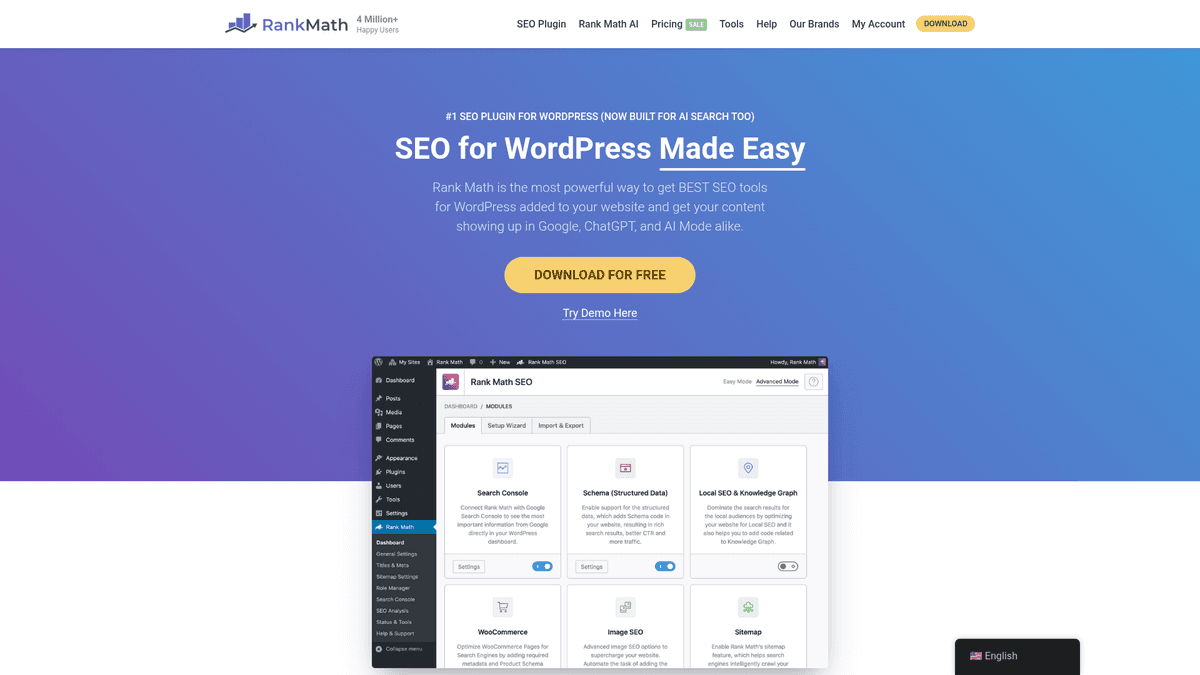
Rank Math gives you control over schema, redirects, and page settings inside WordPress. Its free version includes a redirection manager and configurable modules. Those controls come in handy when you have old URLs, several post types, or a store.
Expect to spend some time setting it up. I would disable modules I do not use. If you move from another SEO plugin, import its settings and inspect a few live pages afterward for conflicting tags. Rank Math makes more sense than Yoast when you want control more than writing prompts.
4. All in One SEO (AIOSEO): for guided setup and growing stores
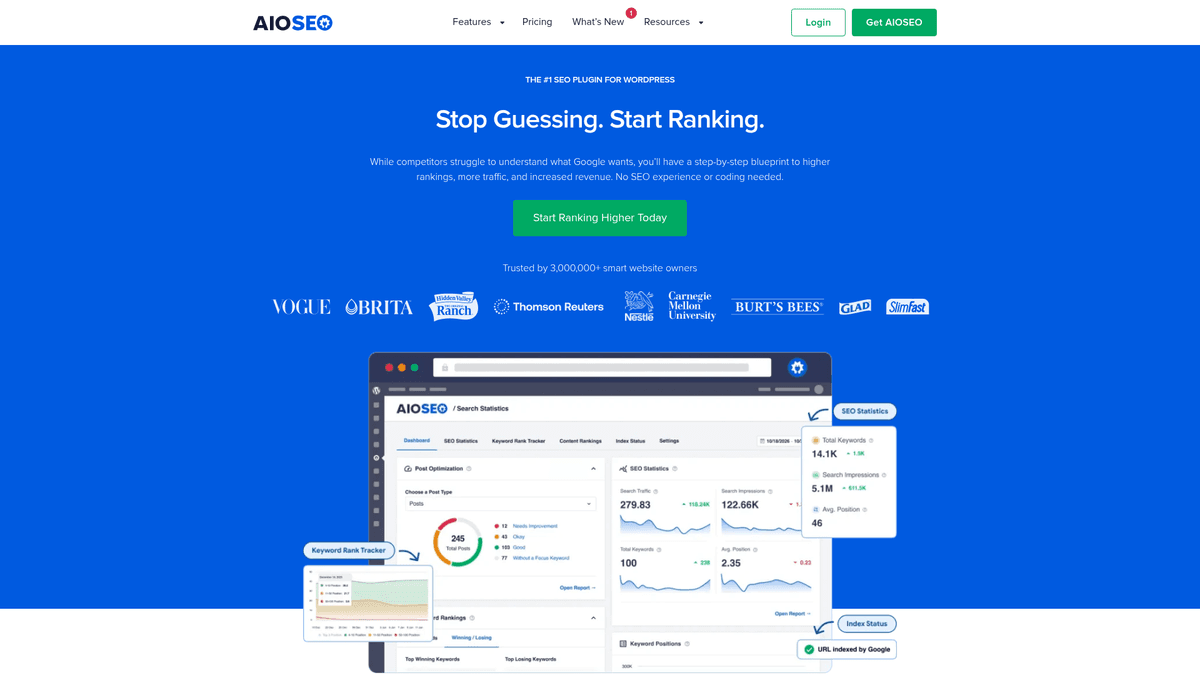
AIOSEO guides you through title and description editing, sitemaps, schema, and site-wide settings. Its features include WooCommerce support and local SEO options. If I ran a store with a physical location, I would look at those modules before buying separate add-ons.
The free Lite version handles the basics. More specialized features depend on the paid tier, so match the plan to the site rather than assuming every module comes with the starter option. It also has a lot of settings; a solo blogger who only needs metadata and a sitemap may prefer Yoast's narrower approach.
5. Surfer SEO: for improving an important draft
Surfer gives you a live content score and suggestions based on pages appearing in search results. I would bring it in when an important article feels thin or misses questions readers need answered. Its WordPress workflow helps move content into the CMS. You still need a plugin to manage site-wide index settings.
I would use it selectively: edit a landing page or a post with commercial potential, then read the finished draft out loud. A content score is a diagnostic, not a target to chase at the expense of clarity. If you publish infrequently, the cost of a separate content editor may be hard to justify.
6. Ahrefs Webmaster Tools: for a free look at your own site's links
Ahrefs Webmaster Tools gives verified site owners access to Site Explorer and Site Audit data for their own sites. It is useful for identifying referring domains, pages earning links, and issues found in a crawl. It fills a gap left by on-page plugins: those plugins cannot tell you who links to your site.
Start with your most-linked pages. If an old page has links but no longer serves visitors, decide whether to refresh it or redirect it to a genuinely relevant replacement. Treat audit alerts as a queue to investigate, not a list of guaranteed ranking wins. This free ownership-based access is not the same as a full paid Ahrefs subscription for broad competitor research. For the next step, see how to find competitor keywords.
7. Google Search Console: for what Google actually sees
Search Console is the first tool I would connect to any WordPress site. It shows which queries and pages receive impressions and clicks from Google Search, lets you inspect a URL, and reports indexing and sitemap issues. A plugin can produce a sitemap; Search Console tells you whether Google can discover and process your pages.
"The Page indexing report shows how many URLs on your site have been crawled and indexed by Google." - Google Search Console Help
Once a page earns impressions, its performance report can show you whether people click. A weak click-through rate may point to the title, or the queries may reveal that the page answers a different question than readers had. Google's Search Console guide explains how to review queries, pages, and clicks, and use URL Inspection to diagnose a particular page. You need not request indexing for every new post. Search Console is free and shows your own Google presence, rather than a complete view of other sites or AI answers.
8. Semrush: for teams managing a broader SEO program
Semrush combines keyword research, position tracking, competitor analysis, and site auditing. It can fit a WordPress publishing workflow while your plugin handles the site's settings. I would budget for it when someone on the team has time to turn that research into briefs and reports.
It makes sense when you manage several content categories or need to explain search performance to colleagues. For a new blog, I would start with Search Console and a plugin. Semrush earns its cost when you need the competitive data and will keep using it.
9. SE Ranking: for research and rank tracking with a tighter budget
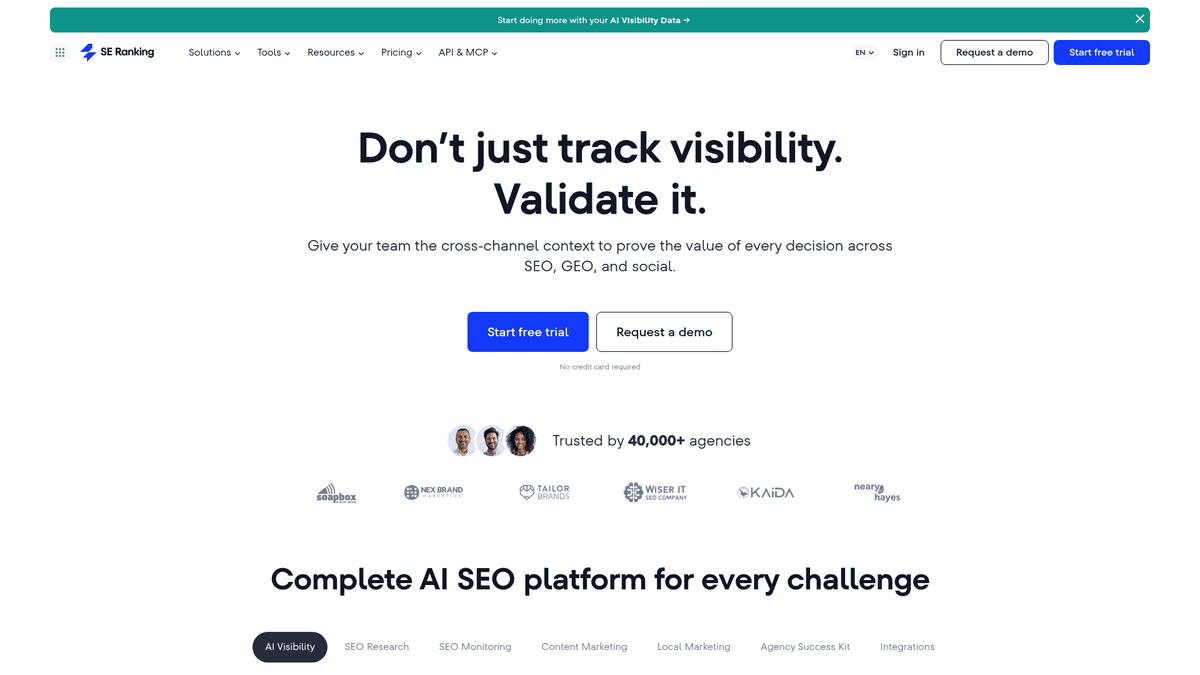
SE Ranking brings keyword research, rank tracking, competitive research, and site audits together. It also offers WordPress publishing options for content workflows. I would consider it when a collection of specialist tools starts costing more time than it saves.
Use SE Ranking to decide which topics and issues deserve attention; let your plugin output canonicals and sitemaps. You will need time to learn the suite, and each plan has its own usage limits. Match the tier to the keywords, sites, and reports you will use. If it is not the right fit, explore SE Ranking alternatives.
10. Screaming Frog SEO Spider: for finding technical problems at scale
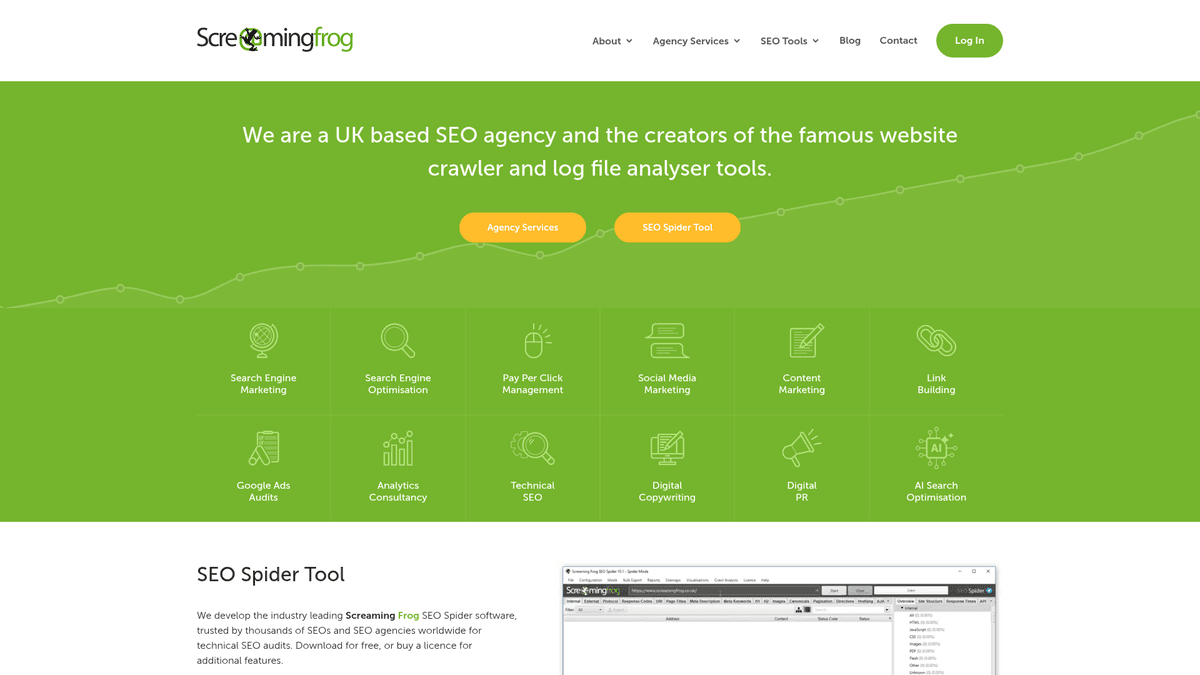
Screaming Frog crawls a website from your computer and lists URLs, status codes, titles, descriptions, redirects, and more. That makes it particularly handy after a site migration or redesign, when a few broken internal links can hide across hundreds of posts. It works with WordPress because it crawls the live site, not because it lives in the WordPress editor.
Export the affected URLs and fix patterns first: an old category path, a deleted product range, or duplicate title templates. The free version has a crawl limit; the paid license is for bigger or more demanding audits. A crawler requires interpretation, so it is not the first purchase I would make for a small site with only a handful of pages.
How to choose your stack by use case
If you run... | Start with | Add when the problem appears |
|---|---|---|
A new personal blog | Yoast SEO + Search Console | Ahrefs Webmaster Tools for links and audits |
A lean startup publishing regularly | One plugin + Search Console + RankSpot | Surfer for high-value edits; a suite for deeper competitive research |
A WooCommerce or local business site | AIOSEO or Rank Math + Search Console | Screaming Frog for a larger catalog or migration |
An SEO team across several sites | One plugin per site + Search Console + Semrush or SE Ranking | Surfer for content editing; Screaming Frog for deeper crawls |
An established site losing traffic | Existing plugin + Search Console | Ahrefs Webmaster Tools and Screaming Frog to investigate links and site changes |
Choose the next tool for the task that has stalled. If you cannot publish on a schedule, another technical dashboard will not write the posts. If Google cannot index your key pages, deal with that before planning more content.
If you are deciding how much of the process to automate, these SEO automation tools show the range from single-task helpers to publishing platforms.
Where do SEOPress, Schema Pro, MonsterInsights, and WP Rocket fit?
They solve different, narrower problems. SEOPress is another primary SEO plugin; consider it instead of, not alongside, Yoast, Rank Math, or AIOSEO for site-wide metadata. Schema Pro is a dedicated structured-data tool when the schema built into your chosen SEO plugin does not meet a particular need. Avoid emitting duplicate markup from both.
MonsterInsights brings Google Analytics reporting into WordPress, which may help a business owner who wants visitor reports in the dashboard. Search Console still supplies Google's search queries and page indexing reports. WP Rocket handles caching and performance work; it is not a replacement for an SEO plugin. On a small site, address a measured performance issue before paying for another plugin.
A practical WordPress SEO setup
Choose one primary plugin. Configure the site name, title templates, canonical defaults, and XML sitemap. If you are switching plugins, migrate metadata before removing the old one, then inspect the published HTML of a few important pages. A home page, a blog post, and a product page can each have different template behavior.
Connect Google Search Console. Verify the property, submit your sitemap, and check whether your most important pages are indexed. Google can discover pages without a submitted sitemap; submitting one may speed discovery, but it does not guarantee indexing.
Fix crawl and page basics. Ensure key pages are publicly accessible, internal links point to the right URLs, and deleted pages have appropriate replacements or return the right status. Run a crawl when the site is large enough that manual checks become painful.
Plan content around customer questions. Use Search Console's existing query data and a keyword tool to spot relevant topics. Choose a specific audience and outcome for each page, then link it to useful related pages on your site. These keyword research strategies can help you prioritize.
Publish, measure, update. Track impressions, clicks, keyword rankings where they matter, and index coverage. Revisit pages with search visibility but weak engagement; improve the answer, not only the plugin's score. A detailed report is useful only if it changes what you do next.
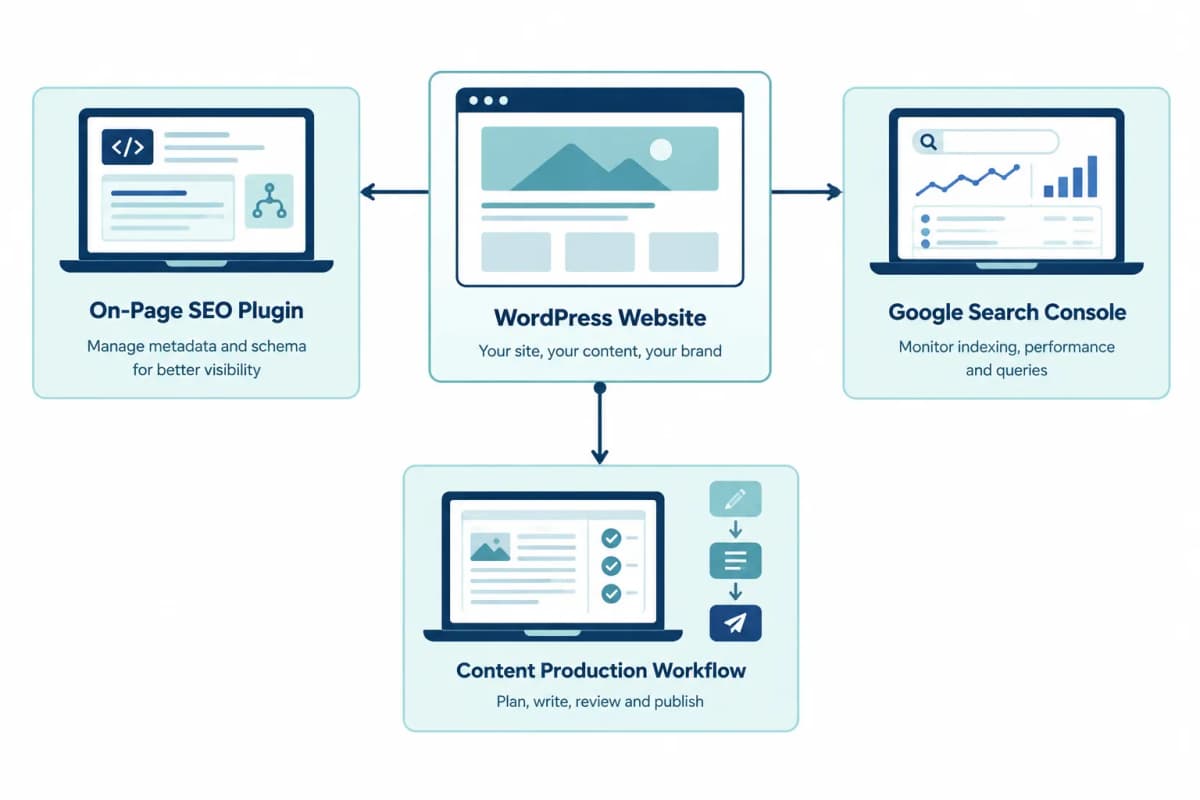
After a migration, it is easy to leave two SEO plugins active. Both may output titles, canonicals, schema, or sitemaps. Assign those settings to one plugin and remove the duplicate output before you publish more pages.
Beyond Google: AI visibility for WordPress sites
Search still matters, but a potential customer might ask ChatGPT, Perplexity, or Google AI Overviews for a recommendation before visiting a website. An SEO plugin helps make a page understandable and crawlable; it cannot promise that an AI answer will cite it. Publish genuinely useful explanations with clear names, concrete answers, and evidence you can stand behind. Keep the underlying WordPress page accessible and internally linked.
RankSpot can help plan and produce content aimed at both traditional search and AI answers. Otterly AI and Peec AI are add-ons for monitoring whether and how your brand appears in AI search responses; they are tracking tools, not substitutes for good pages or a WordPress SEO plugin. If that channel matters to you, start with a small set of buyer questions and observe how answers change over time. See these AI visibility tools for the wider monitoring landscape.
My verdict
For most new WordPress sites, I would choose Yoast SEO plus Google Search Console. Pick Rank Math if you want more free controls or AIOSEO if a guided setup and store or local features matter more. Add specialist tools only when you have a clear workflow for them.
If your real constraint is the time it takes to research, write, format, and publish useful posts, try RankSpot alongside your plugin. Its site advertises a trial, so you can see whether an automated content workflow helps your site publish consistently before paying for a bigger stack.
FAQ
What are the top 3 SEO plugins for WordPress?
Yoast SEO, Rank Math, and AIOSEO are three strong choices. Yoast suits straightforward writing guidance, Rank Math offers more configurable free features, and AIOSEO suits guided setup and store or local SEO needs. Use one as your primary SEO plugin, not all three.
What is the best free autoblogging plugin for WordPress?
If you want more than a free plugin that drafts posts, try RankSpot's first three articles free, with no credit card. It researches keywords, builds a content plan, creates formatted posts with images, and publishes directly to WordPress. It is a content platform rather than a WordPress plugin, and you should review each post before it goes live.
What are the best SEO plugins for WordPress?
Start with Yoast SEO, Rank Math, or AIOSEO, depending on whether you want simplicity, free controls, or guided store and local-business settings. Pair your choice with Google Search Console to see indexing and search performance; Search Console is not itself a plugin.
Which SEO is best for WordPress?
For a new blog, Yoast SEO and Google Search Console are a practical starting combination. If you need more configurable schema and redirects, choose Rank Math; if you run a store or local business, consider AIOSEO. No plugin replaces publishing helpful pages and measuring their performance.
What is the best WordPress SEO plugin in 2026?
I would choose Yoast SEO for a simple blog, Rank Math for deeper free controls, or AIOSEO for a guided setup with commerce and local options. The best choice is the one that handles your titles, sitemaps, and schema cleanly without duplicating another active SEO plugin.