The best answer engine optimization tools track the questions buyers ask and show which pages AI answers cite. RankSpot suits a small team that wants to track those citations and publish fixes. Profound is built for enterprise attribution, while Otterly.ai or HubSpot AEO work for a low-cost monitoring pilot.
What an AEO tool actually does
An answer engine optimization tool records whether an answer names your brand, cites your pages or favors another source. You can use those results to decide which pages to improve.
SEO aims to earn visibility in search results. AEO aims to get picked as the answer to a question, including in AI answers and search features; GEO is the broader practice of shaping how generative engines represent your brand. The tactics overlap, but a keyword ranking is not the same thing as a citation in an AI response. If you only need a dashboard for mentions, compare AI visibility tools; if you want the wider set of generative-search workflows, see our GEO tools comparison.
The channel is worth the effort. Adobe data reported by TechCrunch shows AI traffic to US retail sites rose 393% year over year in Q1 2026, and those visitors converted better than other traffic.
A buyer might ask, “Which inventory app works with Shopify and has batch tracking?” Save the response, its cited sources and whether your company appears without being named in the prompt. Run the same question after you improve your content. No tool can guarantee a recommendation.
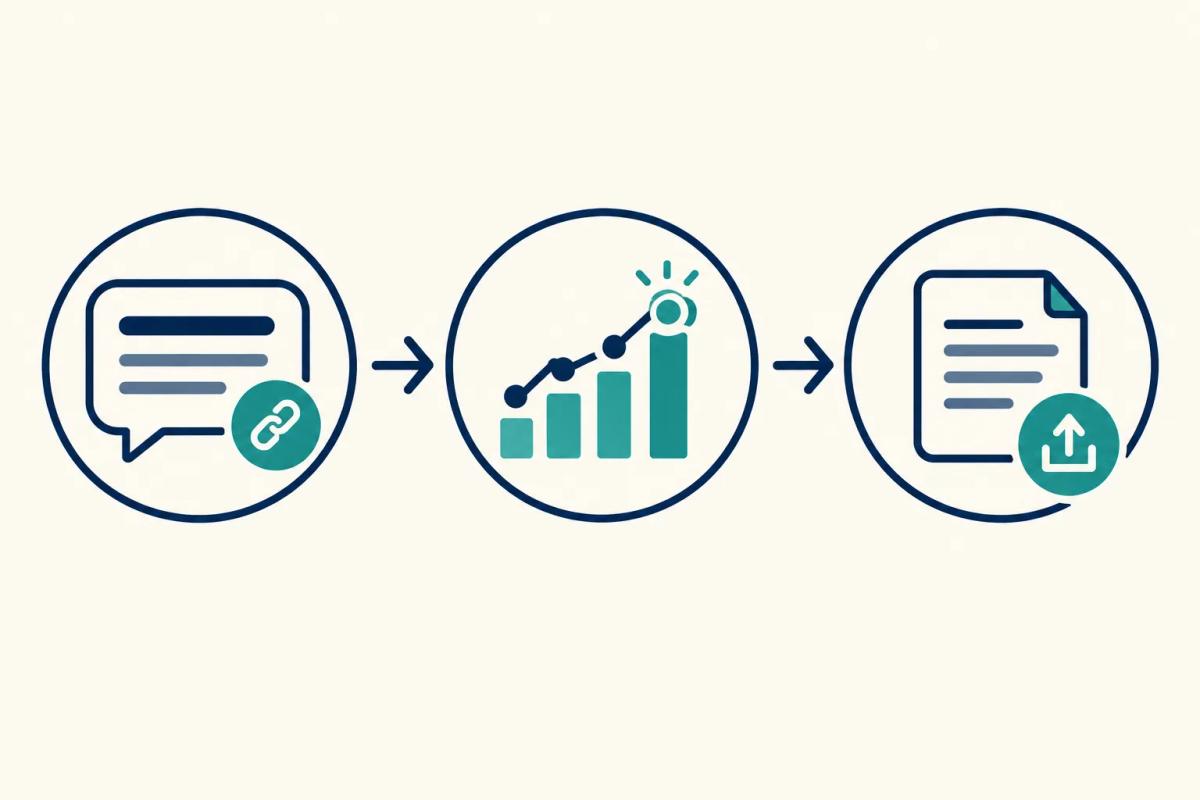
The three jobs: track, attribute, fix
Buy for the part of the workflow you struggle to repeat. A visibility score alone cannot tell you what to publish or whether AI visitors become customers.
1. Track answers and citation URLs
Follow specific nonbranded prompts across the engines your customers use. Separate brand mentions (your name appears in the answer) from citations (the answer links to your page), and note competitor names and cited third-party sources. A single answer can mention you without citing you, or cite a page that never converts.
Compare the same prompt, engine, location and cadence over time. A prompt count is not a check count: 50 prompts across four engines every day means 200 checks a day. AI responses vary, so look for sustained patterns rather than treating one answer as a permanent rank.
2. Attribute visits and outcomes
If revenue is the question, use referral and conversion data alongside answer monitoring. A cited page may send little traffic while still influencing a decision. Conversely, a spike in visits from an AI assistant does not prove which prompt caused it. Tools with site analytics integrations can connect some visits and conversions; tracking-only tools generally cannot promise that causal link.
"Google users clicked a traditional search-result link on 8% of visits when an AI summary appeared, compared with 15% when no AI summary appeared." - Pew Research Center
That finding concerns Google search visits, not all AI assistants. It is a useful reminder to measure both presence in the answer and the traffic that follows.
3. Execute content and technical fixes
Turn missed questions into direct-answer paragraphs, useful comparison pages and current product information. Make important pages crawlable, keep entities such as product names consistent, and add structured data only when it describes visible page content. Citation gaps can also point to relevant third-party pages or community discussions where your expertise belongs.
What goes on the page matters. In a Princeton and IIT Delhi study accepted to KDD 2024, adding citations, quotations and statistics lifted a page’s visibility in generative answers by up to 40%, with results varying by domain. Schema describes your page; it cannot force an AI citation. You might need one tool for measurement and your existing CMS for publishing, rather than an all-in-one subscription.
Best answer engine optimization tools compared
These 11 options span monitoring, attribution and publishing. A “No” in the table refers to the product itself; you could pair it with analytics or a content tool. Prices were checked on each vendor’s pricing page in November 2026.
Tool | Best for | Entry-plan engines | Citation URLs | Attribution | Content/schema help | Starting price |
|---|---|---|---|---|---|---|
RankSpot | Pay-as-you-go tracking and publishing | ChatGPT, Perplexity, Gemini, Google AI | Yes | No | Articles and CMS publishing | $0.004/check; $1 free credit |
HubSpot AEO | Teams already working in HubSpot | ChatGPT, Gemini, Perplexity | Yes | CRM context | Recommendations; content tools in Marketing Hub | $50/mo ($45 annual); free trial |
Profound | Enterprise measurement | Up to 10 on Enterprise | Yes | Agent Analytics | AI Marketer agents | Custom pricing |
Peec AI | Focused AI visibility | Choose 3 of 8 | Yes | No | No | $95/mo |
Otterly.ai | Entry-level monitoring | Choose 3 of 7 | Yes | No | Recommendations | $29/mo |
Goodie | Brand-focused AEO work | ChatGPT, AI Overviews, AI Mode, Perplexity, Copilot | Yes | No | AEO Content Writer | $295/mo |
AthenaHQ | Action guidance | Free: 5; Starter: 11 | Yes | Enterprise only | Action checklists | Free; Starter $295/mo |
Writesonic | Content workflow plus tracking | ChatGPT, Gemini, AI Overviews | Yes | No | Writing and optimization | $79/mo annual |
SE Ranking (SE Visible) | AI visibility beside SEO data | ChatGPT, Gemini, AI Overviews, AI Mode, Copilot | Yes | No | SEO workflow | $89/mo ($71 annual) |
Semrush AI Visibility Toolkit | Existing Semrush workflows | ChatGPT, Google AI Mode and others | Yes | No | SEO workflow | $99/mo per domain |
AIOSEO | WordPress on-page implementation | No answer monitoring | No | No | Schema and on-page work | $49.50 first year ($99/yr renewal) |
Google AI Overviews and Google AI Mode can appear as separate line items on some plans and as one engine on others. Compare allowances, refresh cadence and citation URL access alongside price.
11 AEO tools, with strengths and limits
Decide whether you need to monitor answers, connect AI referrals to your pipeline or publish better pages. The products below solve different parts of that problem.
1. RankSpot: best for a lean team that wants to act on the data
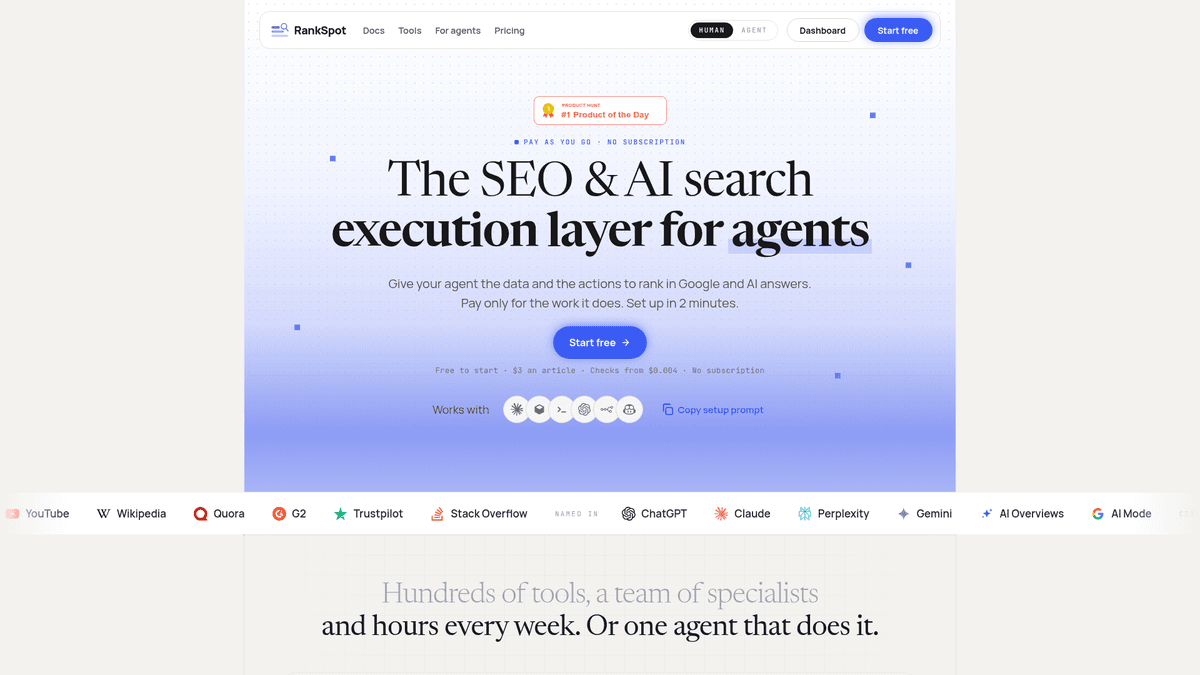
Best for: founders, consultants and small teams that want to spend money on checks and published work rather than seats. RankSpot tracks prompts across ChatGPT, Perplexity, Gemini and Google AI. Google AI groups AI Overviews and AI Mode as one engine; Claude is not tracked.
RankSpot connects the steps. Track mentions of your brand and competitors, inspect cited sources and fan-out queries, research the underlying keyword, then write and publish an article to your CMS. Its Reddit and forum opportunities point to places where you might contribute when an answer relies on outside sources. With MCP access, an AI agent can work from the same workspace in the next session.
Price: $0.004 for one prompt checked on one engine. There is $1 in free credit and top-ups begin at $10. An article costs $3. There is no fixed subscription. Limit: no Claude tracking, revenue attribution or enterprise SSO. Choose it when you need an affordable path from citation gap to published page, not when your main need is a board-level attribution dashboard.
2. HubSpot AEO: best for a team already inside HubSpot
HubSpot AEO tracks prompts across ChatGPT, Gemini and Perplexity and gives prioritized recommendations. The standalone product costs $50/month, or $45/month billed annually, and includes 25 prompts. You can track those 25 prompts free before paying, with no credit card. Each extra brand needs its own instance at $50/month. AEO is also included in Marketing Hub Pro and Enterprise, where recommendations draw on your CRM data.
Your team can plan content and manage leads in the system it uses today. Limit: three engines, no Google AI Overviews or AI Mode on the standalone plan, and 25 prompts is a small watchlist. Existing HubSpot users have the clearest reason to consider it; for everyone else it is still one of the cheapest ways to start.
3. Profound: best for enterprise attribution and governance
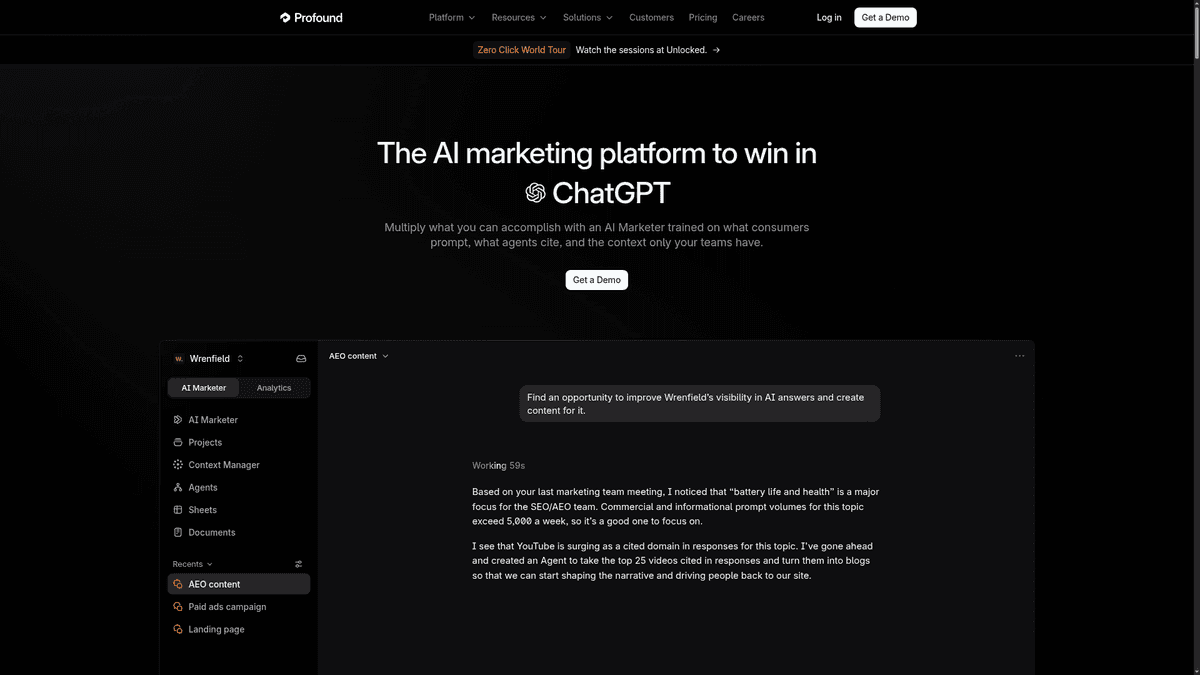
Profound is designed for teams that need a broad, managed answer-engine program. Its Enterprise plan lists daily prompt tracking across up to 10 answer engines, including ChatGPT, Perplexity, Google AI Mode, Gemini, Claude and Google AI Overviews. Agent Analytics tracks AI-sourced traffic and attribution, while AI Marketer agents can run content and analysis workflows.
That combination makes sense when several people need reporting, access controls and repeatable analysis. Price: custom Enterprise pricing, with agent use charged in credits. Profound retired its self-serve Starter and Growth plans in September 2026, so a sales demo is the way in. Limit: the cost and prompt allocation require a sales conversation, and credits add a second variable to the budget. Profound is a strong fit for a team with an owner for both measurement and follow-through; it is a heavy starting point for a solo founder. If that scope is too much, look at Profound alternatives.
4. Peec AI: best for teams that primarily want a clear monitor
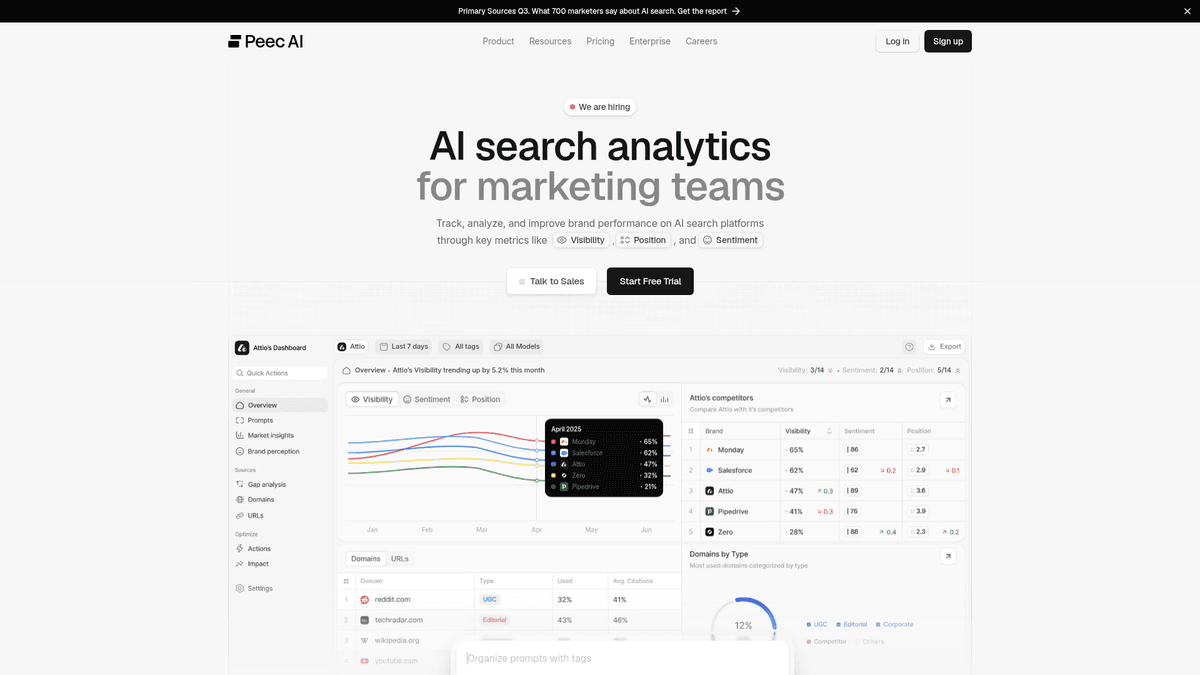
Peec AI puts AI-answer visibility at the center of the product. It is useful when the recurring question is, “Which brands and domains appear for our buyer prompts?” Source and competitor views make it easier to decide whether to work on your own page or earn a presence on a third-party source.
It is a measurement choice before it is a publishing choice. Pair it with your CMS and analytics if you need to ship pages and evaluate conversions. Price: Starter is $95/month for 50 prompts, Pro $245/month for 150, and Advanced $495/month for 350, each with three engines you choose from a list that includes ChatGPT, Perplexity, Gemini, AI Overviews and AI Mode. A fourth engine is an add-on from $30/month, and there is a free trial. Limit: a daily four-engine program costs more than the entry price suggests. If this format suits you but you need more options, compare Peec AI alternatives.
5. Otterly.ai: best for a modest monitoring budget
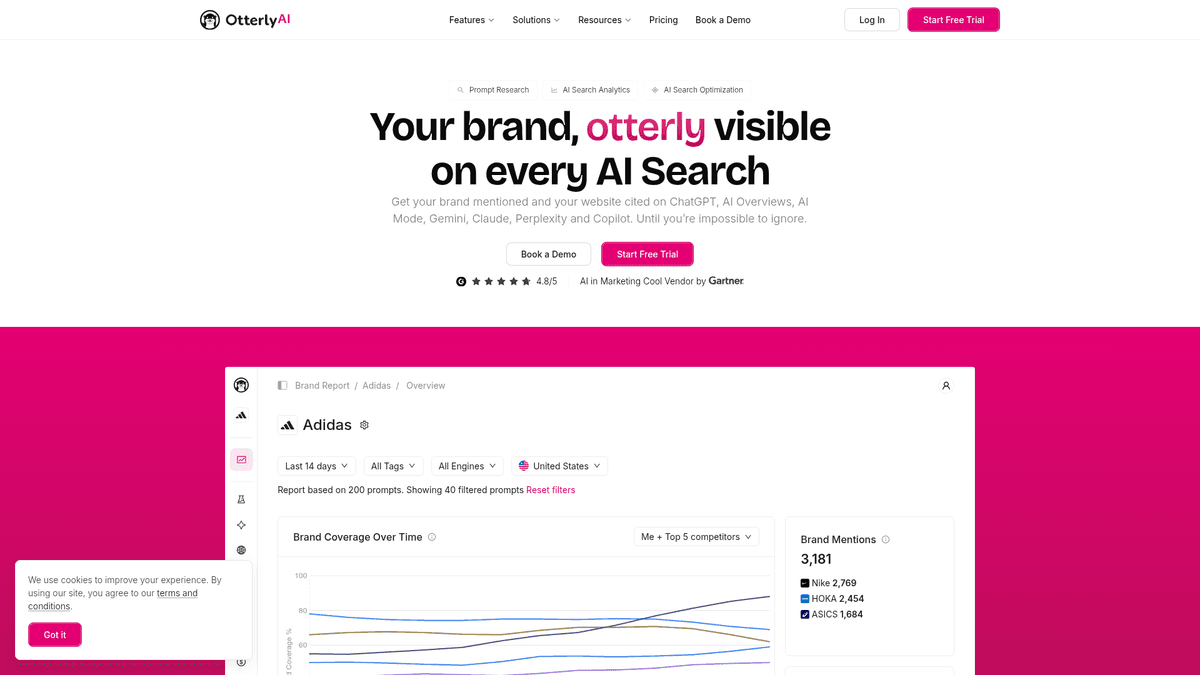
Otterly.ai is a straightforward way to begin saving answer results rather than checking them by hand. Its Lite plan costs $29/month for 20 prompts on three engines you pick from seven, including ChatGPT, AI Overviews, AI Mode, Perplexity, Gemini, Copilot and Claude. Standard is $189/month for 160 prompts, and there is a free trial. That makes the entry tier a reasonable pilot for a short list of priority questions, not a large daily research program.
Look at the cited domains and URLs to find where other brands are being recommended. Then take the work back to your content process. Limit: Otterly is better at showing what happened than writing and publishing the fix or tying a prompt directly to revenue. If your priority is cheap recurring AEO monitoring, start here; for a full publishing loop, budget for a second workflow. You can also compare Otterly.ai alternatives.
More AEO tools for content and SEO teams
These options make more sense when you already have a publishing or SEO stack to build on. Some prioritize recommendations or content production; AIOSEO handles WordPress execution rather than monitoring.
6. Goodie: best for a dedicated brand-visibility program

Goodie is positioned around how a brand appears in AI answers and what the team should do about it. Core costs $295/month for 110 prompts across ChatGPT, AI Overviews, AI Mode, Perplexity and Copilot, includes an AEO Content Writer, and starts with a 7-day free trial. Pro is $999/month for 250 prompts and adds Gemini.
You get a dedicated place to work through answer presence, source opportunities and content priorities. Limit: Gemini is missing from Core, and the price is high for a handful of questions. It fits a marketing lead with a recurring reporting process better than someone who wants to buy a few checks this month.
7. AthenaHQ: best for teams that want action guidance
AthenaHQ pairs AI-search visibility with weekly Insights, each with an action checklist. That appeals to a team that has already collected prompts but lacks a clear list of pages to update and third-party mentions to pursue. The Essential plan is free with 300 credits across five engines; Starter costs $295/month for 3,600 credits across eleven engines, including Claude and Google AI Mode. Enterprise is custom and adds AI traffic analysis and content workflows.
The limitation is similar to many recommendation-led platforms: suggested work still needs a human to decide whether a page really answers the question and whether a source is worth approaching. Choose it if a prioritized action queue matters more than a bare answer log. Do not treat any recommendation as evidence of guaranteed inclusion.
8. Writesonic: best for a content-heavy team
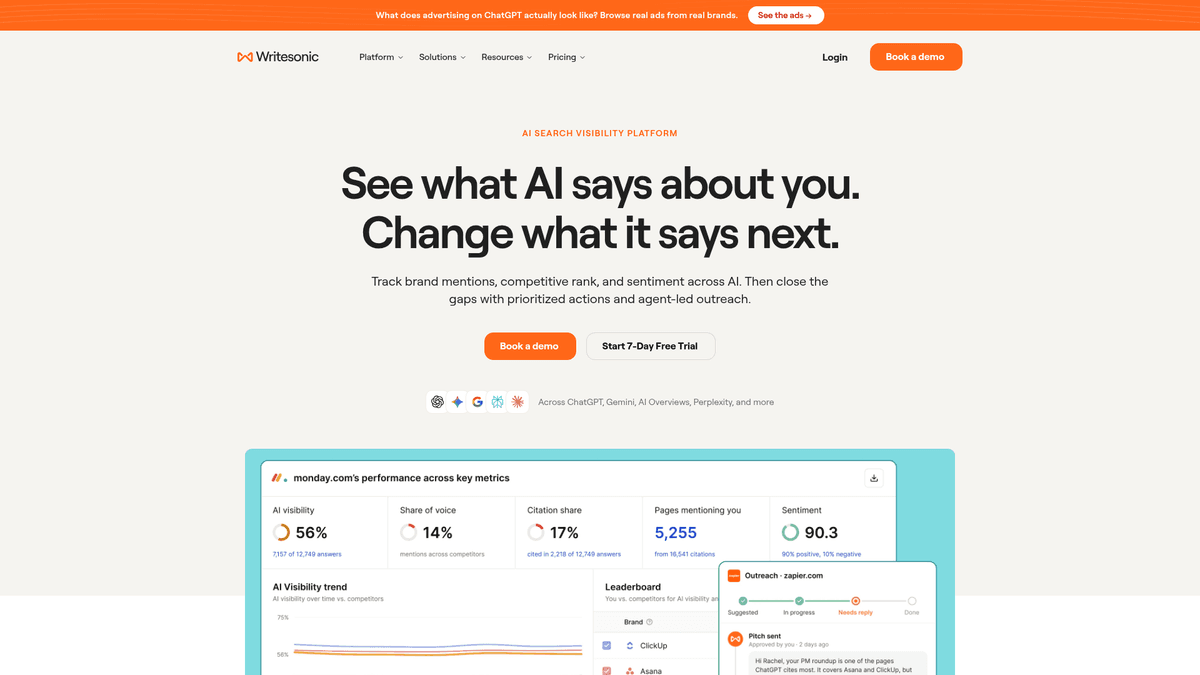
Writesonic makes sense if your bottleneck is producing or updating pages once you have identified questions that matter. Its appeal is bringing writing and AI-search work into the same environment, rather than exporting a list of prompts into another drafting tool.
Price: Starter is $79/month billed annually for 50 prompts on ChatGPT, Gemini and Google AI Overviews; Basic is $199/month and Growth $399/month on annual billing, with a 7-day free trial. Limit: self-serve plans skip Perplexity, and it may be more platform than you need if you already have an editorial process and only want citations. Review a few sample outputs before publishing: an answer-first paragraph still needs accurate claims, a real point of view and a page that solves the buyer’s problem. See Writesonic alternatives if content production is your primary requirement.
9. SE Ranking (SE Visible): best alongside existing SEO reporting
SE Visible is the AI-visibility option to examine if you already work in the SE Ranking ecosystem. It lets a team compare a new answer surface with the SEO work it is already doing, instead of treating AEO as a separate reporting island.
Price: SE Visible Basic is $89/month, or $71/month billed annually, for 75 daily prompts across ChatGPT, Gemini, AI Overviews, AI Mode and Copilot. SE Ranking’s own Core plan costs $129/month and includes 25 daily AI prompts. Both come with a 14-day free trial. Limit: do not assume an existing rank tracker reports every AI-driven conversion. If you mainly need a new standalone answer monitor, a focused tool may be simpler. See SE Ranking alternatives when your current suite no longer fits.
10. Semrush AI Visibility Toolkit: best for current Semrush users
Semrush puts AI visibility beside a mature SEO workflow. That is appealing if you want to take a prompt you care about and work back through topic research, existing pages and competing domains without switching your whole team to a new platform.
Price: the AI Visibility Toolkit costs $99/month per domain with 25 tracked prompts; 50 more prompts cost $60/month, and there is no free trial. Limit: an SEO suite does not automatically explain why a model chose a source, nor does a mention prove a sale. This is the convenient route for a team already paying for Semrush; a founder with no SEO subscription should calculate the total monthly bill before signing up.
11. AIOSEO: best for WordPress implementation, not monitoring
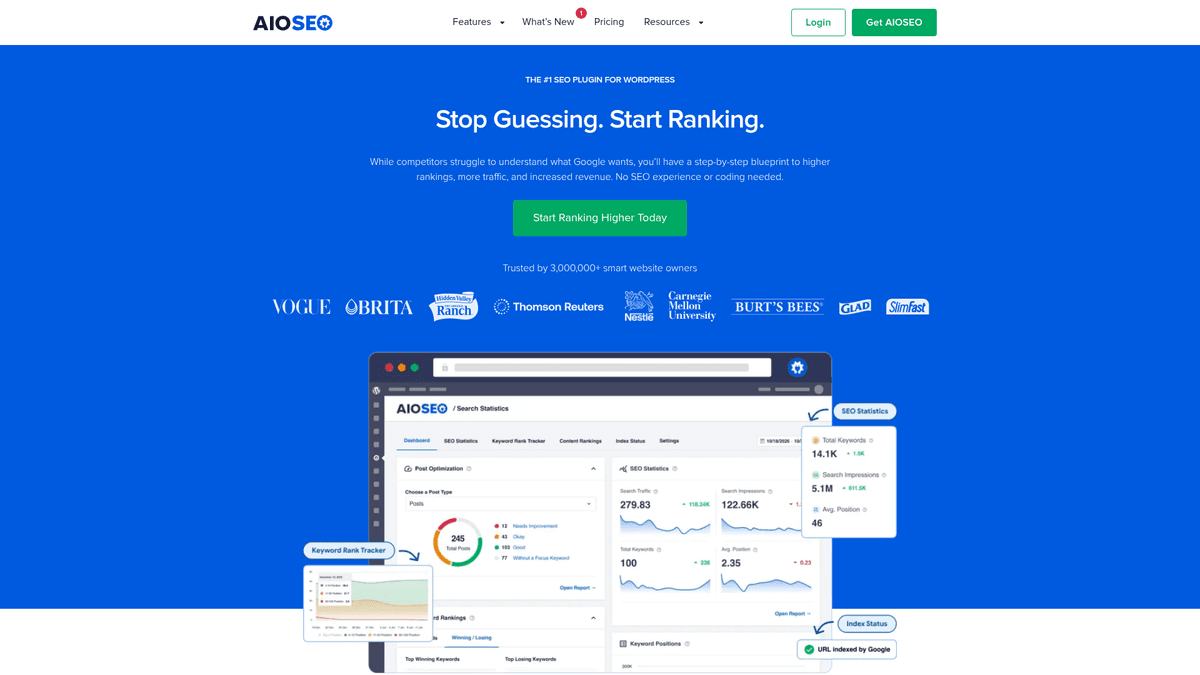
AIOSEO is different from the other ten. It helps a WordPress publisher improve on-page structure and add appropriate schema, but it is not a recurring monitor of ChatGPT or Perplexity answers. Use it to make a useful page easier to interpret, after you have chosen what questions the page needs to answer.
Price: Basic is $49.50 for the first year on one site and renews at $99/year; Plus, Pro and Elite cover 3, 10 and 100 sites. Paid plans carry a 14-day money-back guarantee. Limit: no prompt sampling, citation URL history or AI revenue attribution. It is a sensible execution companion for a WordPress site, not a replacement for an answer tracker. Mark up only content readers can see, and remember that FAQ markup does not guarantee a rich result or an AI citation.
What does AEO software cost in practice?
Compare a complete monitoring schedule, not just the first number on a pricing card. The useful unit is a prompt × engine × refresh, plus whatever you spend to publish or analyze the results.
For example, 50 prompts checked once a day on four RankSpot engines equals 200 checks per day. At $0.004 per check, that is $0.80 a day, or about $24 over 30 days. Add one article and the example becomes $27. RankSpot’s $1 free credit is enough to try 250 checks at that unit price; the minimum paid top-up is $10. This is a usage example, not a promise that every team needs daily checks.
On subscriptions, HubSpot AEO’s $50 plan covers 25 prompts on three engines, Otterly.ai’s $29 Lite tier covers 20 prompts on three engines, and Peec AI’s $95 Starter covers 50 prompts on three engines. None of those matches the 50-prompt, four-engine example at the entry price. Profound uses a custom Enterprise quote and agent credits. For every subscription product, ask for the monthly number of actual answer checks, the engines included, whether citations include full URLs, historical retention and the charge for extra prompts or seats.
Budget situation | Practical first move |
|---|---|
You want to test a few buying questions | Use free credit or a small prompt tier; record your baseline. |
You need dozens of prompts across engines | Price the complete daily check schedule, not the prompt count alone. |
You need executive-level reporting | Include attribution, data access and governance in the quote. |
You already pay for an SEO suite | Calculate the incremental module cost and what it replaces. |
How to choose without buying two versions of the same tool
Choose the gap in your current process, then calculate a month of real usage. Most small teams need a few reliable buyer questions and a path to fixing the answers before they need another dashboard.
Start with your primary goal. For citation tracking, demand saved responses, competitor mentions and source URLs. For attribution, require evidence of AI referrals and downstream events, and accept that a model’s contribution to a sale will not always be observable. For execution, require a realistic route from a missing answer to an updated page, CMS publication or relevant third-party mention.
Then test the stack fit. If your content already lives in HubSpot or WordPress, paying for another editor may duplicate work. If you use an AI agent to do research and publishing, MCP access matters more than a polished weekly PDF. And if you run multiple client brands, separate each brand’s prompts and decisions so the findings do not get mixed together.
Finally, use nonbranded prompts in the demo. “What is [your company]?” mostly measures awareness of your name. “Which tool helps a five-person ecommerce team manage returns?” tests whether you get recommended when the buyer has not chosen you yet. Save a baseline before you change anything.
A 30-day AEO plan for a small team
Spend the first month building a repeatable loop, not chasing a perfect visibility score. One good answer page and a clean before-and-after record are more useful than hundreds of vague prompts.
Days 1–5: pick the questions. Write down 20–50 real buying questions from sales calls, support tickets and keyword research. Include comparison, pricing, integration and “how does it work?” questions. Mark branded questions separately.
Days 6–10: establish the baseline. Run the same questions across the engines that matter to your buyers. Save the answer, brand mentions, competitor names, citations and date. Split cases into “mentioned and cited,” “mentioned only” and “absent.”
Days 11–18: fix one cluster. Choose a cluster where the existing page is thin or a useful page does not exist. Put the direct answer near the top, show the criteria behind your recommendation, and explain limitations honestly. Add a comparison table where it helps a buyer decide.
Days 19–23: clean up the page. Make the page accessible and internally linked, keep names and product details consistent, and use schema only when it matches what is visible. If you publish an FAQ, answer the question on the page; do not add markup to a hidden or unrelated answer. If a third-party page is repeatedly cited, consider a relevant contribution rather than a generic backlink request.
Days 24–30: recheck and learn. Run the same prompts at the same cadence. Compare mentions and citation URLs with the baseline, then inspect AI referrals and conversions in your own analytics. A change in one response is a clue, not proof that your edit caused it. Keep the fixes that make the page more useful to buyers.
For the page that carries a comparison list, Article and ItemList structured data can describe the visible article and its actual list entries; FAQPage markup should describe genuine, visible questions and answers. None of those types entitles a page to an AI answer or a search feature.
The bottom line
Start with RankSpot if you are a founder who needs to see missing citations and publish a better answer without committing to another monthly subscription. Its pay-as-you-go checks and $3 publishing option make the full loop affordable, provided you do not need Claude or revenue attribution. Choose Profound if enterprise attribution and governance are nonnegotiable; use Otterly.ai or HubSpot AEO if a short, focused monitoring pilot is enough. The tool matters less than what you do with the missed question it reveals.
FAQ
What is an AEO tool?
An AEO tool tracks whether AI answers mention your brand or cite your pages for the questions buyers ask. Better ones also show which sources get cited instead and help you decide what to publish or update.
What is the difference between AEO, GEO and SEO?
SEO targets rankings in search results. AEO targets being chosen as the direct answer, in AI assistants or search features. GEO is the broader work of shaping how generative engines describe and cite your brand. The tactics overlap heavily; the measurement differs.
Are there free AEO tools?
Yes, with limits. HubSpot AEO lets you track 25 prompts free before paying, AthenaHQ has a free Essential plan, and RankSpot’s $1 credit covers 250 checks. You can also run a manual baseline by asking each engine your top questions and logging the answers in a spreadsheet.
Does HubSpot have an AEO tool?
Yes. HubSpot AEO is sold on its own for $50/month ($45/month billed annually) with 25 prompts across ChatGPT, Gemini and Perplexity, and it is included in Marketing Hub Pro and Enterprise.
How do you measure AEO results?
Track the same nonbranded prompts on the same engines at a fixed cadence. Record mention rate, citation URLs and competitor presence, then check AI referral visits and conversions in your analytics. Treat single-run changes as noise until they hold for a few weeks.