KoalaWriter gets a draft on the page fast, provided you already know the keyword. Then you still have to choose the next topic, check the claims, put the post in your CMS and see whether it brings in anyone useful. If that follow-up work fills your week, these Koala AI alternatives offer different ways to get blog posts live.
I kept coming back to one question: what task would I stop doing myself? A generator helps with the first draft. An optimization editor helps improve a page I already intend to publish.
For a solo blog, I would start with RightBlogger or SEOWriting.ai. A writer who wants close control over each page will get more from Surfer or Frase. If nobody has time to plan and publish the calendar, RankSpot has the more complete workflow. Writesonic is worth a look when you also want to monitor AI answers.
Why look beyond KoalaWriter?
KoalaWriter offers fast, search-informed article generation and an affiliate-friendly workflow. That may be enough if you bring the keywords and edit each article. If you lose time choosing topics or moving drafts into your CMS, compare AI-powered content software platforms by how much of that work they handle.
Before changing tools, pin down the work you want to hand off:
Who picks the keywords? A generator can turn a query into a post, but that does not decide which queries deserve your limited publishing capacity.
Who edits the claims? Product specifications, comparisons and numbers still need a source. An article that takes minutes to create but an hour to fact-check is not a time-saving win.
Who gets the post live? CMS connections, scheduling, images and internal links can matter more than one-click generation when the calendar is full. A content generator's drafts are not always publish-ready; check whether they still need formatting.
Who measures what happens next? Google rankings and citations in AI answers are different signals. Ask whether the tool actually tracks either one, rather than merely promising optimization.
A bigger dashboard will not clear your queue. Pick help for the slowest step in your process. If you plan to publish at scale, keep Google's warning in mind:
"Generating many pages without adding value for users may violate Google's scaled content abuse policy." - Google Search Central
Before turning on automatic publishing, review early posts for factual accuracy and details that come from your own experience.
10 Koala AI alternatives at a glance
The published entry prices appear below. Annual billing and monthly billing cost different amounts, and promotional rates can change. Compare the included articles, credits and seats before choosing a plan.
Tool | Best for | Starting price |
|---|---|---|
RankSpot | Founders who want keyword planning through CMS publishing | $99/month |
Surfer SEO | Editors improving high-value pages against live search results | $79/month billed annually |
Frase | Research-led briefs and human-edited drafts | $39/month billed annually |
Scalenut | Fast draft creation and keyword clusters | $59/month, monthly billing |
Autoblogging.ai | Operators producing batches of articles | $19/month, 40 credits |
RightBlogger | Solo bloggers who want one simple writing and publishing workspace | $49/month billed annually; $59 monthly |
Writesonic | Teams combining AI content with AI-answer monitoring | $79/month billed annually |
Jasper | Marketing teams maintaining brand voice across formats | $69/seat/month, monthly billing; $59/seat/month billed annually |
SEOWriting.ai | Budget-conscious long-form and bulk generation | $14/month billed annually; $19/month paid monthly |
Byword | Minimal-input bulk generation for niche sites | $99/month, monthly billing; $83/month billed annually |
Plans limit different things. Writesonic's published Starter plan includes 15 AI articles per month, plus tracking for 50 prompts and 50 answers daily. RightBlogger's Solo tier covers one site and unlimited AI words for work you create yourself, with separate caps on automated scheduling. Autoblogging.ai uses a credit-based plan. Your time spent researching, editing and uploading counts too.
Pricing: the number that matters is cost per approved post
KoalaWriter's listed entry price is $9 a month for 15,000 words. A word-based plan gets costly if you switch models, generate long drafts or redo weak ones. Count the words you will use, then add the hours you will spend editing.
Use your actual monthly calendar as the denominator. On a hypothetical $50 plan, ten drafts sound like $5 each. Approve only five and the subscription costs $10 per usable post before you count edits. Extra seats, AI generation, more sites and prompt tracking can change the math. Check the current plan limits before subscribing, especially if you need automated scheduling or AI-answer tracking.
Does Koala content pass AI detectors?
An AI detector's verdict is not a reliable editorial standard for deciding whether an article is useful. A page can look human to a detector and still contain a made-up product specification; it can trigger a detector and still answer a buyer's question well. I would not pay for a “humanizer” on the promise of guaranteed detector scores or Google rankings.
Make the draft useful enough to publish. Replace generic advice with an example you can stand behind and remove invented data. For affiliate articles, match product details to their source, disclose affiliate links where required, and explain who should avoid the product. Google says its systems aim to reward original, high-quality content regardless of whether AI helped produce it.
Pros and cons by workflow
Approach | What you gain | What you give up |
|---|---|---|
Automated SEO publishing | Consistent scheduling with fewer handoffs | Fine control of every sentence before generation |
Editor-led SEO optimization | Detailed feedback and more room for expert judgment | More hands-on time per article |
Bulk AI writing | Fast production of a prepared topic queue | More quality-control work across multiple drafts |
General marketing AI | Reusable brand voice for blogs, emails and social media | A dedicated keyword-to-publishing pipeline |
AI visibility monitoring | Evidence of where your brand appears in assistant answers | Direct content production unless the plan also includes it |
An experienced editor may gladly spend more time with page-level controls. If you are publishing between customer calls, pay for the work you no longer have to do.
The alternatives in detail
1. RankSpot: for an end-to-end publishing pipeline
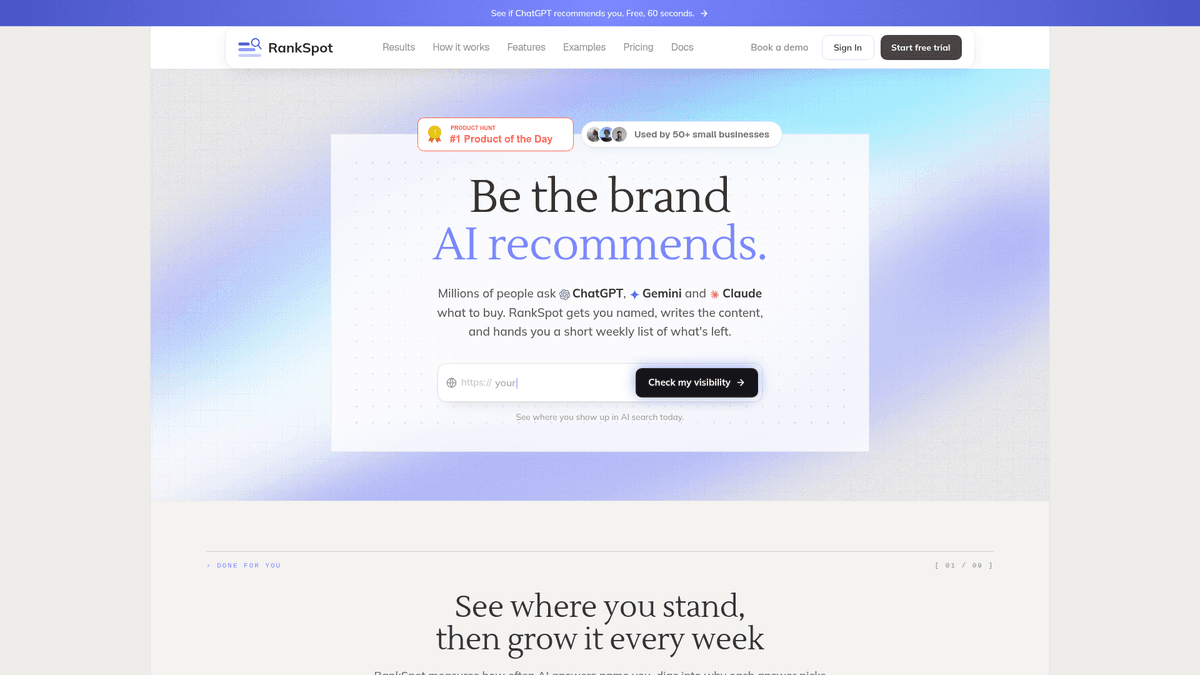
Give RankSpot your business URL and it builds a content plan around your niche. From there it handles high-intent keyword research, long-form writing, on-brand images, internal links and CMS publication. It also surfaces competitor keyword opportunities and relevant Reddit or forum conversations. I would use it to take planning and publication off my calendar along with drafting.
The familiar founder problem is a blog that goes quiet because nobody owns the calendar. RankSpot provides a 30-day plan, daily article publishing and content optimized for search and AI answers. It connects to WordPress, Webflow, Wix, Shopify, Framer and Ghost. The first three articles are free without a credit card, so you can see whether it gets your business right.
The trade-off is control. Someone who likes shaping each outline in a live editor may prefer Surfer or Frase. With an automated schedule, read the early posts for positioning and sensitive claims. GEO optimization cannot guarantee that ChatGPT or Gemini will cite you; visibility data tells you whether your brand appears.
I would pick RankSpot if I had no time to run research, writing and publishing myself.
2. Surfer SEO: for hands-on page optimization
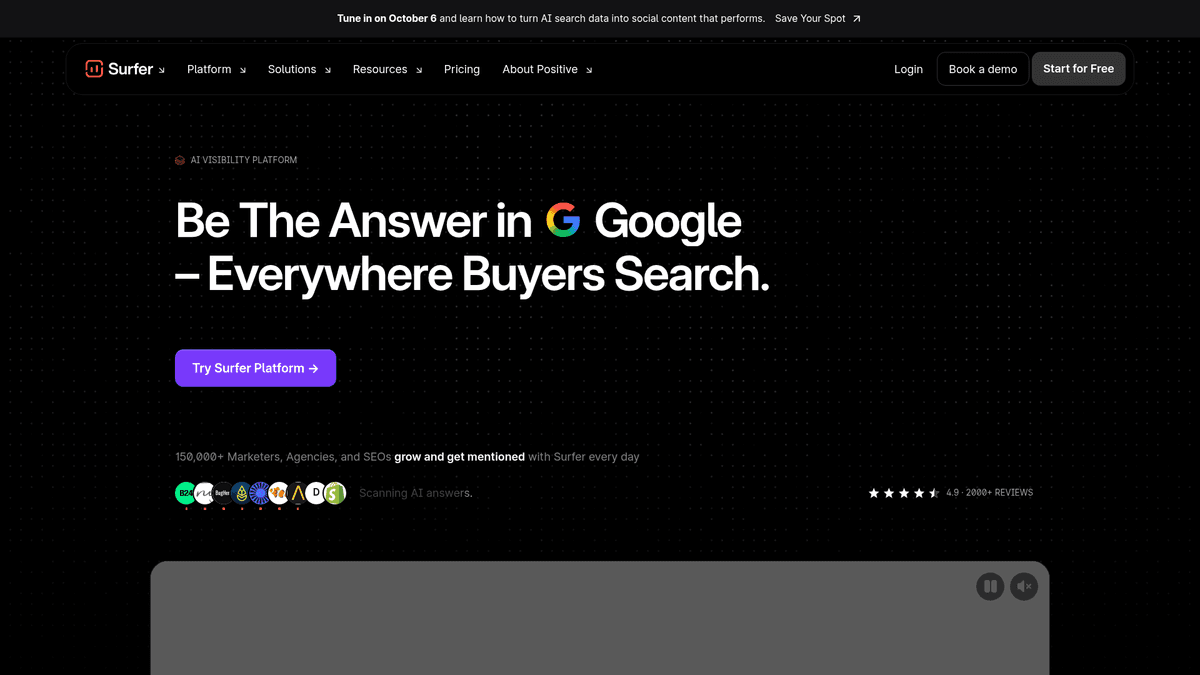
Surfer belongs on an editor's desk when a few pages matter a great deal. The Content Score and on-page recommendations give live feedback as the writer works through the search results. Its AI writing tools are useful, though I would pay for Surfer mainly for the editing controls.
Say you are updating a comparison page with help from a product expert. You need to sort reader questions, improve the structure and spot missing concepts. Surfer gives that writer more guidance as they work. It makes sense if you already handle keyword choice and publication.
You still decide what to publish and review the finished page. A solo founder expecting an instant blog calendar will have more work to do. The entry price above assumes annual billing; it does not promise unlimited AI generation. See the Surfer SEO alternatives breakdown if you are choosing between editors.
3. Frase: for research-led briefs and editorial teams
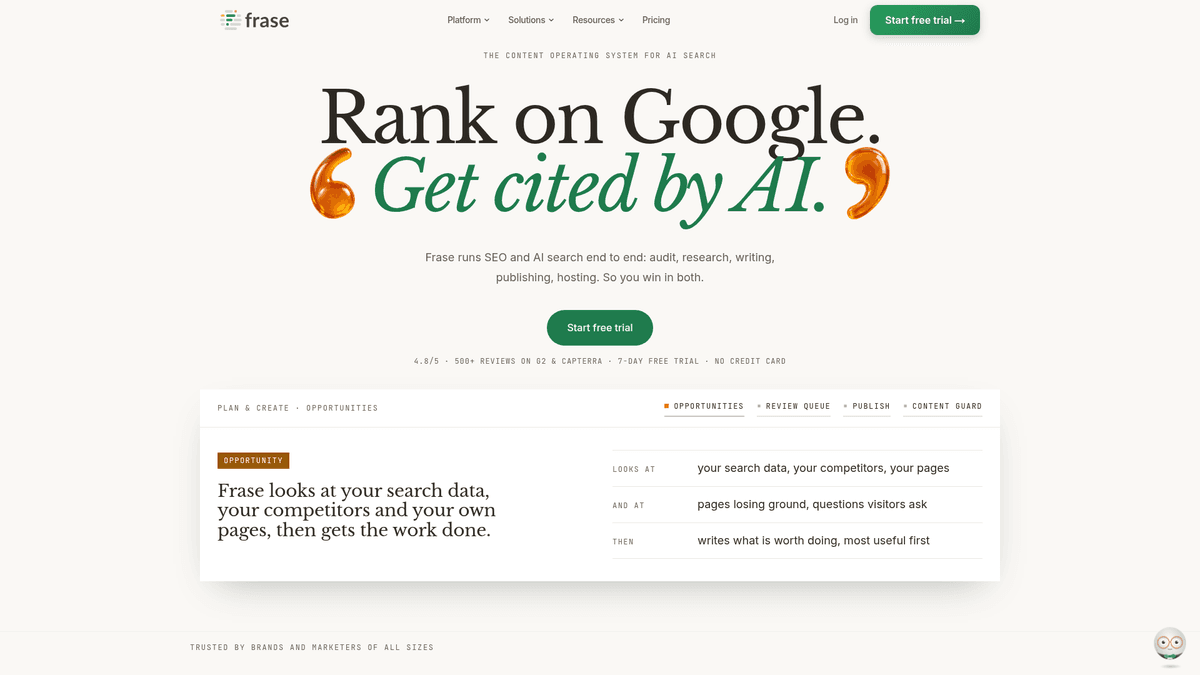
Frase helps when your writer needs a better brief. Its search-results research, outline support and content scoring give an editor material to work with before drafting starts. If briefs routinely stall your team, that help can matter more than another fast generator.
Frase works best when the writer brings product knowledge, interviews or original examples to the brief. The tool organizes the topic; the editor decides what makes the final cut. Frase also describes SEO and GEO scoring and AI search tracking for teams watching AI answers.
Someone still has to judge the research, correct errors and publish the post. The listed $39 monthly entry price requires annual billing; plan allowances and AI features will affect your cost. For a closer match by use case, read Frase alternatives for SEO content teams.
4. Scalenut: for getting from cluster to draft quickly

Scalenut is attractive when you want to organize topics and draft articles in a more guided workflow than an AI chat prompt. Cruise Mode is positioned around moving rapidly from an idea to a long-form draft, while keyword clustering gives a team a way to group related searches before it writes. Those are its most relevant features if your bottleneck is getting from a topic cluster to a draft.
That pairing helps if you have ideas but no plan for which pages should support each other. I would choose one cluster, mark its main page and supporting posts, then draft one article. If each draft repeats the same generic explanation, adjust your briefs before creating more.
Scalenut suits a marketer who wants to steer topic planning and drafts. It is less suited to someone who wants to hand off the entire operation. Starter is listed at $59 per month on monthly billing and includes five article creations per month; auto-publishing is listed on the Plus plan. Check the plan scope against your output before subscribing.
5. Autoblogging.ai: for batches that still get reviewed
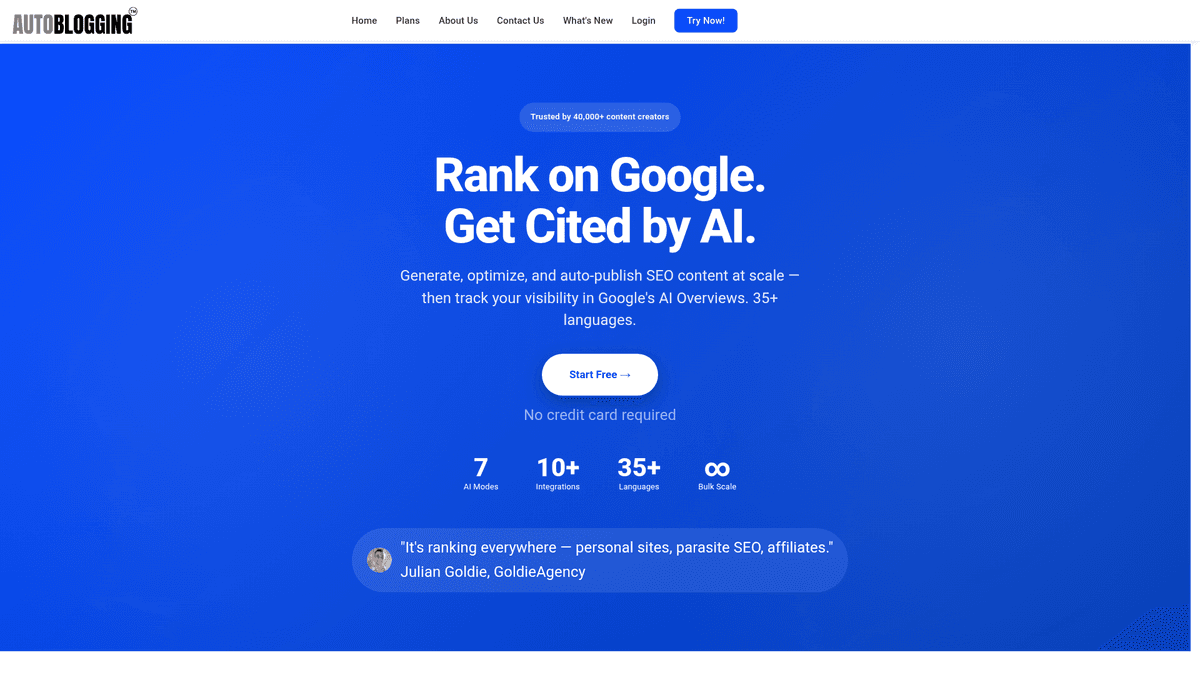
Autoblogging.ai is aimed at a different headache: feeding a large publishing queue. Bulk creation can make sense for a niche site with a prepared keyword map and a repeatable format, especially if an operator already knows how to screen articles before they go live.
I would price a batch by approved articles rather than generated articles. Include the hours spent cutting repetition, checking claims, adding your own experience and correcting product details. A batch with many rewrites can swallow the time you hoped to save.
I would not ask Autoblogging.ai to choose a new SaaS company's best keywords or track brand mentions in AI answers. I would use it to fill a prepared batch, with a review gate before publication. More output means more errors to catch. Its published Starter plan is $19 per month for 40 credits, so check how many credits your intended article type uses.
6. RightBlogger: for a solo blogger who wants less setup

RightBlogger has a more complete blogging workflow than the phrase “AI writer” suggests. Its published Solo plan includes keyword research, AI article writing, automated blog publishing, one site, and SEO reports. The plan page also lists connections to WordPress, Shopify, Webflow, Framer, Ghost and Wix. I like the fact that the same page spells out limits instead of leaving you to guess what “unlimited” means.
Paid plans include unlimited words for content you create yourself, but automations have scheduling limits: up to 30 queued posts and five scheduled posts per day per site on the published plan details. Solo starts at $49 per month with annual billing or $59 paid monthly, and the pricing page describes a free account with 2,000 AI words per month. Those details make it easy to work out whether one blog can fit your routine before you buy a larger plan.
For one blog, RightBlogger gives you a workable middle ground. You still have to choose a niche angle, add your own examples and decide which pages deserve attention. I would pick it when I wanted an easy publishing routine without spending most of my time inside an optimization editor.
7. Writesonic: for content plus AI-search visibility
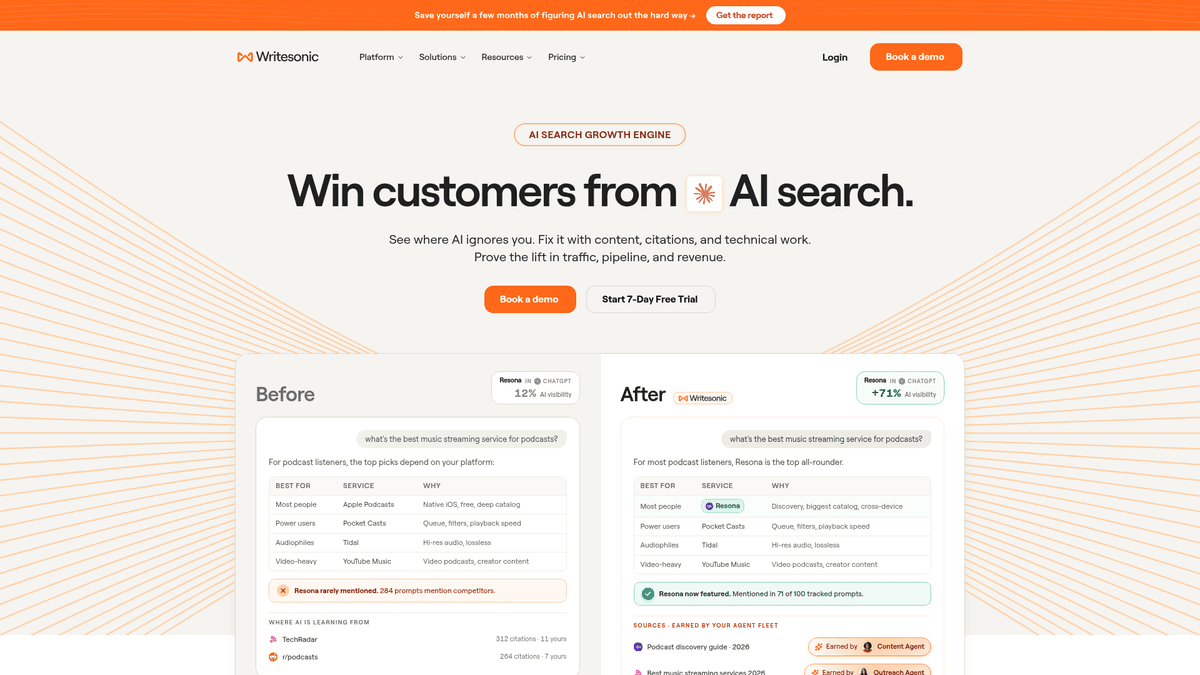
Writesonic puts AI articles and brand tracking on the same Starter plan. You can follow appearances across ChatGPT, Gemini and Google AI Overviews, and the plan includes site audits. That combination is useful if your team already has specific buyer questions it wants to monitor.
The listed Starter price is $79 per month billed annually, with 15 AI articles per month, 50 tracked prompts and 50 answers tracked daily. The higher tiers increase content and monitoring allowances; the pricing page places a wider set of AI platforms on its Enterprise plan. I would not buy an entry plan on the assumption that it covers every assistant or unlimited prompts.
For a personal blog that only needs drafts, the AI visibility dashboard adds a cost you may not need. Tracking earns its keep when you know which buyer questions to monitor in assistant answers. For a deeper look at that trade-off, see Writesonic alternatives.
8. Jasper: for brand voice across a marketing team

Jasper fits teams producing blogs, product emails, landing pages and social posts. If several marketers share the writing, its brand-voice tools can help them keep the tone consistent across formats.
Give Jasper an existing brand brief and a piece with a particular tone. Then put the result next to an approved page from your site. If the copy adds your name to stock marketing claims, you still have positioning work to do.
If your goal is scheduled SEO publishing, Jasper leaves planning and optimization to you. I would choose it when a team already runs SEO and needs consistent marketing copy. Pro is $69 per seat per month on monthly billing or $59 per seat per month billed annually. The Jasper alternatives guide looks at that choice in more detail.
9. SEOWriting.ai: for budget-minded long-form production

SEOWriting.ai is one of the closer KoalaWriter alternatives in spirit: it is oriented around generating long-form SEO articles and batches quickly. If your team supplies the topic strategy and has someone to inspect the finished drafts, its bulk-friendly approach can keep production simple.
I would start with a comparison article. Broad explainers are easier to draft; comparisons force the writer to distinguish current features and say who each product suits. Count your corrections before publication and see whether the headings match the questions your customers ask. The minutes spent generating a draft are only part of the cost.
Its limitation is the same as any volume-first workflow: a low apparent article cost does not include fact-checking, first-hand insight or a distribution plan. Starter is listed at $14 per month billed annually or $19 paid monthly, with up to 50 articles. If your main goal is inexpensive batch drafting, put it on the shortlist; if your problem is choosing and prioritizing high-intent keywords, judge that separately.
10. Byword: for a minimal bulk-writing workflow
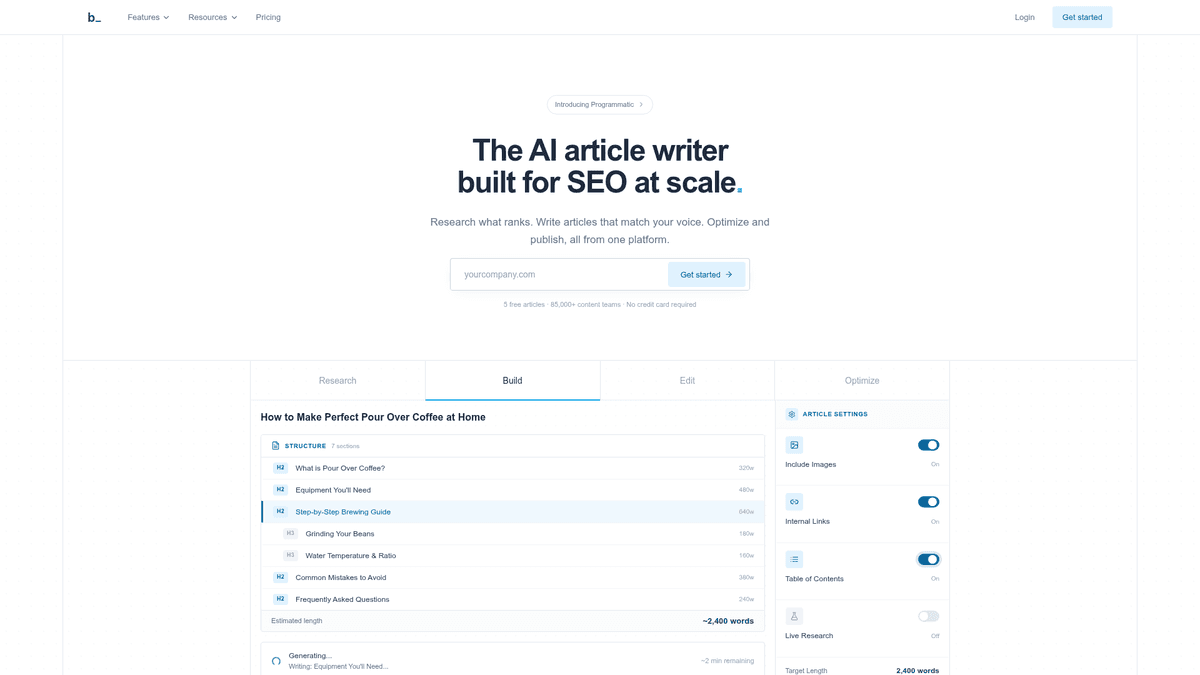
Byword appeals to an operator who already has a spreadsheet of topics and wants a low-friction way to turn them into drafts. There is value in a minimal interface when you are running a niche site and do not need another complex editorial dashboard built for advanced users.
I would use Byword for production after choosing the topics myself. Give it a few varied assignments, then read the results side by side: a product review should serve a different reader from an explainer. Before scheduling affiliate content, have a person check claims about price, availability and performance.
Speed and simplicity leave more planning to you. You need a keyword map, editorial standards and somewhere to measure outcomes. Starter is $99 per month on monthly billing or $83 per month billed annually, with 25 articles per month.
GEO bonus: when visibility tracking is a separate purchase
GEO, or generative engine optimization, helps AI assistants understand your business and cite useful pages. A Google listing tells you little about what an AI engine such as ChatGPT or Gemini says when a buyer asks for a recommendation. To see those answers, you need monitoring alongside content production.
AthenaHQ, Otterly AI and Profound are separate monitoring options. I would use a question such as “Which software works for a two-person support team?” and watch the answers across ChatGPT, Perplexity, Gemini and Google AI Overviews. The useful bits are the prompts, brand mentions and cited sources. They tell you which product pages or comparisons need more substance and where original research might help.
Set a small group of buyer-intent prompts first. Note whether your brand appears, who else is mentioned, and which pages are cited. Repeat with the same prompts over time rather than treating one answer as a stable ranking. These are visibility tools, not replacements for writing and publishing. If you need a wider comparison, AI visibility tools puts the monitoring category in context.
How I would choose a KoalaWriter alternative
Write down the task you want off your calendar. “More AI content” could mean anything. “I spend every Friday choosing keywords and uploading drafts” points to a far smaller shortlist.
If your bottleneck is... | Start with... | Keep responsibility for... |
|---|---|---|
Research, planning and steady CMS publication | RankSpot | Brand positioning and review of early posts |
Optimizing a few valuable pages with an editor | Surfer SEO or Frase | Original expertise and final editorial decisions |
Drafting a large prepared keyword list | Autoblogging.ai, SEOWriting.ai or Byword | Fact-checking and quality control |
Managing one blog without a complex setup | RightBlogger | Distinct angles and first-hand examples |
Monitoring whether AI answers mention your company | Writesonic, or a separate GEO tracker | Prompt selection and acting on the findings |
Consistent copy across several marketing formats | Jasper | SEO planning and publishing |
Before moving a whole blog, try a small pilot. Pick three real topics: an explainer, a buyer-intent comparison and a post that needs your product knowledge. Use the same brief for each tool. Time everything from research to a publishable post, including edits, sourcing, images and CMS work. Then price the plan against the number of posts you intend to publish.
An affiliate site needs accurate product details and someone to edit them. A founder needs a cadence that survives the rest of the job, with topics tied to actual buyers. If you already have an editor, better briefs and page-level controls may do more for you than more raw words. I would watch qualified visits and leads, as well as whether buyers find the pages that matter.
The bottom line
Pick the Koala Writer alternative that takes on the task slowing you down. Surfer and Frase suit an editor-led team. RightBlogger suits a solo blogger who wants an easy setup. A batch tool needs an operator with a plan and time to review the output; Writesonic earns a look if you also need AI-answer monitoring.
If posts keep getting stuck between “we should do SEO” and “it's live,” try RankSpot. It handles research, planning, writing, images and CMS publication; the first three free articles let you judge how well it handles your business. Keep a close eye on accuracy whichever publishing schedule you choose.
FAQ
Is koala ai good?
Koala AI can be a good fit when you already have keywords, want fast drafts, and will edit and fact-check each post. If you need the tool to plan a content calendar or measure results across search and AI answers, look at a broader workflow instead.
How much does Koala AI cost per month?
KoalaWriter's listed entry price is $9 per month for 15,000 words. Plans have different word allowances. Include model usage and editing time when you work out the cost for your publishing schedule.