The best SEO MCP servers in 2026 let Claude, ChatGPT, Cursor and Codex call live SEO tools in plain English. If you are a founder tired of moving data between dashboards and spreadsheets, pay attention to what the assistant can do after it finds an opportunity. Some connections fetch numbers; others help you get an article published or a technical task done.
What is an SEO MCP server?
MCP stands for Model Context Protocol, an open standard introduced by Anthropic for connecting AI assistants to external tools and data. An SEO MCP server exposes functions such as reading Search Console queries, fetching keyword metrics, starting a crawl or publishing a post. The assistant calls those functions when you ask a question; it is not simply guessing from its training data.
"MCP addresses this challenge. It provides a universal, open standard for connecting AI systems with data sources, replacing fragmented integrations with a single protocol." - Anthropic
A remote server runs on the provider's infrastructure; you connect a URL and sign in. A local server runs on your computer, often through a Node.js command or inside a desktop SEO app. Claude Desktop and Cursor can run local tools. For browser-based assistants, a hosted connection can spare you an installation.
Look at permissions before connecting your site. A backlink tool may have no right to edit anything, while a publishing tool needs write access. Keep reading and publishing permissions separate, and review anything that could change a live page.
How to choose an SEO MCP server
Think about the task you want to hand off first.
Reads or acts? You can ask a read-only tool which page lost clicks. An action tool might launch a crawl, submit a sitemap or publish an approved post. Some servers do both; others limit permissions.
Your data or the market? Search Console shows how your pages perform. Keyword and backlink databases help you look beyond your property. For many teams, one of each is enough.
Remote or local? A remote connection takes less setup and works across devices. For a local desktop crawler, you need the machine and app running.
Traditional search or AI visibility? If you need AI Overview or assistant-mention data, make sure the tool actually supplies it. Extracting a web page is not the same as monitoring AI answers.
Subscription, API units or per-action charges? A monthly plan can suit recurring reporting. Paying per request may cost less for occasional research, though an automated run can burn through credits.
For a first test, ask your assistant to retrieve one page or query, name its data source and suggest a next step. See whether the connected server can perform that step or only describe it.
If AI mentions are part of your goal, see how AI visibility tools differ from ordinary ranking trackers.
Best SEO MCP servers in 2026 at a glance
Server | Best for | Reads or acts | Setup | Starting price |
|---|---|---|---|---|
RankSpot | Research through content publishing | Reads and acts | Remote; OAuth or API key | Free account; paid actions by use |
Moz Data MCP | Keyword, authority and link research | Reads | Hosted; Moz API access | Check Moz API plan and limits |
SE Ranking | Broad SEO and AI-search data | Primarily reads | Remote; account connection | Core $129/month |
Ahrefs | Backlink and keyword research | Reads | Remote; account connection | Lite $129/month; API units apply |
Semrush | Competitive and domain analysis | Reads | Remote; account connection | Business $499/month plus API units |
DataForSEO | Raw SEO data for custom workflows | Reads | Remote or local; API credentials | Pay as you go; $50 minimum deposit |
Google Search Console community MCP | Your own query and page performance | Mostly reads; some versions can submit sitemaps | Local; Google credentials | Free software |
Screaming Frog | Desktop-driven technical crawling | Reads and starts crawls | Local; SEO Spider | £199/year licence |
Serpstat | Keyword and competitive research | Reads | Remote; account connection | Team $100/month |
Apify | Web scraping and competitor page research | Runs Actors and reads results | Remote or local | Free, $0/month with $5 usage credit |
The table shows what it takes to start using each server. It does not include your AI assistant, add-ons or extra usage. If a provider charges API units, estimate how many calls your workflow will make.
1. RankSpot: Best for taking SEO research through to publishing
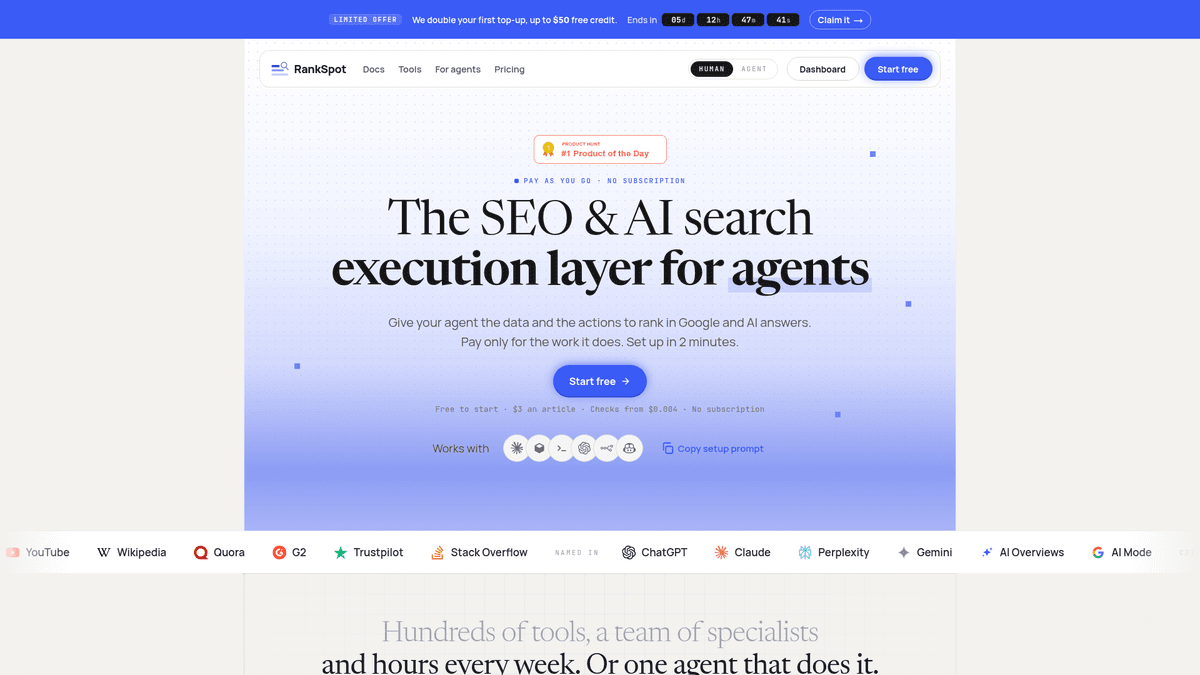
Best for: Founders and lean teams who want the assistant to find an opportunity and carry approved content work through to publication.
RankSpot's remote SEO MCP connects to Claude, Claude Code, Cursor, VS Code, Codex CLI and ChatGPT through OAuth or an API key. Ask it for competitor keywords, scored topic clusters, backlink gaps, People Also Ask questions, Search Console quick wins or relevant Reddit and Quora conversations. That gives a busy founder a shortlist of work rather than another dashboard to inspect.
You can connect the RankSpot SEO MCP to your assistant. If you are still weighing software choices, compare AI SEO tools for founders before adding another subscription.
RankSpot can also generate and publish articles and support outreach from the same assistant conversation. You might ask for high-intent topics, pick a cluster, review a draft and publish it without moving exports through a separate writing and CMS process. Keep a person in the approval loop before anything goes live.
Strengths: Research, prioritization, content creation and publishing in one remote workflow, plus forum opportunities beyond Google.
Limitations: Its index is smaller than the large established backlink databases. Per-action costs add up when you run paid tasks at volume.
Pricing: Free account and free data-reading tools; actions are billed per use rather than requiring a subscription. An example publishing action costs $3, with $1 in free credit to start.
2. Moz Data MCP: Best for authority and link research
Best for: Teams that want Moz keyword, site authority and backlink data inside an AI assistant.
Moz's official hosted MCP server exposes Moz API data to compatible clients, including Claude, ChatGPT and Cursor. Ask for ranking keywords, search intent or a competitor backlink gap. Moz also provides Domain Authority and Brand Authority metrics, so you can compare link strength with broader brand demand. Its link-intersect workflow can find sites linking to competitors but not to you.
This is a research connection, not a way to fix pages or publish posts. Check your Moz API access and request limits before setting up a recurring agent workflow; do not assume a Moz Pro subscription covers the API calls you need.
Strengths: Official Moz API connection for keyword, authority and backlink analysis, including competitor link gaps.
Limitations: Does not publish content or perform site fixes; API access and allowances need checking separately.
Pricing: Depends on your Moz API plan and usage limits; confirm current terms before connecting.
3. SE Ranking: Best for a broad SEO data connection
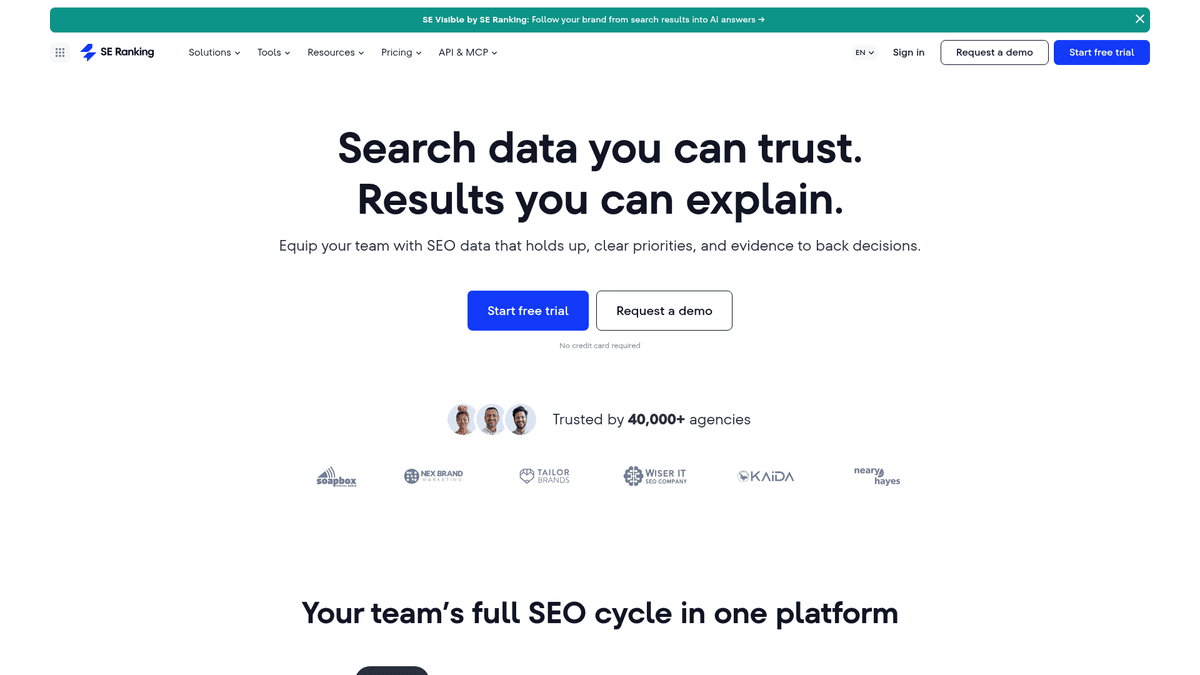
Best for: Teams that want keywords, backlinks, rank tracking, audits and AI-search visibility within one SEO suite.
SE Ranking connects assistants to competitive research and projects in your account. If your reports include AI answers alongside conventional rankings, its AI visibility tools belong in the same conversation. Pull a keyword set, then compare it with tracked pages and audit findings.
Your account and plan allowances determine what the assistant can retrieve. SE Ranking supplies a lot of data, though you will still need a content production workflow. For a few searches each month, a metered data service may cost less than a suite subscription.
Strengths: Broad coverage of search research, owned projects and AI visibility through a hosted connection.
Limitations: Frequent automated calls make usage harder to estimate. It does not handle your content publishing workflow.
Pricing: Core starts at $129 per month on monthly billing and includes MCP access and 25,000 monthly API credits.
4. Ahrefs: Best for backlink-led research
Best for: Teams that already rely on Ahrefs to investigate linking sites, competitor pages and keyword opportunities.
Ahrefs offers a hosted MCP connection for keyword and backlink data. Ask which domains attract backlinks and which referring sites could matter to your campaign. Search Console covers your own performance; Ahrefs gives you the outside view.
Each call draws on your plan's API allowance. Repeated queries, large lists and scheduled research loops will spend units. Your assistant can interpret the results, but you still need another process to write, approve and publish.
Strengths: Useful backlink and keyword data for teams with an existing Ahrefs workflow.
Limitations: API units are metered; analysis does not itself create content or fix pages.
Pricing: Lite starts at $129 per month on monthly billing, including 200,000 API units per month; MCP calls draw on those units.
5. Semrush: Best for competitive domain analysis
Best for: Existing Semrush customers who want their assistant to answer domain, keyword and backlink questions using live suite data.
Semrush's hosted MCP gives your assistant SEO API data for competitor and keyword research. Traffic and market information depend on your API entitlement. If your team already tracks projects in Semrush, you can use those familiar datasets in a chat.
A dashboard subscription does not grant access to every API endpoint. Your plan and API units determine what calls you can make. The connector reads and analyzes; it does not edit projects or publish content.
Strengths: Keyword, domain and backlink context within a familiar suite.
Limitations: Your API entitlement may cover less than your dashboard plan. Project operations are read-only.
Pricing: Business starts at $499 per month on monthly billing and lists API access; SEO API units are purchased separately.
6. DataForSEO: Best for custom, pay-as-you-go research
Best for: Operators building their own prompts, scripts or agents around raw search data.
DataForSEO exposes SERP, keyword, backlink and on-page API data through MCP, remotely or through a local installation. Use it to pull a current SERP or a few keyword metrics without buying a dashboard suite.
You still need to choose the right API endpoint and interpret the results. A vague request can trigger many paid calls, so ask narrow questions and set a budget before running a large job.
Strengths: Flexible API coverage and usage-based billing for bespoke workflows.
Limitations: You need to know which endpoint to call and keep prompts narrow enough to control spending.
Pricing: Pay as you go with a $50 minimum account payment; individual API requests draw down that balance.
7. Google Search Console community MCP: Best free route to your own search data
Best for: A technical founder who wants to ask questions about the queries and pages already appearing in Google Search.
With a community-built Search Console server, a local MCP client can retrieve clicks, impressions, queries and page performance using your Google credentials. Ask which pages lost clicks or which queries earn impressions but few clicks. The server software can be free; your AI client may still charge for access.
Google does not maintain this community server. You handle OAuth or service-account credentials when you install it, and you decide which permissions to grant. Some implementations can submit sitemaps. Search Console also has no market-wide backlink or keyword database.
Strengths: First-party performance data without a paid SEO-suite subscription.
Limitations: You handle the setup and Google credentials yourself. Search Console does not provide market-wide data.
Pricing: Free open-source server software; no separate server subscription.
8. Screaming Frog: Best for controlling a desktop crawl
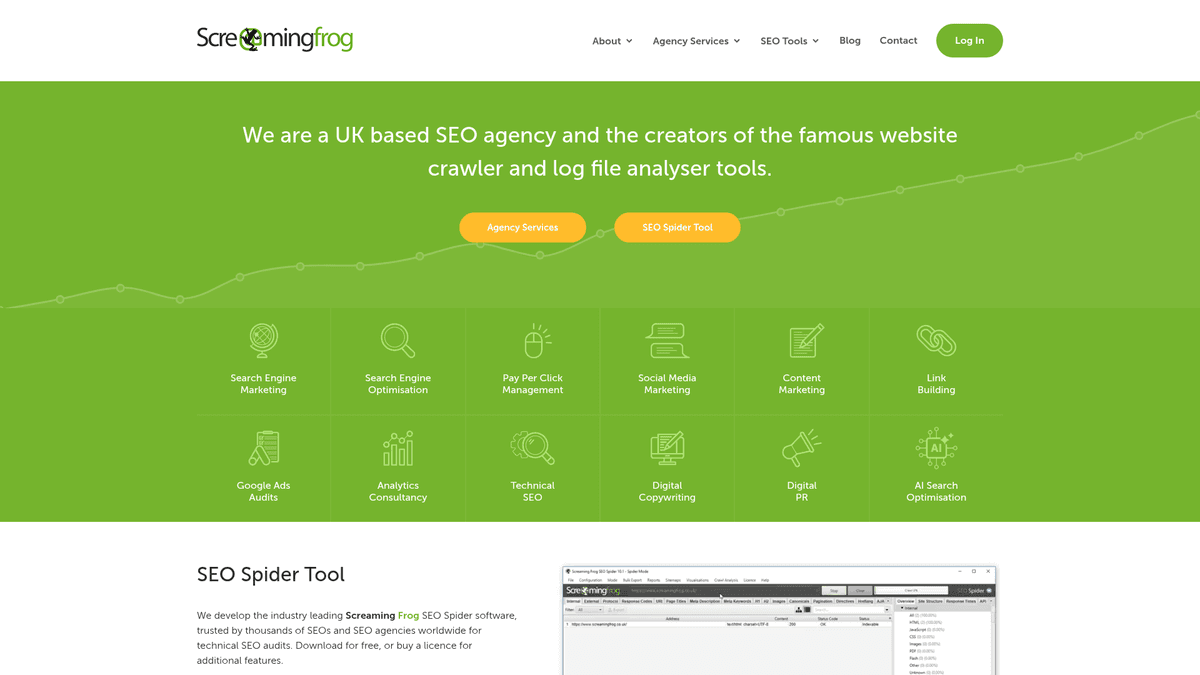
Best for: Technical SEOs who already use SEO Spider and want an assistant to run a crawl or interrogate its results.
Screaming Frog's SEO Spider includes a local MCP server in version 24 and later. From a compatible desktop client, your assistant can start a crawl and pull data or exports. The crawl runs on your machine and does not edit the live site. Ask for pages with missing titles and the internal links pointing to them.
If you run technical audits each week, the local setup and licence may fit your existing process. For a quick browser-based ChatGPT question, it adds friction. It will not supply an external backlink index or publish content.
Strengths: Direct access to a capable desktop crawler, with actions as well as reports.
Limitations: The licensed app has to run locally. Treat file-writing and script permissions with care.
Pricing: A one-user licence is £199 per year; the MCP server is not part of the free edition.
9. Serpstat: Best for keyword research in an existing Serpstat workflow
Best for: Teams already using Serpstat that want SEO research inside an AI assistant.
Serpstat's remote MCP covers keyword and competitive research, site-audit information and AI Overview data. If your team uses those datasets already, ask the assistant to narrow a topic list without exporting a spreadsheet.
You will need other tools to publish pages or fix site issues. For an agent that makes many calls, account entitlements and API usage will affect the bill.
Strengths: Keyword and competitor research alongside audit and AI Overview information.
Limitations: You need a separate way to turn research into a published page.
Pricing: MCP access starts with Team, listed at $100 per month; the Individual plan does not include it.
10. Apify: Best for flexible web scraping and competitor research
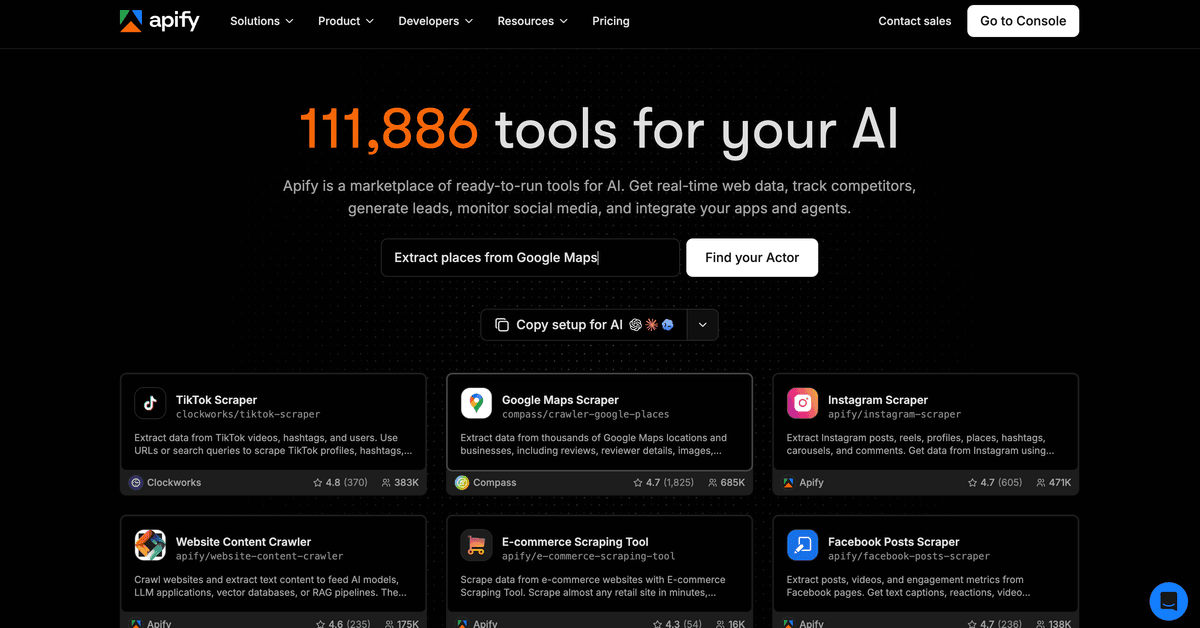
Best for: Pulling competitor pages and other public web data into an assistant without building a scraper from scratch.
Apify's official MCP server lets your assistant find and run ready-made tools called Actors, then read their results. For example, you could collect competitor product-page copy or gather public search results for a content brief. It offers a hosted connection and a local option; Actor jobs still run on Apify's platform.
Apify is a flexible data-collection layer, not a built-in keyword, ranking or backlink database. Check an Actor's inputs and price before running it. Costs vary by Actor and usage, especially if an agent launches many jobs.
Strengths: Broad range of scraping and extraction Actors, with hosted and local MCP setup options.
Limitations: Actor quality and pricing vary; scraping alone does not tell you how a page ranks.
Pricing: Free plan is $0 with $5 in monthly usage credit; Starter is $19 per month plus usage.
Build your SEO MCP stack
Start with one trusted data source and a way to act on what you find. You are unlikely to need all ten connections.
If research is easy but execution eats your week, compare SEO automation tools by the tasks they remove.
Team | Stack | First useful question | What happens next |
|---|---|---|---|
Solo founder | Search Console community MCP plus RankSpot | “Which pages are getting impressions without clicks, and what related topic should I tackle?” | Prioritize a topic, review a draft and publish when ready. |
Agency | Screaming Frog plus DataForSEO and Moz | “Which technical problems affect this client's important pages, and where do competitors have a link advantage?” | Run a crawl, compare backlink gaps with site evidence, then assign fixes and outreach. |
In-house growth team | SE Ranking or Ahrefs plus RankSpot | “Where are competitors winning links or keywords, and what can we publish next?” | Use suite data for research and a separate approved content workflow for execution. |
Give each server access only to the sites it needs. Start with read permissions; enable publishing or sitemap actions where someone will review the changes. If two servers answer the same question, choose the data source you trust and the bill you can explain.
Before adding another subscription, look at which SEO tools for small businesses cover essential research and which add more reporting.
Which one should you start with?
For data only, use Search Console for your pages, Moz or Ahrefs for backlink research, DataForSEO for metered market queries or Apify for public page data. For technical work, Screaming Frog controls a local desktop crawl.
For a lean team short on publishing time, RankSpot is the strongest starting point: research can lead to an approved article and publication in one workflow. Try its free reading tools, take one high-intent topic through to publication and compare the per-action cost with the hours you spend researching, drafting and publishing today.