If SEO gets squeezed between customer calls, choose AI SEO software that helps you publish useful pages without becoming a full-time editor. RankSpot handles research, writing, AI-answer visibility and publishing in one workflow. Already have a writer? Surfer or Frase may suit you better. For a free start, use Google Search Console and Ahrefs Webmaster Tools.
Each handoff costs founder time: keyword spreadsheet to draft, draft to CMS, CMS to reporting dashboard. I would build a one-person SEO setup around the handoff that keeps delaying the next post.
What founders should demand from AI SEO software
Start with the task you keep putting off. A content editor helps if someone writes. A rank tracker helps once you have pages to track. If your blog is empty, you need a way to make and publish content.
Before paying for an AI SEO tool, I would pin down four things:
Where does it stop? Research, drafting, optimization, publishing and measurement are different jobs. Count the handoffs you will still own.
What is the real monthly bill? Look beyond the entry price at document limits, AI credits, tracked keywords, prompts, seats and add-ons.
Can it produce something worth publishing? A content score does not fact-check a claim or explain why your product belongs in an answer. Plan for a human review of AI-generated claims, examples and positioning.
What does “AI visibility” actually mean? Tracking prompts and citations is different from formatting a post so an assistant might cite it. Neither guarantees mentions.
For a time-strapped founder, a reliable path from customer question to accurate published answer is worth more than another chart. If you struggle to choose topics, use a framework for finding high-intent keywords.
Know what each AI feature does
An AI content editor helps optimize content you plan to write; an AI writing tool produces a draft. Visibility trackers sample answers from AI engines to see whether your brand or page appears. An AI agent can go on to draft and publish, provided it has reliable inputs and your site is sound.
A dashboard may report visibility across ChatGPT, Perplexity and other AI models without telling you whether the result was a brand mention, a link to your domain or a citation to a specific page. Google AI Overviews and Google AI Mode are separate surfaces as well. Pick a small set of buyer questions and follow those results over time, so you can connect changes to the pages you publish.
Pew Research Center found that users clicked a traditional result on 8% of Google visits with an AI summary, compared with 15% of visits without one. That is one reason to watch both your search clicks and where your brand appears in AI answers.
"Users clicked a traditional search-result link on 8% of visits with an AI summary, compared with 15% of visits without one." - Pew Research Center
The nine tools at a glance
The options do different jobs: some produce content, some improve it, and some measure results. You may need a free measurement tool even if it cannot write a sentence for you.
Tool | Best for | Free plan? | Starting price |
|---|---|---|---|
RankSpot | Automated content and SEO/GEO workflow | Trial | $99/month |
Surfer SEO | Optimizing drafts you already produce | No | $49/month, billed annually |
Frase | Research, briefs and assisted drafting | Trial | $49/month |
SE Ranking | Tracking and analysis across a growing site | Trial | From $129/month |
Scalenut | Draft-first content production | Trial | $59/month |
Writesonic | Content creation with AI-search visibility | Trial | $79/month, billed annually |
Ahrefs Webmaster Tools | Auditing your verified website | Yes | Free |
Google Search Console | First-party search performance and indexing | Yes | Free |
NeuronWriter | Budget-conscious content optimization | No | $23/month ($19/month annual) |
Pricing: compare the work included, not just the entry fee
Scalenut's plan page lists its regular monthly rate; I left temporary discounts out of the table. The prices buy different article and prompt allowances, and those allowances can change. Surfer's $49 figure and Writesonic's $79 figure require annual billing. RankSpot's homepage states $99 monthly. NeuronWriter's Bronze tier is $23 monthly; Scalenut's Starter is $59 monthly.
Think about what you will publish before you choose an allowance. Five articles a month may be enough for detailed SaaS product explainers; daily posting needs more. Keywords tracked in search engines and prompts monitored in AI engines are separate quotas. White-label reports help agencies, but I would pay for dependable publishing first if I were doing this alone.
1. RankSpot: best for getting a content workflow off your plate
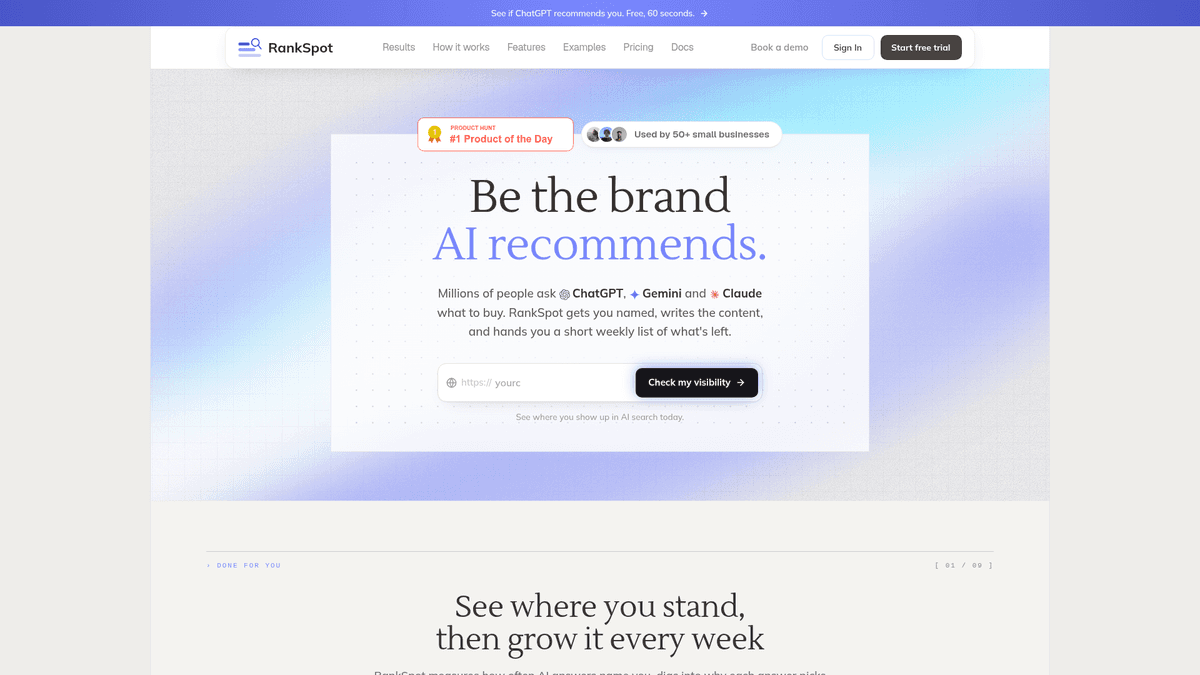
RankSpot starts with your website URL, identifies your niche and competitors, finds search keywords and questions buyers ask AI assistants, then builds and publishes articles. It connects to WordPress, Webflow, Wix, Shopify, Framer and Ghost, among other CMSs. Articles can include headings, tables, sources, images, videos and internal links. Its AI visibility dashboard shows tracked prompts, mentions, citations and competing brands alongside Google Search Console data.
RankSpot makes the most sense when no one has time to research, write and publish the next post. You can edit an article before it goes live or let the workflow publish it. It also surfaces relevant forums and Reddit threads where buyers ask about your category. RankSpot supports more than 100 languages and advertises up to 30 articles a month. For another angle on recurring tasks, see SEO automation tools.
Best fit: A founder who wants a consistent blog plus a view of AI-answer visibility without coordinating multiple subscriptions and freelancers. Limitation: An automated article still needs your judgment on product claims, customer examples and any sensitive advice. And the platform is not a replacement for hands-on technical SEO work on a broken website.
RankSpot's homepage lists $99 per month and a three-day free trial. That price makes sense if you want the posts published rather than another editor to work in at night.
2. Surfer SEO: best for improving drafts when you already have a writer
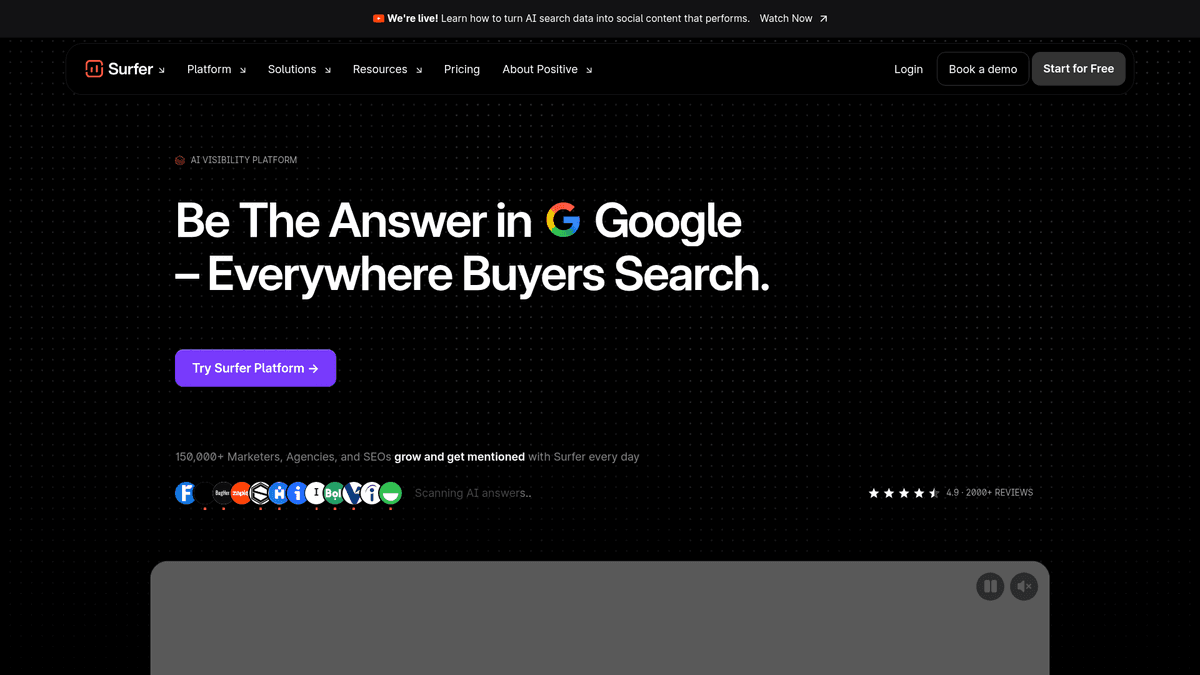
Surfer's Content Editor suggests structure, related terms and content coverage as you write. The platform also offers keyword research and topical mapping, AI writing, WordPress export and a separate AI Tracker for brand mentions and prompt visibility. You can spot missing coverage while the draft is still open.
I would use it when a founder writes their own articles, has a freelance writer, or already has a content queue that needs a more disciplined on-page pass. Entry starts at $49 per month billed annually; that is not the price of its standalone AI-search tracking product or an allowance for unlimited AI-written articles.
Trade-off: You still own the content pipeline and editorial decisions. The document allowance and credit model matter if you publish frequently.
3. Frase: best for a solo operator who writes from a brief
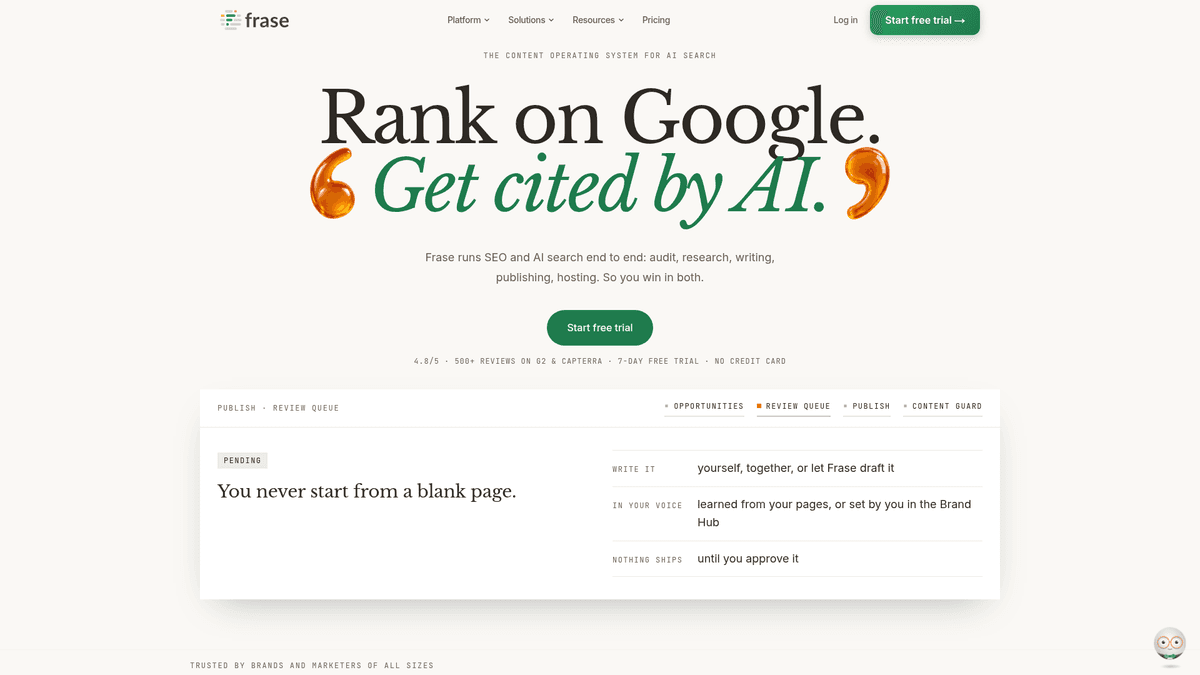
Frase turns a target topic into a research view, outline and draft. Its editor suggests improvements as you write, and its Search Console connection can surface opportunities in existing pages. It gives a solo writer more structure than a blank Google Doc without making them give up control of the copy.
Say prospects keep asking whether your SaaS works with Shopify. A Frase brief can organize the questions your integration page needs to answer. You supply the product knowledge, screenshots and proof. Its GEO optimization feature has been described as beta, so I would not buy it solely for AI citation tracking.
Trade-off: Even with publishing features, you still need to edit, approve and manage a publishing cadence. Match the plan's document and AI limits to the number of pages you intend to produce. Its $49 monthly entry rate is different from an annual-billing offer.
4. SE Ranking: best for tracking a site that already has traction
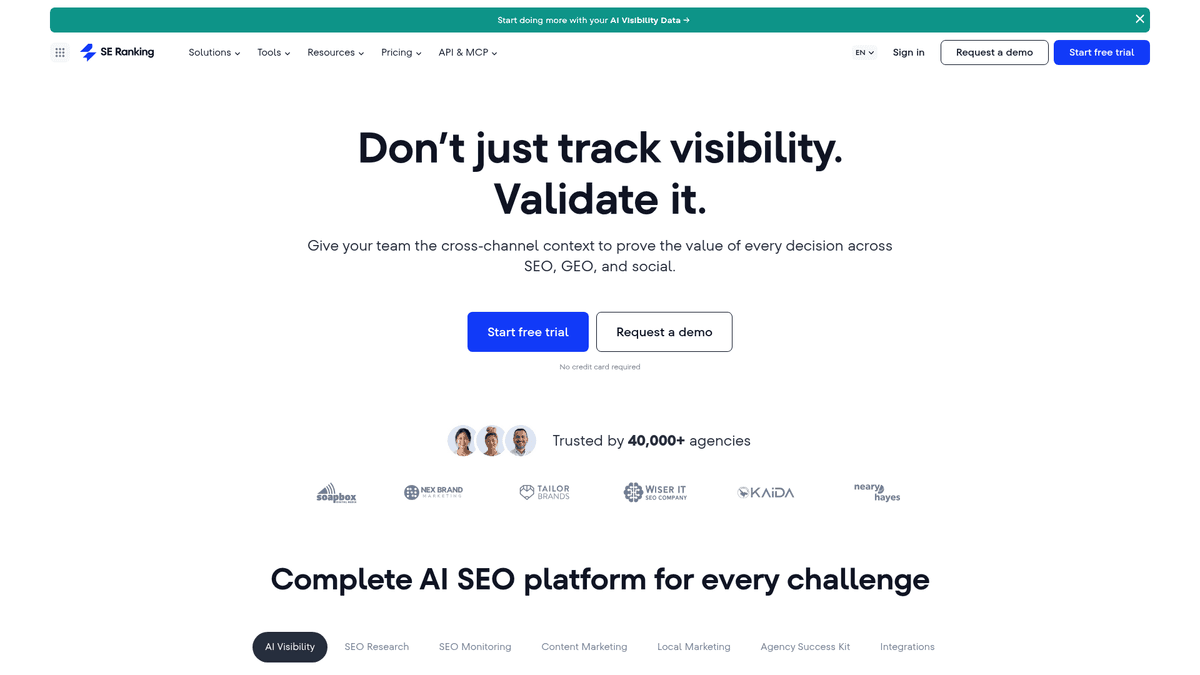
SE Ranking gives you keyword research, rank tracking, site audits, competitor analysis and AI-search monitoring. If you already have a library of posts, it can show which pages are losing positions. You can then decide whether to update the answer, add an internal link or fix a technical problem.
Its AI-search toolkit tracks mentions and links across AI answers, with extra prompt capacity available as an add-on. Entry starts at $129 per month; plan scope and billing terms matter more than the headline number. If backlink analysis and rank history already guide your content updates, those reporting features may earn their place in your stack.
Trade-off: A capable analysis suite can create more tasks than one founder can act on. If the actual bottleneck is writing and publishing, analytics alone will not clear it.
5. Scalenut: best for moving quickly from topic to draft

Scalenut's Cruise Mode generates SEO drafts quickly. Its keyword planner and clustering tools group related searches, which helps when you know your subject but cannot get through your backlog of ideas.
I would treat the first draft as raw material. Add real product details, remove unsupported claims, and make sure each piece serves a distinct reader question rather than repeating a neighboring article.
Trade-off: Its $59 monthly Starter plan includes five articles and weekly tracking for up to 10 prompts; auto-publishing to WordPress and Shopify appears on the $89 monthly Plus plan. Draft speed on the entry tier still leaves you with editing and publishing work.
6. Writesonic: best for teams exploring content and GEO together
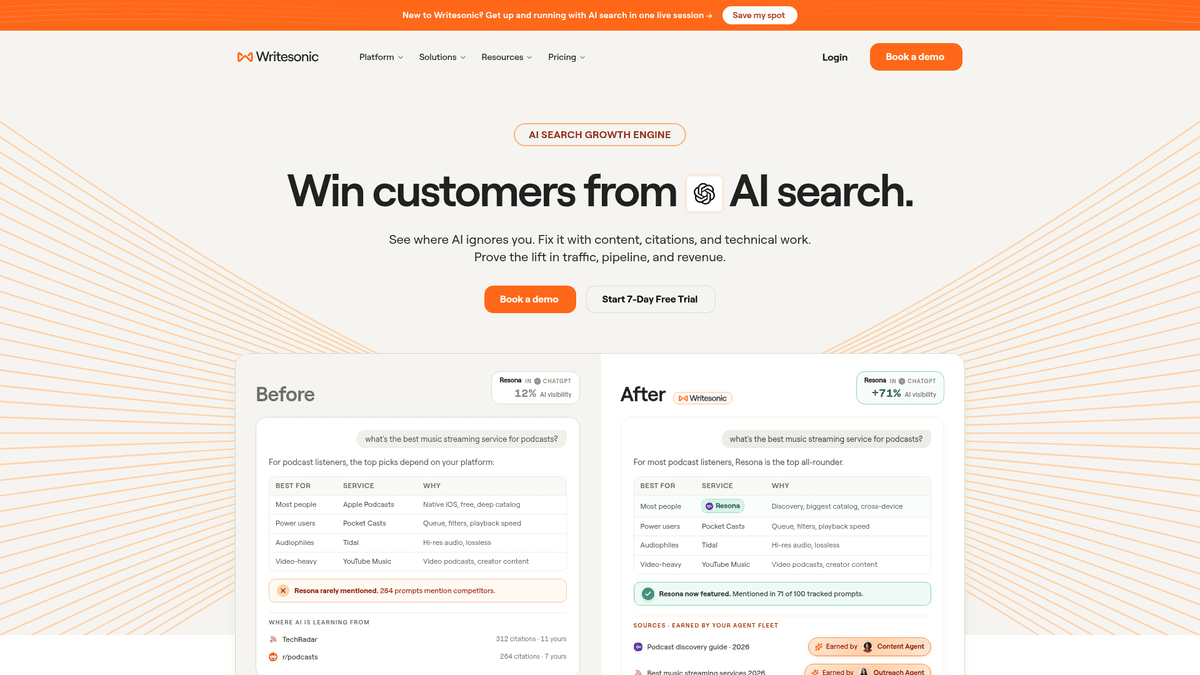
Writesonic puts AI writing next to monitoring for AI answers. Its GEO tools look at mentions, cited URLs and prompts across AI systems. That gives you something concrete to follow after you publish a draft.
If other products keep showing up for a buyer question, Writesonic can help you see that question and draft a page to answer it. Compare its content creation and AI visibility allowances separately. The cheapest plan does not necessarily give you the full version of both.
Trade-off: Its Starter tier starts at $79 a month with annual billing; deeper GEO features sit on higher tiers. Its broad feature set requires time to decide which metric should change what you publish. Writing a page and monitoring mentions do not guarantee that an assistant will cite it.
7. Ahrefs Webmaster Tools: best free audit of your own site
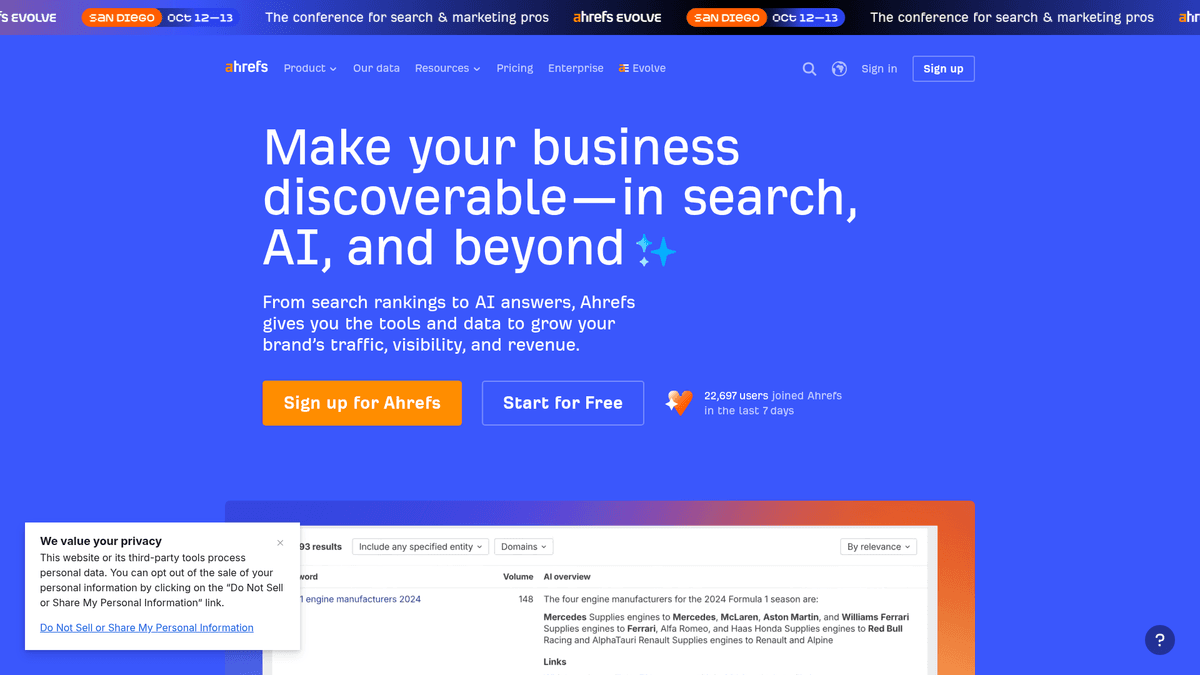
Ahrefs Webmaster Tools is a useful starting point for verified websites. It brings site-audit and search-performance views into a free account, helping you spot technical issues and understand which pages attract organic traffic and links. This is especially useful before paying for a full research suite.
If you have a small catalog and a blog, look for broken pages, weak internal links or posts that already get some attention. Improving one of those pages may do more for you this week than generating ten drafts.
Trade-off: Webmaster Tools is not the full paid Ahrefs product. Do not buy it expecting a complete competitor research workflow, automated article writer or CMS publisher.
8. Google Search Console: the free baseline I would set up first
Search Console is where you see Google's own data about your site's clicks, impressions, queries and pages, as well as indexing. It is free and should be installed before trying to judge whether any paid AI SEO optimization software is helping.
Look for a page with impressions but few clicks and read its title against the queries that brought it up. Search Console also lets you investigate a new page that has not appeared in Google. It will not tell you what ChatGPT said about your brand. For a WordPress blog, these SEO tools for WordPress cover the CMS side.
Trade-off: It diagnoses and measures; it will not plan, draft or publish articles for you.
9. NeuronWriter: best for a budget-conscious on-page editor
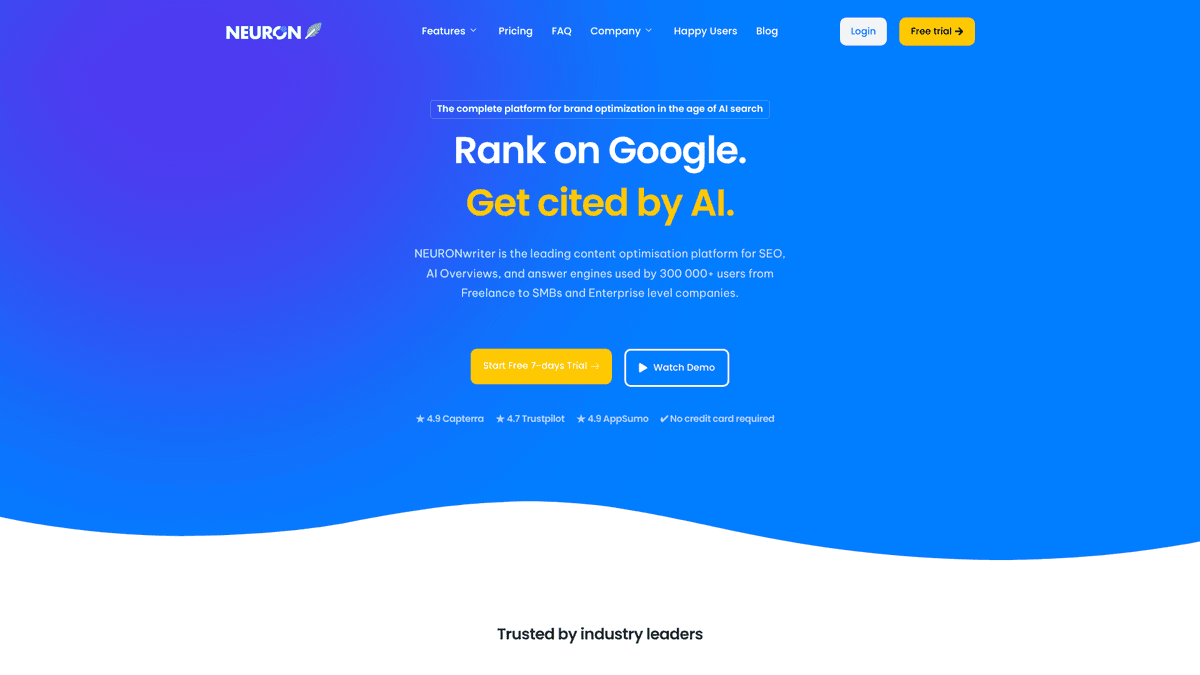
NeuronWriter suggests terms and helps you edit a draft for a target query. If you are comfortable doing the writing yourself, it gives you a way to check coverage before you publish.
Take the suggestions that make the answer clearer for a buyer. Skip a phrase if it sounds unnatural in your copy. You do not need to fill every recommendation to explain your product well.
Trade-off: It is an editing tool, not a substitute for a research-to-CMS workflow. You will still need to manage sourcing, images, publishing and measurement.
NeuronWriter lists Bronze at $23 monthly or $19 monthly with annual payment. That is a lower-cost editing option if you will supply the writing and publishing time yourself.
How to choose by budget and team size
Situation | Start here | Why |
|---|---|---|
No budget and no existing content process | Search Console + Ahrefs Webmaster Tools | Get first-party data and fix your own site before buying another dashboard. |
You write one or two high-stakes pieces yourself | Search Console + NeuronWriter or Frase | Keep control of the copy, add a research or optimization layer where you need it. |
You have a writer but need a tighter editing standard | Search Console + Surfer | Spend on better briefs and on-page improvement, not another general chatbot. |
You already publish regularly and need visibility trends | Search Console + SE Ranking | Monitor rankings, issues and emerging opportunities across your site. |
You cannot maintain a regular publishing schedule | Search Console + RankSpot | Remove the research-to-CMS handoffs and monitor search and AI-answer visibility together. |
AI mentions are a major buying channel | Compare RankSpot, Writesonic and specialist tracking features | Look at prompt coverage, cited URLs and whether the tool helps you act on a missed mention. |
Resist buying five tools for five attractive features. Set up the free baseline, name the task that is stuck, then pay to remove that bottleneck. A writer may only need an editor; a founder with nobody to write needs help creating the work first. For more detail on tracking, compare AI visibility tools.
A simple SEO and GEO workflow for a solo founder

Monday: find one question with purchase intent. Look at Search Console queries, customer emails, sales calls and what people ask AI about your category. A comparison, use-case or integration question often makes a better starting point than a broad topic with high search volume. You can also find competitor keywords and pick questions you can answer from firsthand knowledge.
Tuesday: write an answer worth citing. Explain who the product serves and how a buyer should decide. Use accurate details and original evidence where you have it, with descriptive headings and links to related pages on your site. Remove any AI-generated claim you cannot support.
Wednesday: publish and connect the page. Read the live post on a phone. Check its title, description, internal links, final CMS version and indexing status. Direct publishing saves a handoff, but it does not replace a look at the live page.
Later: measure the two channels separately. Search Console shows whether Google displays the page and sends clicks. An AI visibility tool can watch for brand mentions and URL citations on your tracked prompts. Keep the measures apart: rising clicks do not prove you earned more AI citations. Refresh the page when you can answer the question better or the product changes, rather than chasing a content score.
The bottom line
Starting from zero, I would install Search Console first. With a writer in place, I would look at Surfer or NeuronWriter. Frase helps when briefs take too long; SE Ranking makes more sense once you have a site to monitor. If the next post keeps failing to get published, RankSpot addresses the whole research-to-CMS job.
For a founder short on time, I would start a RankSpot trial. Content planning, production, direct CMS publishing and AI-answer visibility sit in the same workflow. Read the first live article closely; the subscription earns its place if you save work and can stand behind what it publishes.
FAQ
Is there an AI that can do SEO?
Yes. AI SEO tools can help with research, drafts, on-page optimization, publishing and visibility tracking, depending on the product. You still need to review factual claims, site health and whether the content answers a real customer question.
Is SEO still worth it with AI?
Yes, if you publish useful pages your buyers actually need. Measure Google clicks with Search Console and assess AI mentions separately; a strong search strategy gives you useful source material for both channels, but citations are not guaranteed.
How much does AI SEO cost?
You can start free with Google Search Console and Ahrefs Webmaster Tools. Paid tools differ by job: the prices shown here start at $49 per month billed annually for Surfer and $99 per month for RankSpot, while writing credits, tracking limits and add-ons may increase the total.