SEO tools for business owners can start with free Google services. Find out whether Google can see your pages, what searches bring visitors, and whether those visitors become customers. Pay for software when you need help with a recurring job, such as publishing useful pages or tracking several service areas.
If customers visit your premises or you serve them at their location, work on your Google Business Profile before buying a keyword dashboard. If you sell online, watch the searches that bring visitors to your site and what those visitors buy. The 11 SEO tools for small businesses below tackle different jobs at different costs.
What a small business actually needs from SEO tools
Before choosing software, ask four questions:
Can people find us? Search Console shows how your site appears in Google Search, while Business Profile covers your listing on Search and Maps.
Do visits lead anywhere? Google Analytics 4 (GA4) helps you see whether visitors contact you, book, or buy.
What should we improve next? Keyword tools suggest subjects customers search for; site audits flag pages with technical problems.
Can we keep doing the work? A writing and publishing workflow or local tracking tool becomes useful only if it removes a recurring bottleneck.
“Keyword” means a phrase someone searches. “Ranking” means where a result appears for that phrase. A “citation” is an online listing of your business name, address, and phone number. You can make useful decisions without mastering every dashboard.
Match the tool to the job. A plumbing company with a few service pages may get more from accurate local information and a working contact form than from comprehensive SEO analysis. An online store with many categories may need technical SEO checks sooner: these look for problems that keep search engines from finding or using its pages.
Compare the 11 tools at a glance
Prices below are USD for entry-level plans on monthly billing. A lower monthly equivalent may require paying for a year upfront. A free trial is not the same as a permanent free plan. The best SEO tools are the ones that solve a job you actually have, not necessarily the ones with the longest feature lists.
Tool | Best for | Free plan? | Starting price |
|---|---|---|---|
Google Search Console | Measuring Google Search queries and indexing | Yes | Free |
Google Analytics 4 | Seeing what website visitors do | Yes | Free standard service |
Google Business Profile | Showing up on Google Search and Maps locally | Yes | Free |
Google Keyword Planner | Getting initial topic ideas | Yes, with Google Ads access | Free tool; ads cost extra |
Ahrefs Webmaster Tools | Auditing a website you own | Yes | Free for verified sites |
RankSpot | Automating research, articles, and publishing | 3-day trial with 3 articles | $99/month |
Ubersuggest | Exploring keywords and competing sites | Limited free access | $29/month |
Mangools | Approachable keyword and rank tools | No permanent free plan verified | $61/month for Basic |
SE Ranking | Ongoing rank tracking and site audits | 14-day trial; no permanent free plan | $129/month for Core |
Semrush | Broader competitor analysis and SEO reporting | Yes, limited | $139/month, monthly billing |
BrightLocal | Tracking local search and listings | Trial access; no permanent free plan | $39/month, monthly billing for Track |
You are unlikely to need all 11. Build the free foundation, then pay for a job that takes too much of your time.
Do you need a dedicated research or audit tool?
If you are stuck for page topics, write down what customers ask in person and look at Search Console's queries and Keyword Planner. Google Trends can show seasonal interest; AnswerThePublic offers more ways people phrase questions. Neither tells you whether a new page will bring sales. Before paying for research, identify the information those free sources have not given you.
If your site has many pages and technical problems, run an audit before producing more content. Ahrefs Webmaster Tools checks a site you have verified. Screaming Frog offers a more detailed crawl for issues such as broken links and duplicate page titles, though it takes more effort to learn. Fix the pages customers use first, especially if they cannot reach your booking page.
Match the report to the decision
Search Console reports your actual Google search traffic and the specific keywords that brought impressions or clicks. Third-party analysis tools estimate competitor traffic and keyword ranking, so use those figures to find ideas, not to forecast sales. For actionable insights, pick one page and ask: does it attract the right searches, answer the question, and give visitors a clear next step?
For link building, check backlink profiles to find relevant sites that mention competitors or partners. Backlink analysis can reveal a local directory you missed, but a list of links is not a reason to buy placements or email every site. Prioritize real relationships and pages a customer would want to visit.
Free tools: build your baseline first
1. Google Search Console: see what Google sees
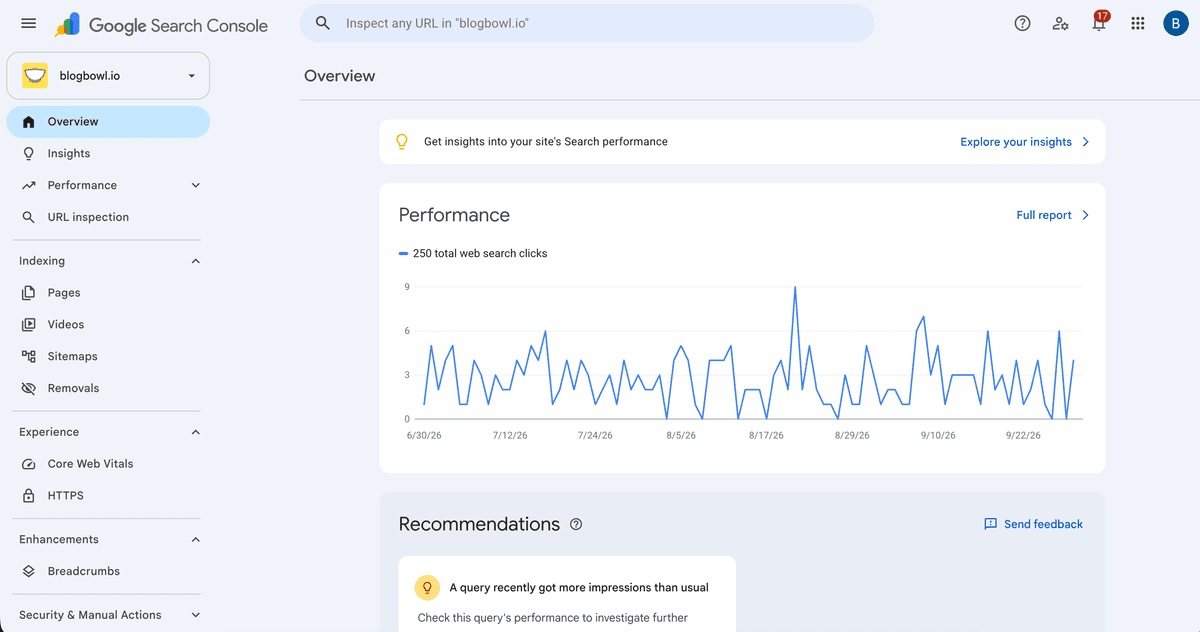
Connect Search Console when your site goes live. In the Performance report, compare searches that display your pages with those that earn clicks. If a page gets plenty of impressions (appearances in results) but few clicks, its title may not explain what is on the page. The Pages report shows whether Google has indexed important URLs, making them eligible to appear in Search.
"Google Search Console is a free service offered by Google that helps you monitor, maintain, and troubleshoot your site's presence in Google Search results." - Google Search Console Help
If you run a service business, look for queries containing your town, service, or a customer problem. If you run a shop, find out whether Google displays your product and category pages before paying to track thousands of keywords. Search Console covers Google Search rather than every visit to your site.
Pros | Cons | Pricing |
|---|---|---|
Direct data about your own Google Search performance; useful page indexing checks | No full view of competitors or whether a visitor bought | Free |
Read Google Search Console reviews on G2.
2. Google Analytics 4: connect traffic to outcomes
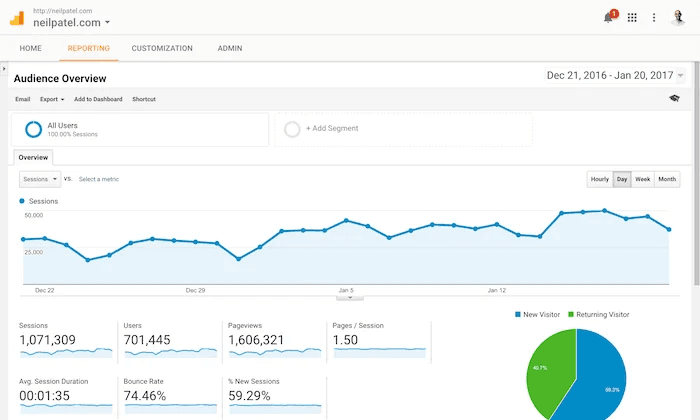
GA4 shows what visitors do after reaching your site. Set up events for actions that matter, such as contact-form submissions or purchases, and compare them with traffic from organic search. If visits rise without more inquiries, take a closer look at the page and the offer.
To get useful numbers, install the measurement tag and define the actions that count. A handful of relevant visits that produce bookings can tell you more than a large total traffic figure.
Pros | Cons | Pricing |
|---|---|---|
Connects acquisition to on-site actions; useful beyond SEO | Interface and event setup can feel unfamiliar | Standard Google Analytics service is free |
Read Google Analytics reviews on G2.
3. Google Business Profile: your local search starting point
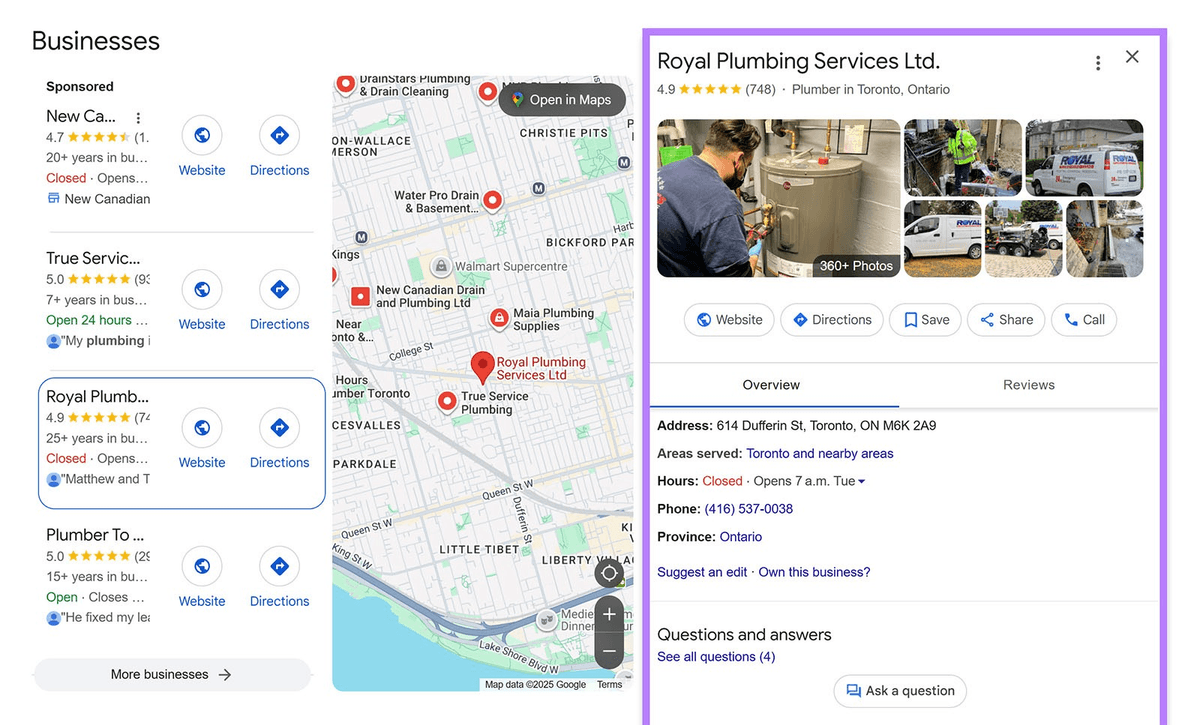
If your business qualifies for a verified Business Profile, you can manage its information on Google Search and Maps. Add your actual hours, categories, contact details, photos, and services, then keep them current and reply to genuine reviews. For someone who needs a nearby electrician, the listing may be more useful than a blog post.
Your site still needs to explain each service and show work, policies, and booking details. Businesses without in-person customer contact or eligible service-area operations should not create a fake location to get a listing.
Pros | Cons | Pricing |
|---|---|---|
Direct control over important local listing information; no subscription | Narrowly focused on Google and eligible businesses | Free |
Read Google Business Profile reviews on G2.
4. Google Keyword Planner: a first pass at what people ask
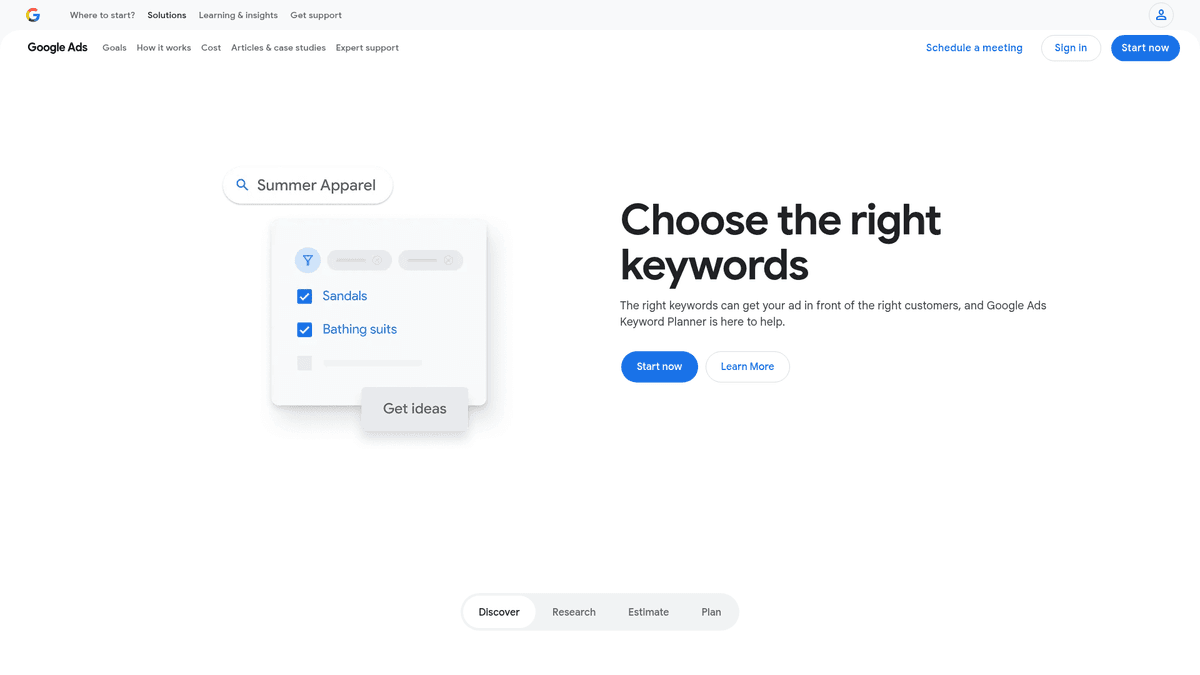
You will find Keyword Planner in Google Ads. Enter a service or product and sort the related phrases by what the customer wants to do. A baker could use “custom birthday cakes near me” for a sales page and “how to decorate a cake” for instructions.
Its competition label is about paid advertising, not how hard it is to rank organically. Treat its search figures as direction, not a promise of visitors. You can use the tool without buying ads, though you need Google Ads access.
High search volume means many people search a phrase. It says little about whether they are ready to hire you. Many keyword research tools show “keyword difficulty,” an estimate of how competitive an organic result may be. Read the question yourself before deciding to make a page for it.
For a closer look at choosing phrases that bring customers rather than just visitors, see how to find high-intent search keywords.
Pros | Cons | Pricing |
|---|---|---|
Ideas from Google's ads planning system; useful for translating customers' language into page topics | Built for advertisers, with metrics that are easy to misread for SEO | Planner is free; advertising is separate |
Read Keyword Planner reviews on G2.
5. Ahrefs Webmaster Tools: audit a site you control
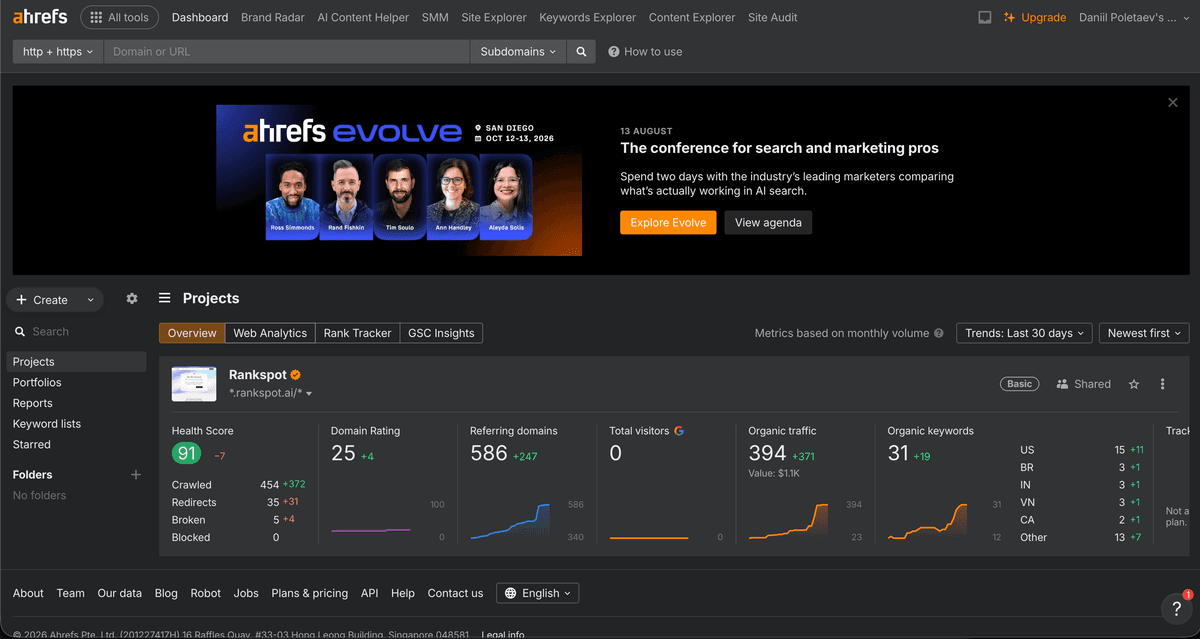
Ahrefs Webmaster Tools lets you verify a website you own and check it for technical SEO issues and backlinks. Start with pages that matter to customers: a broken product page or a missing booking link deserves attention before a low-priority warning. Pair its backlink analysis with Search Console to see both links pointing to your site and how your pages perform in Google Search.
It is not the same as a paid competitor research subscription. If you need a more detailed crawl of your own site, Screaming Frog is another option, but plan time to interpret and fix what it finds.
Pros | Cons | Pricing |
|---|---|---|
Site audit and backlink checks for verified sites | Does not replace paid competitor research | Free for verified websites |
Read Ahrefs reviews on G2; these cover the wider platform, not just Webmaster Tools.
Paid tools for a focused budget
6. RankSpot: publish consistently without running several workflows
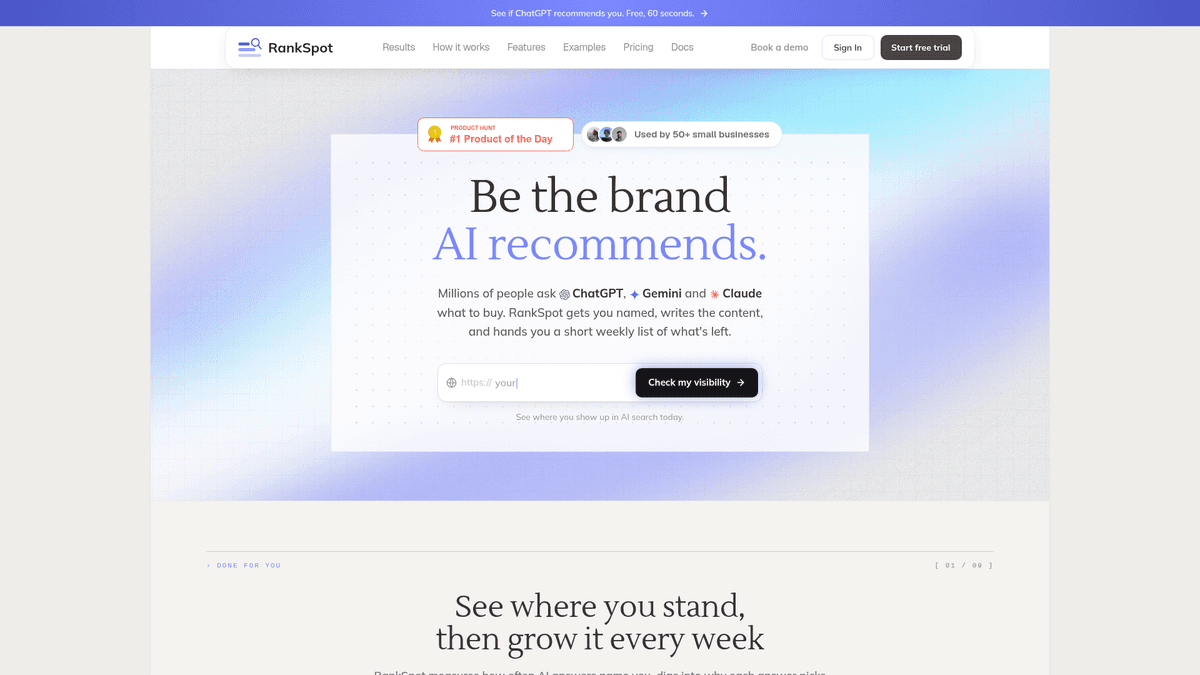
RankSpot suits a business that hears customer questions every day but struggles to turn them into published pages. It uses your site to plan topics and find high-intent and competitor-related opportunities. Its AI-powered content creation workflow drafts articles for search engines and AI answers, creates images, formats the pages, and publishes through supported CMS connections. Its AI visibility tracking shows where your business appears in AI answers.
Buy a publishing tool when you have a blog you intend to maintain. Start with Search Console, GA4, and Business Profile if eligible. When writing and publishing keep slipping off your calendar, automation can save time. Review AI-generated claims, local details, and finished pages before they go live; an AI feature cannot verify your firsthand experience for you.
If you are weighing hands-on work against a repeatable process, the SEO automation tools overview explains the different parts of that workflow.
Pros | Cons | Pricing |
|---|---|---|
Connects planning, keyword discovery, drafting, images, formatting, and publication; useful when content work is the bottleneck | Not a replacement for Google's first-party measurement tools or a specialist local listing manager | $99/month per site; 3-day trial includes three articles |
7. Ubersuggest: learn what topics and competing sites target
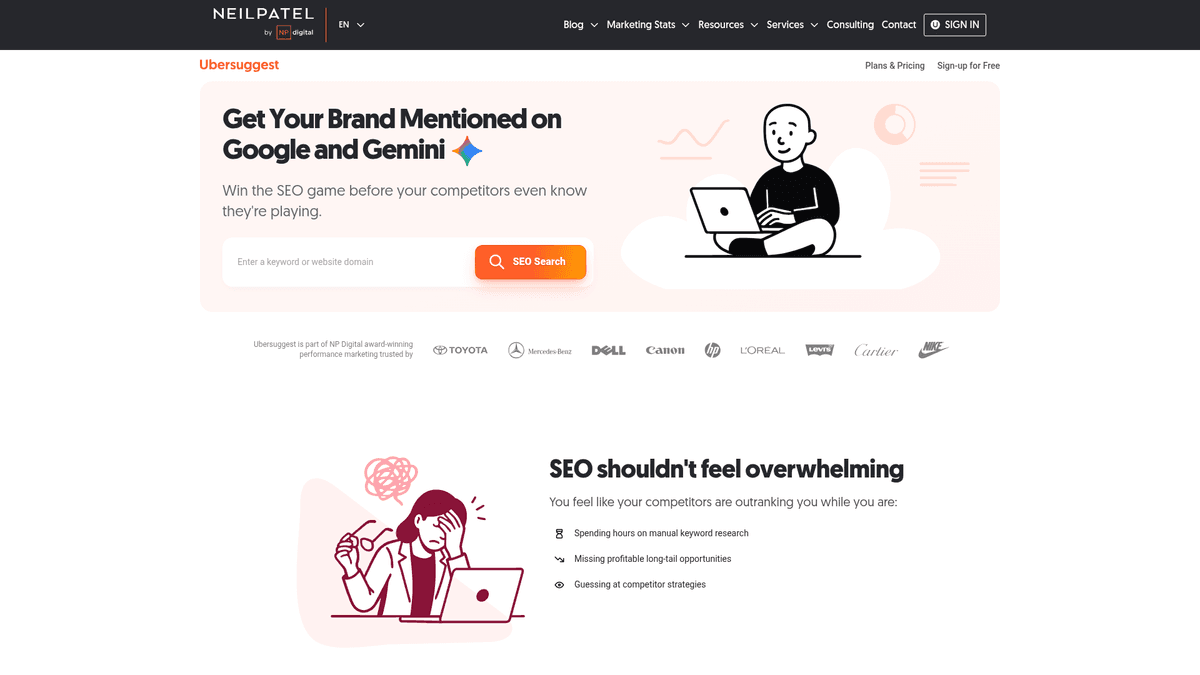
With Ubersuggest, you can explore phrases, content ideas, and competing websites without committing to a large suite. Enter one of your services, look at close variations, and decide whether one clear page covers them or customers need separate pages. Someone searching “near me” probably needs a different answer from someone looking for a detailed how-to.
Third-party keyword data is estimated. Compare it with the queries and clicks in Search Console for your site. You may find a page that needs an update, or a customer question you have not answered at all.
Ubersuggest suits owners who choose their own page topics and want more direction than Keyword Planner provides. You will still write and publish the pages. Before chasing an estimated traffic or difficulty number, look at the search results and consider whether you can make a useful page.
Pros | Cons | Pricing |
|---|---|---|
Accessible topic exploration and competitor views | Limited free usage; another dashboard to learn if Google tools already answer your questions | Limited free access; Individual costs $29/month on monthly billing, or a promotional $16/month equivalent billed annually |
Read Ubersuggest reviews on G2.
8. Mangools: keyword research and ranking checks without a heavy suite
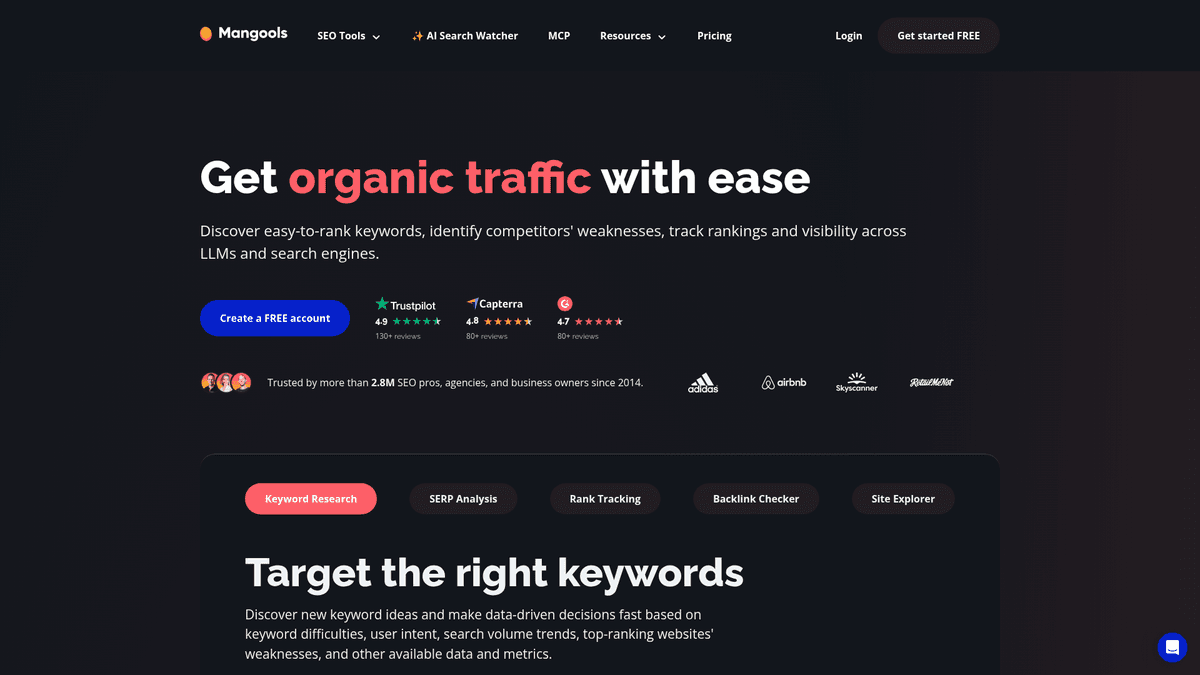
Mangools puts keyword discovery, search-result analysis, and rank tracking in one workflow. Use its tracker to follow the searches tied to your priority services or products in your market. A short list of terms you care about is easier to act on than a spreadsheet full of slight variations.
Mangools fits owners who publish their own pages and want research and position monitoring. Keep Search Console for Google's query data and GA4 for customer actions. If you struggle to make the pages, another keyword dashboard will leave that work untouched.
Pros | Cons | Pricing |
|---|---|---|
Focused toolkit for choosing and monitoring terms | Adds ongoing cost without taking content production off your plate | Basic costs $61/month on monthly billing, or $37.70/month billed annually |
Full suites for more involved SEO work
9. SE Ranking: keep several SEO jobs together
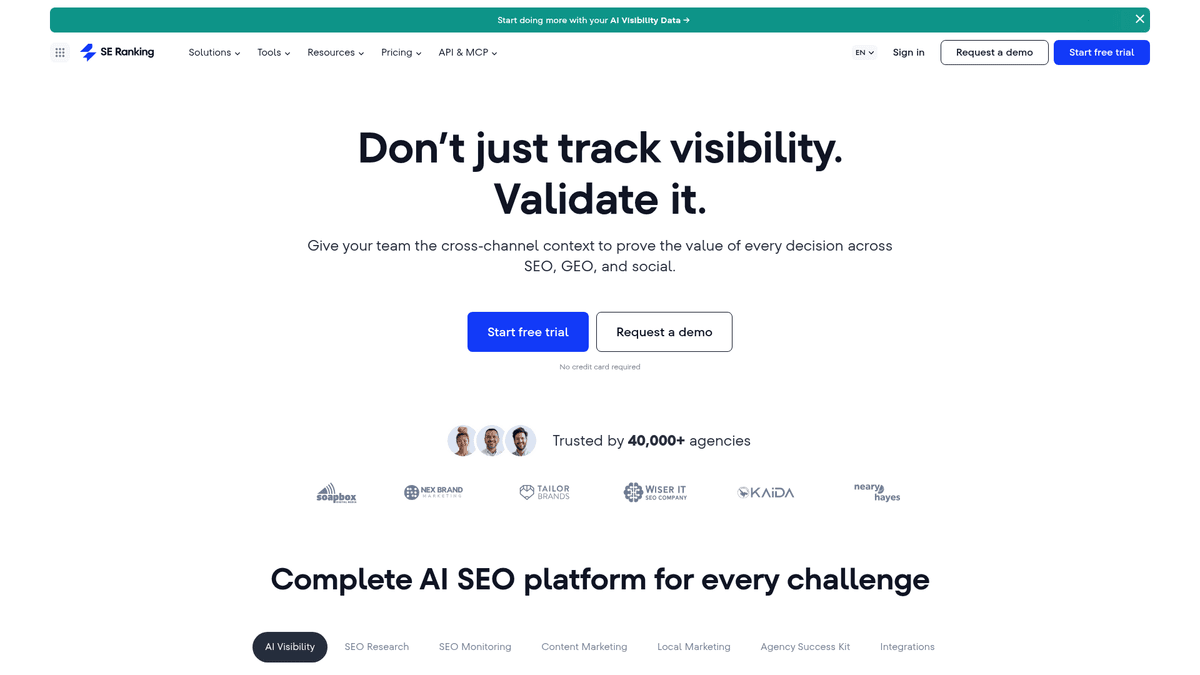
SE Ranking keeps keyword research, rank tracking, competitor analysis, and site audits together. It makes more sense once you or an employee regularly improves several pages and needs reports to follow the results. After updating service pages, for instance, you could track the searches those pages target and use the audit to spot technical obstacles.
Allow time to learn the suite and use it often enough to justify the subscription. If you have not connected Search Console or defined a conversion in GA4, do those jobs first. SE Ranking pays off when you have a steady stream of changes to measure.
Pros | Cons | Pricing |
|---|---|---|
Research, monitoring, and technical checks in one place | More setup and data than a new owner may need | Core costs $129/month on monthly billing, or $103.20/month billed annually; 14-day trial available |
Read SE Ranking reviews on G2.
10. Semrush: deeper research when SEO is a regular channel
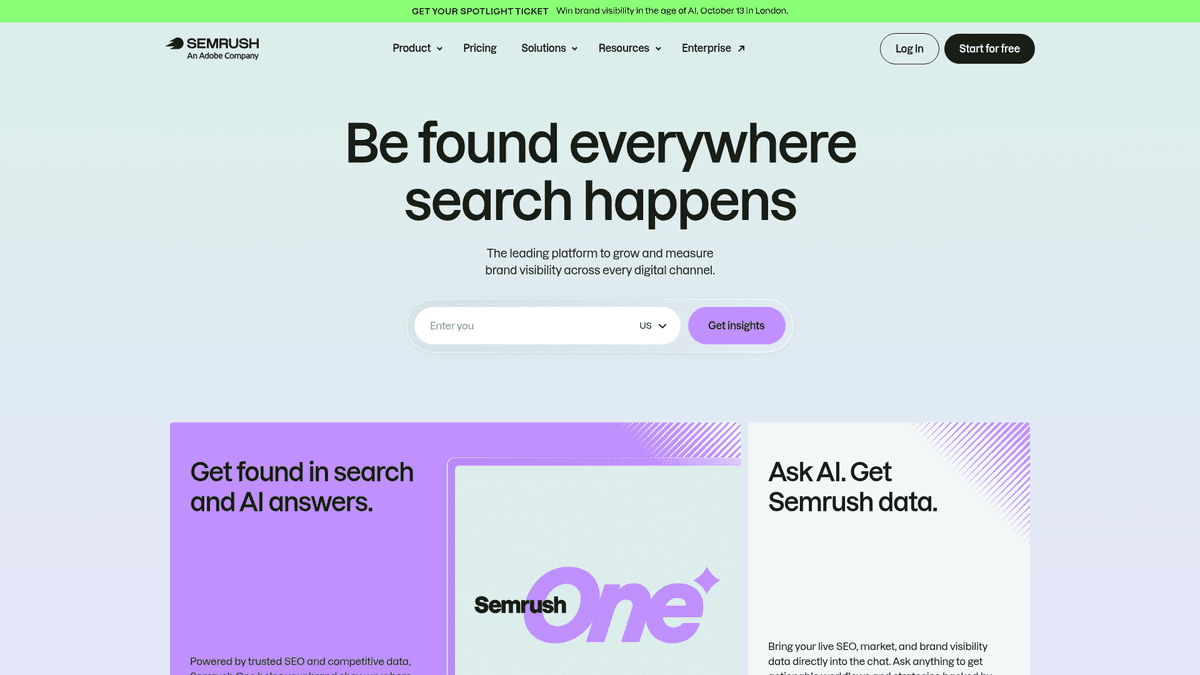
Semrush covers competitor research, keyword analysis, position tracking, and site audits. You can explore with its limited free account. A paid plan starts to make sense when someone uses that information each week. The SEO plan includes website monitoring, keyword tracking, and AI search performance features; higher plans change the limits and capabilities.
If your site has only a few pages and nobody has time to improve them, Semrush may be more than you need. Once someone owns ongoing SEO work, its research can help that person choose which pages to fix and which customer questions deserve a new page.
Pros | Cons | Pricing |
|---|---|---|
Broad research and reporting in one suite; limited free access | Higher entry cost and more features than many small businesses can use | SEO plan is $139/month on monthly billing, or $117.33/month billed annually |
Local specialist: BrightLocal
11. BrightLocal: measure local visibility beyond one search
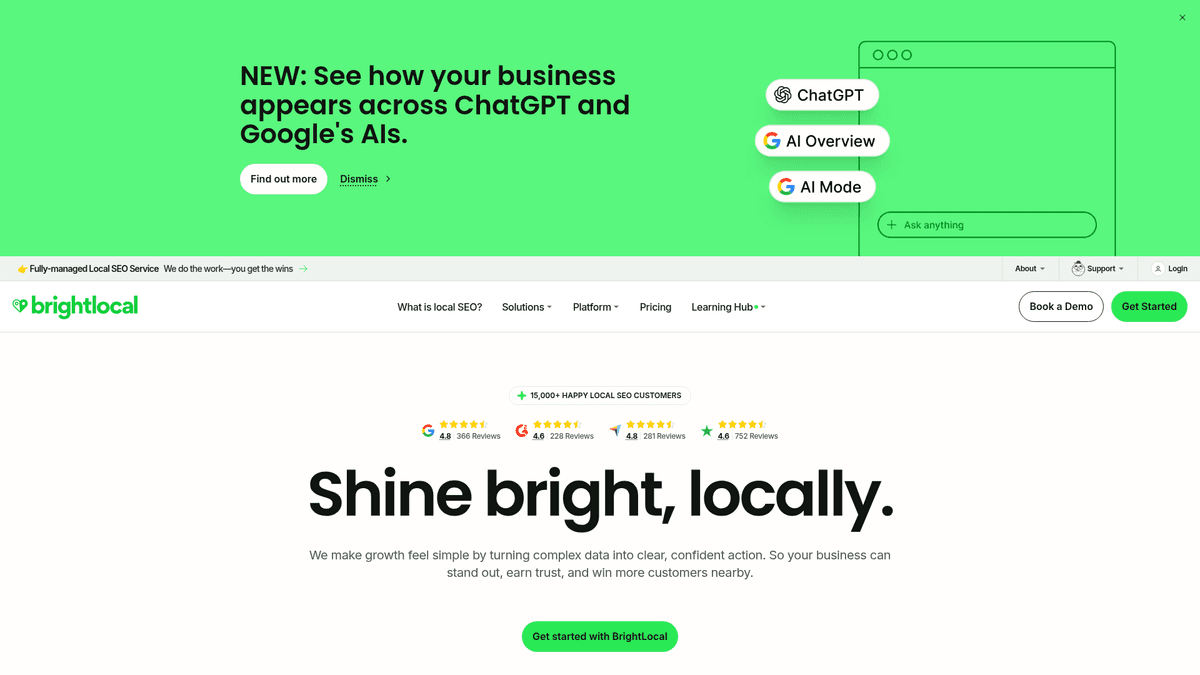
BrightLocal is useful when your customers choose a provider near them. Track monitors local rankings, compares nearby competitors, audits your Google Business Profile, and checks whether citations are accurate. Its grid shows how results differ across your service area. Manage adds listing management; Grow adds review tools.
Start with a complete Business Profile and a process for requesting and answering reviews. BrightLocal becomes useful when you serve several neighborhoods or want to see whether a listing change helps beyond the street where you sit. Citation Builder is sold separately, so a subscription does not include every listing update.
Pros | Cons | Pricing |
|---|---|---|
Purpose-built local tracking and listing diagnostics, including local AI visibility tracking | Not a general-purpose writing platform; citation building can mean extra charges | Track starts at $39/month on monthly billing or $31/month billed annually; Manage starts at $40/month and Grow at $49/month on monthly billing |
Local SEO: what to do before buying another tool
If customers choose you based on location, start with the information they see when they find you. Give your Google Business Profile the right categories, hours, contact details, and services. Add real photos. Link to a page that helps someone book or call instead of making them hunt through your homepage.
Give actual customers an easy way to leave honest reviews and respond to what they write. Skip rewards for positive reviews. If someone leaves a critical review, a polite reply lets future customers see how you handle a problem.
Keep your name, address, and phone number consistent across your site and relevant directories. These listings are called “citations.” Choose directories, industry associations, and platforms your customers use instead of paying for every listing you can find. If you only need an easy way to share a review request, Whitespark's review-link generator is another option.
Measure from the places your customers search. The results you see from your shop may differ from those across town. Start with Business Profile and Search Console; BrightLocal's local rank tracker adds repeatable reporting by location when you need it. Compare those positions with inquiries and bookings.
SEO in the AI era: is the work still worth doing?
Customers can ask ChatGPT, Perplexity, or Google's AI experiences for an answer, and they still search and use maps. They may encounter your business on a conventional page, in a listing, or in an AI answer. Clear pages and accurate details help them decide whether to contact you in each case.
Try asking an AI assistant the questions customers ask you. Include a location where it matters: “Who repairs commercial refrigerators in [city]?” Write down whether the assistant names your business, what sources it cites, and any errors in the answer. Try several ways of asking; one answer is not a stable ranking, and results can change over time.
For tools designed specifically to monitor these mentions, see the AI visibility tools breakdown.
Work on the information you control. Give each service a clear page that says who it helps and where you work. Keep your hours and contact details accurate, and answer questions customers ask again and again with firsthand examples. Generic pages give a buyer little to go on. If you need to follow AI mentions over time, RankSpot tracks visibility beyond occasional manual prompts; BrightLocal includes local AI visibility tracking in Track. Neither can guarantee a mention or recommendation.
SEO tools for business: which should you start with?

Your situation | Start with | Add only when |
|---|---|---|
No software budget | Search Console + GA4; Business Profile if eligible; Keyword Planner for ideas | You know which recurring work is taking time |
Content is the bottleneck; budget is around $100/month | Free stack + RankSpot | You can review and maintain useful published pages |
Under roughly $50/month, research is the bottleneck | Free stack + Ubersuggest; consider Mangools if annual billing fits | You are ready to act on the ideas |
Local visibility is the bottleneck | Free stack + Business Profile; BrightLocal when reporting needs grow | You need neighborhood tracking, audits, or citation checks |
SEO is an established weekly job | Free stack + SE Ranking or Semrush | Someone can use reports to make and measure changes |
In your first month, set up measurement and choose one important page to improve. Find the queries that already get impressions, answer the customer's question more clearly on that page, and record the calls, bookings, or purchases that follow. If a task keeps stalling, that is the one to consider paying a tool to handle.
The 80/20 rule is a useful habit here: spend your week on the pages, queries, and fixes most likely to lead to customer action. It does not promise a fixed share of sales from a fixed share of pages. If Google cannot find your most valuable service page, deal with that before drafting ten unrelated posts.
Start with free Google tools, then pay for one workflow you will use. If writing and publishing helpful pages keep getting pushed aside, try RankSpot's free articles to see whether automation fits your business before you commit to a larger stack.
FAQ
Which SEO tools are best for small business?
Start with Google Search Console and GA4, plus Google Business Profile if your business qualifies. Add a paid tool only for a task you cannot manage with that free stack: RankSpot for ongoing content, BrightLocal for local tracking, or a suite when you do SEO work every week.
Can I do my own SEO for my business?
Yes. You can set up free measurement, improve service or product pages, keep your business details accurate, and track inquiries yourself. SEO is worth the effort for a small business when relevant searches bring profitable customers. Use the 80/20 rule to focus on the pages and queries most likely to bring them.
What are basic SEO tools?
Free basics are Search Console for search performance, GA4 for visitor actions, Keyword Planner for topic ideas, and Google Business Profile for eligible local businesses. Ahrefs Webmaster Tools adds a free audit for a verified website. Use them before paying for broader SEO software.
Is SEO replaced by AI?
No. AI answers add another way people discover businesses, but customers still need accurate, helpful information and a way to contact or buy from you. Check realistic prompts for mentions, keep your site and business details current, and measure actual leads or sales rather than assuming every AI mention drives business.