The right SEO writing tool gets your team from an idea to a useful published page without adding more handoffs. If you are the founder who approves every post, find the slowest step: choosing a topic, preparing a brief, drafting, editing, publishing, or learning what worked. Buy for that bottleneck. You might need one system that carries the work through, or a focused editor and free measurement tools.
The ten tools below serve different parts of that workflow. RankSpot comes first because it connects the most stages. If your team wants tight control over each draft, a specialist tool may be the better choice.
What your content workflow actually needs

Before subscribing to anything, trace one article from question to result:
Find a viable topic. Is the query relevant to a product decision, or merely high volume?
Plan the page. Who needs it, what will they learn, and what original experience can you contribute?
Draft and edit. Make the answer clear before worrying about a content score.
Publish. Format headings, add relevant internal links, and get the page into your CMS.
Measure and refresh. Watch real search queries, clicks, and impressions, then update pages with a specific reason.
If you own all five stages, an editing tool may leave your biggest time sink untouched. A team with a dedicated editor can afford a more hands-on set of tools.
The 10 SEO content tools at a glance
Tool | Main stage | Best fit | Trade-off |
|---|---|---|---|
RankSpot | Research through publishing | Founder or lean team seeking an automated pipeline | Less suitable if every paragraph needs hands-on editorial direction |
Google Trends | Topic research | Spotting relative search interest and seasonal shifts | Not a content brief or keyword difficulty tool |
Surfer SEO | On-page optimization | Writers who want live guidance while editing | A score still needs human judgment |
Frase | Briefs and drafting | Solo content operator moving from research to a draft | You still need to validate and shape the result |
Clearscope | Editorial optimization | Teams reviewing drafts against a consistent brief | Narrower fit if publication is the main bottleneck |
Scalenut | AI drafting | Teams that want structured first drafts | Requires editing for accuracy and voice |
Koala Writer | AI drafting | Small publishers who need a quick long-form starting point | A fast draft is not a finished content strategy |
SE Ranking | Research and tracking | Teams that want rank monitoring alongside content work | More interface to learn than a single-purpose editor |
Hemingway Editor | Readability editing | Anyone cleaning up dense prose | Does not decide what to write or measure search demand |
Google Search Console | Performance tracking | Every site with access to its Google Search data | Does not track visibility inside AI assistants |
Use the table to locate your bottleneck. “Best writer” tells you little about who will choose a topic or publish the result.
Research and planning
1. RankSpot: when the brief, draft, and CMS need to connect
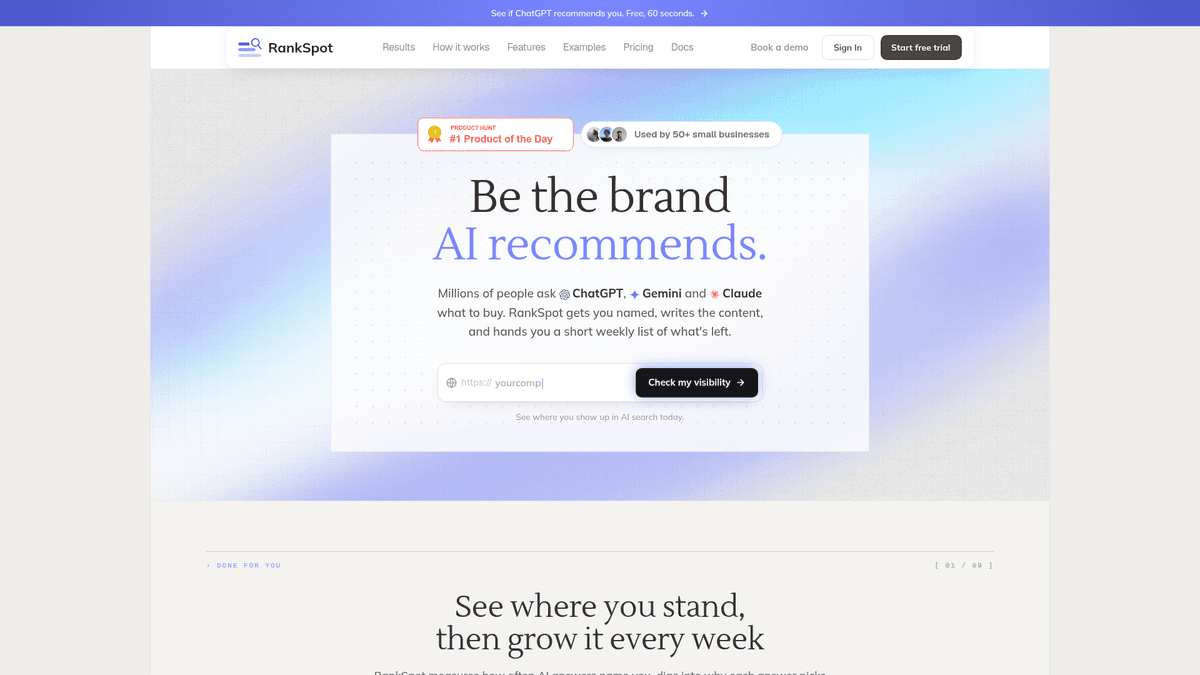
RankSpot takes a website URL, learns the business context, and turns keyword and competitor opportunities into a content plan. Its pipeline moves from research to long-form articles, on-page formatting, images, and publication through CMS integrations. It also surfaces relevant Reddit and forum conversations, a useful source of customer language when your team is deciding what to answer. If topic selection is your sticking point, work through a high-intent keyword framework before automating the calendar.
If your ideas sit in a spreadsheet while you chase a writer and remember to press publish, RankSpot takes over those handoffs. Use it when consistency is your immediate constraint and you can give the output light oversight. Its SEO and GEO focus suits teams that want articles built to answer questions in search engines and AI assistants.
The limitation: automation does not supply your own customer stories, product data, or expert judgment. Give articles a factual and brand review before they go live, especially on subjects where a mistake could affect a purchase. If a dedicated editor wants to steer every sentence, an assisted writing tool may be a better fit.
RankSpot supports WordPress, Webflow, Wix, Shopify, Framer, and Ghost, among other CMSs. It can build a 30-day plan and publish articles daily, removing the copy-and-paste step from the calendar. On-brand images and page formatting go with the draft, which helps if you have no separate designer or publishing manager. Choose a daily cadence if you can review the output and respond to new customer questions; topic selection still determines whether those pages help.
2. Google Trends: the free sanity check for timing

Before you lock the calendar, compare topics in Google Trends by location and time period. A small store could use a recurring spike to schedule a buying guide while shoppers are looking for it.
Trends shows relative popularity, not buyer intent or an exact search count. Use it to decide when to cover a topic and whether interest is changing. Pair it with customer questions and your own search performance to decide what to write.
Briefing and on-page optimization
3. Surfer SEO: live guidance for writers who already have a draft process
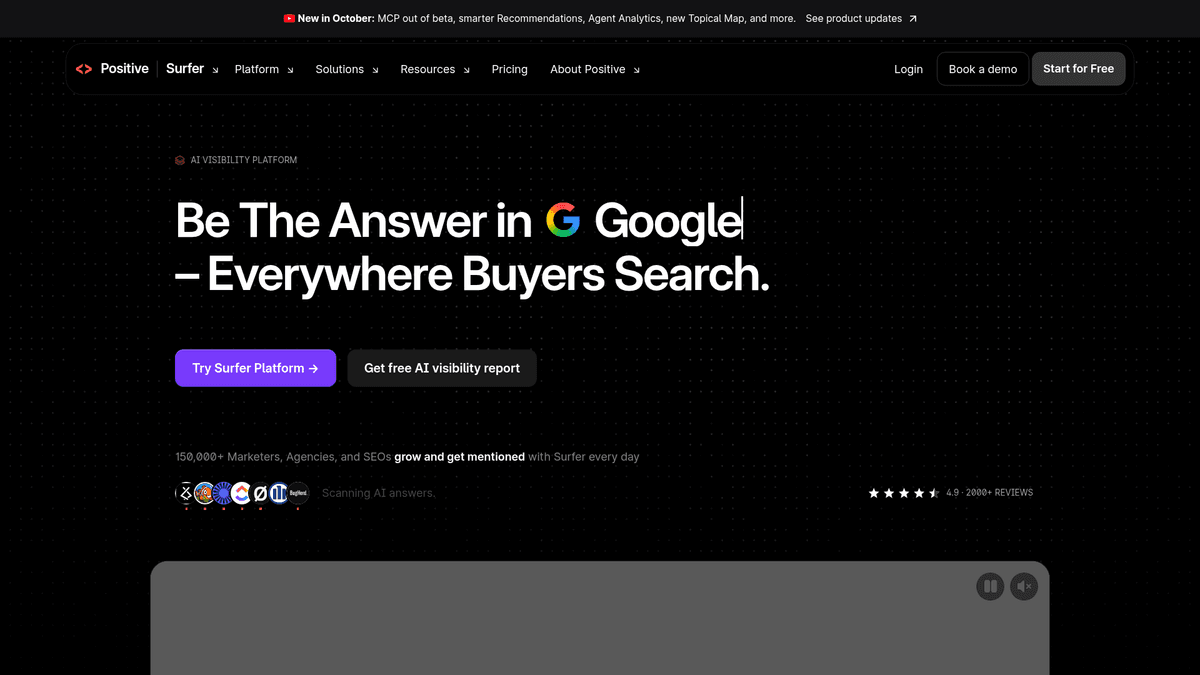
Surfer's content editor shows on-page suggestions as you write. If you already have a brief and someone owns the draft, it gives that person a shared reference for topic coverage. Editors can use it with contributors too. If you need a different editing workflow, compare Surfer SEO alternatives before paying for another tool.
Treat the content score as a prompt for editorial review. A paragraph that explains a customer objection in plain language may do more for readers than a sentence added to satisfy a term suggestion. You still decide whether the page answers the query.
4. Frase: turn topic research into a workable brief
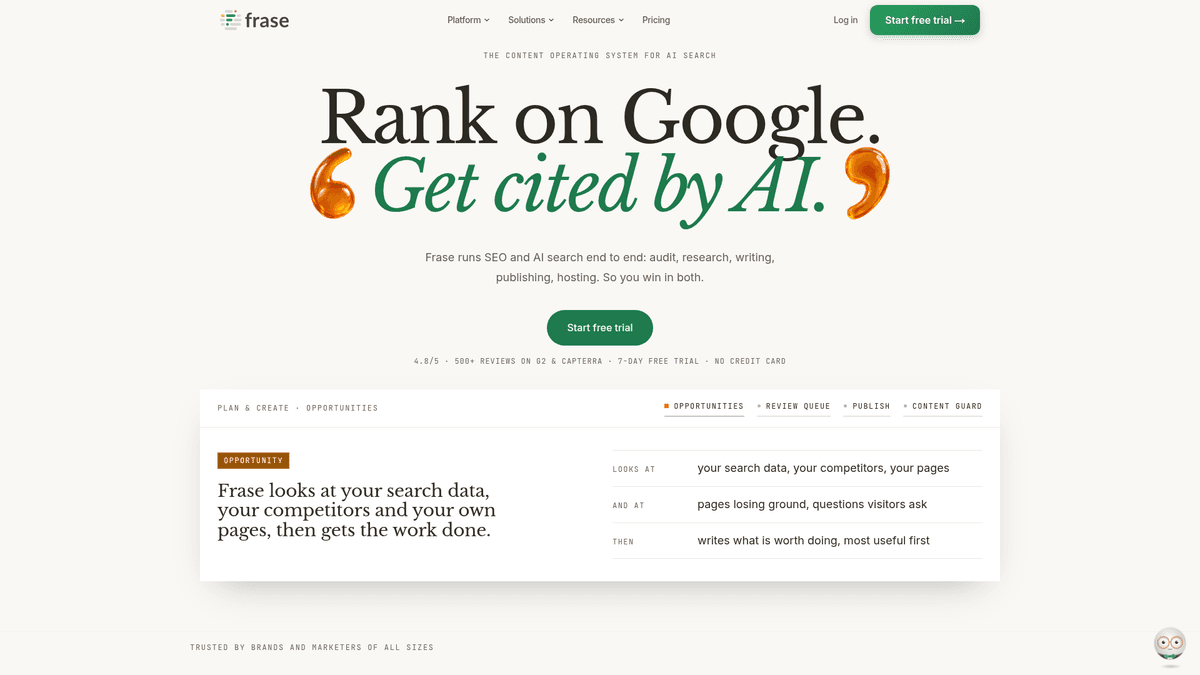
Frase puts research, briefs, AI drafting, and optimization in one writing workspace. It fits the operator who has a topic but loses time turning scattered notes into an outline. Decide who the page is for and what answer you can stand behind, then use Frase to get a first pass on the page.
An editor needs to remove generic claims and add product-specific proof. You will also need someone to publish the page and study its performance afterward.
5. Clearscope: a cleaner editorial checkpoint
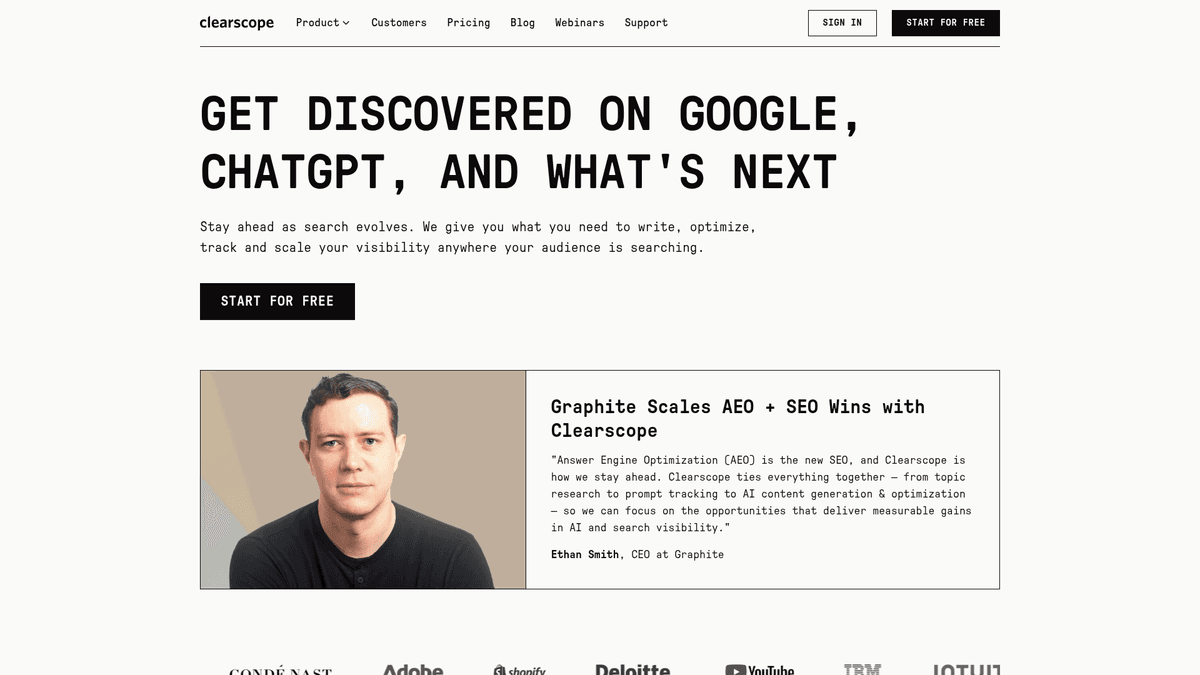
If you already commission and edit articles, Clearscope gives writers and editors a common view of topic coverage. The writer gets clearer guidance in the brief; the editor can spot areas that need another look without sending a vague “make it more SEO-friendly” note.
I would buy Clearscope once the team publishes often enough to use its editorial feedback. If your calendar is empty because nobody has time to write, its grade will not solve that. Let the grade prompt a closer read, then make the editorial call yourself.
AI-assisted drafting
6. Scalenut: structured first drafts at a faster pace

Scalenut's Cruise Mode helps take a planned topic from outline to editable draft. That's useful if your team already has a list of subjects but keeps staring at a blank page. Give it an angle first, or you may get plausible copy that says little about your product or customers.
Keep a human edit in the process. Check claims, remove repetition, add firsthand details, and decide whether the answer deserves to exist on your site. Speed is helpful only if it frees time for those decisions.
7. Koala Writer: a quick long-form starting point
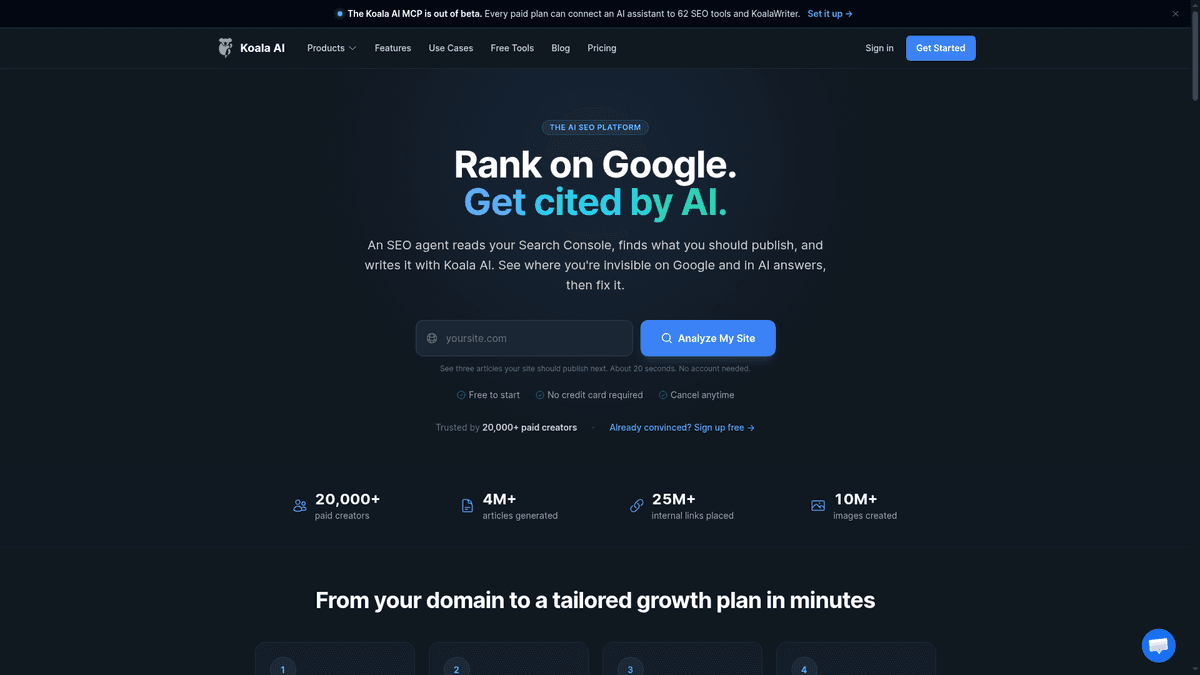
Koala Writer suits a publisher who wants a long-form draft from a defined topic without setting up a complex editorial suite. One person can pick subjects, generate drafts, and review them. Koala's wider AI platform also advertises an SEO agent that plans from Search Console data and one-click publishing, so you can use it for more than drafting.
Koala makes the path to a draft shorter. Your team still owns topic choices and fact checks, even with an automated plan and CMS handoff. After publication, you need to see whether the page attracts the right visitors.
Measurement and readability
8. SE Ranking: connect keyword work with monitoring

SE Ranking gives a small team a broader SEO workspace, including rank tracking and content-related tools. Choose it when you want to monitor target queries over time as well as work on pages. That is a different purchase from a writing-only editor: the point is to connect content decisions with ongoing search visibility.
Budget time for setup and reporting. Start with a handful of important pages and queries, then use the reports to choose what to refresh. A wider suite earns its place when someone on your team acts on the numbers.
9. Hemingway Editor: take the friction out of a draft

Hemingway is a readability editor. Use it after the factual edit to spot hard-to-read sentences and wordy phrasing. It is a particularly good free companion when AI-generated copy sounds polished but takes too long to get to the point.
Do not flatten every sentence to chase a readability indicator. A technical term may be exactly what the reader needs. Hemingway helps with clarity, not keyword selection, research, publishing, or attribution.
10. Google Search Console: your baseline for what happened
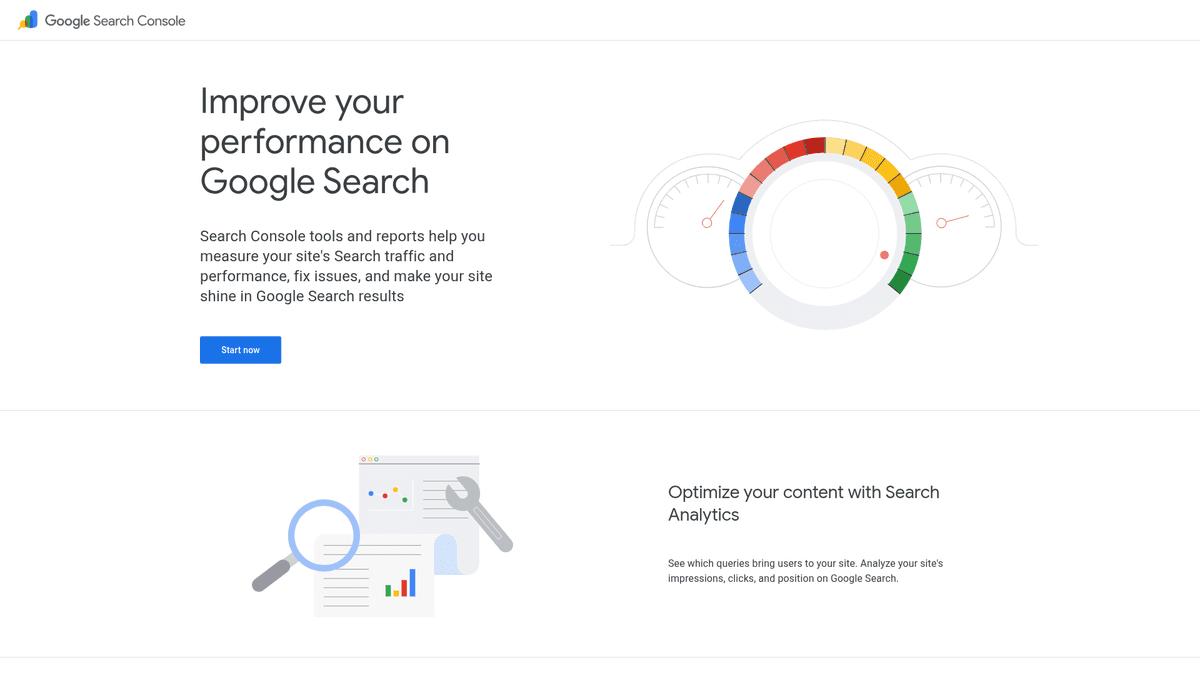
Google Search Console shows how your site performs in Google Search, including queries, clicks, impressions, click-through rate, and average position. Start here even if you pay for another tool. Look for a page getting impressions for a relevant question but few clicks; the title and opening answer may deserve work. If a page has no relevant impressions, revisit the topic and indexing before polishing another paragraph.
"The chart displays total clicks, total impressions, average CTR, and average position for your property over the selected time period." - Google Search Console Help
Search Console is not an AI citation monitor, and position alone does not tell you whether a visitor became a customer. Combine its search data with what your business knows about leads and sales.
How to choose an SEO writing tool stack you will use
Your current bottleneck | Start with | Add only when |
|---|---|---|
No time to research, draft, format, and publish consistently | RankSpot + Search Console | You need deeper specialist editing or reporting |
Plenty of writers, inconsistent briefs and edits | Frase or Clearscope + Search Console | Ranking monitoring becomes an ongoing task |
Drafts are slow and you have an editor | Scalenut or Koala Writer + Hemingway + Search Console | On-page review calls for Surfer or Clearscope |
Pages are live but nobody knows what to improve | Search Console + SE Ranking | A content production bottleneck appears |
Start with the smallest setup that can publish an article. With Frase, assign someone to approve claims and publish. With RankSpot, assign someone to review output and watch Search Console. Otherwise, work can still stall between tools.
A simple weekly routine for a one-person content team
On Monday, pick a question tied to a buyer decision. “How does our product compare with doing this manually?” beats a broad term that attracts the wrong audience. Write down your answer and evidence before opening a writing tool.
During drafting, use an optimizer to find missed subjects, not dictate wording. Add an example from your business. Run a readability pass and read the opening aloud. Visitors should know the answer and whether the page is for them right away.
After publishing, put the URL, topic, owner, and last update date in one small tracker. Look at Search Console queries over time: if readers find the page through a question it barely answers, improve that section; if the page attracts the wrong audience, reconsider its angle. The workflow stays manageable because every tool has a specific reason to be there.
Do SEO content tools also need to handle AI search?
Writing an answer and tracking AI citations are different jobs. RankSpot's GEO-oriented publishing workflow handles the page alongside conventional SEO. If your team needs to monitor mentions in AI search, Otterly AI and Peec AI are add-on options; they still depend on accurate pages. Compare AI visibility tools when citation monitoring becomes a regular part of your reporting.
Do not assume Google Search Console impressions equal citations in ChatGPT or Perplexity. They measure different surfaces. Keep your claims sourced, make important answers easy to find, and give readers a reason to trust the page. Google's people-first content guidance says its search systems prioritize helpful, reliable content made for people rather than content created to manipulate rankings.
The practical verdict
For a founder whose calendar repeatedly stalls between research and publishing, start with RankSpot and use Search Console to judge what the published work earns. RankSpot connects the plan, draft, formatting, and CMS handoff; you still supply review and real-world expertise. If your team already publishes reliably, buy the narrower tool that addresses the specific delay: Frase for briefs, Surfer or Clearscope for optimization, or SE Ranking for ongoing monitoring. The best SEO writing tools are the ones that reduce your actual workload without weakening your judgment.
FAQ
How to do SEO for dummies?
Start with one question your customers ask. Publish a clear, accurate answer with a descriptive title, useful headings, and relevant links to other pages on your site. Then use Google Search Console to see the queries and clicks that page earns before choosing what to improve next.
Can I do SEO myself?
Yes. Start with customer questions, publish a clear answer, and use Google Search Console to see which queries lead people to the page. A writing tool can speed up research or drafting, but you still need to check accuracy and decide what matters to your customers.