Pick a keyword tool based on what your team has time to do with the results. Google Keyword Planner gives you a free place to start. Ahrefs and Semrush offer deeper competitive data. RankSpot fits a founder who needs the research to become a steady publishing schedule.
The best SEO tools for keyword research help you choose queries your customers use and your site has a chance to rank for. A bigger export is little help when nobody has time to turn it into a page.
What makes a keyword research tool worth paying for?
I judge a tool by the decision it helps you make. Say you sell accounting software. “Accounting” may have lots of searches, while “accounting software for freelancers” is a long-tail keyword with clearer user intent. Look at the result pages: do they match your product, and can you make a page that belongs there?
Before paying, I'd look at these four things:
Intent: Does the query suggest someone wants to learn, compare options, or buy? A high-volume informational term may be a poor fit for a product page.
A believable route to ranking: Keyword difficulty is a shorthand, not a verdict. Look at the pages already showing up, their format, and whether a young website has a realistic opening.
Competitor gaps: A rival's ranking terms can reveal product comparisons and use cases you have not covered. Filter out terms unrelated to your offer. For a starting workflow, see how to find competitor keywords.
The work after discovery: Exporting a CSV is only step one. A useful platform should help you prioritize terms and, if your team is small, move from a keyword to a publishable page.
Keyword search volume estimates demand, not clicks. Location, seasonality and intent affect how you interpret the number. Related keywords can differ in volume and business value. Use an AI opportunity score to sort ideas, then read the search results yourself. Decide whether you need better keyword data, faster content production, or both.
"Users clicked a traditional search-result link in 8% of visits with an AI summary, compared with 15% of visits without one." - Pew Research Center
The study observed the Google searches of 900 U.S. adults. It cannot predict clicks for your site, but it gives you a reason to weigh business value alongside search volume.
Nine SEO tools for keyword research at a glance
These are vendor-published entry prices where a figure is available. Check the billing period and usage limits: an annual rate and a month-to-month rate buy different commitments.
Tool | Free access? | Best for | Published entry price |
|---|---|---|---|
RankSpot | First three articles free, no card | Founders who want research through publishing in one workflow | All-in-One shown at $99/month; homepage also displays $149/month |
Ahrefs | Free keyword generator; paid suite | Deep keyword and SERP investigation | Starter $29/month; Lite $129/month |
Semrush | Limited free access | Combined SEO and paid-search research | SEO plan $139/month |
LowFruits | Paid credits available | Finding lower-competition opportunities | $25 for 2,000 pay-as-you-go credits; Standard $29.90/month |
Frase | Paid plans | Turning SERP research into content briefs | Starter $49/month |
Mangools / KWFinder | Trial access | Straightforward ad hoc keyword research | Paid Mangools subscription |
Google Keyword Planner | Yes, with a Google Ads account | Free search-demand and ad-cost baselines | Free tool; ad spend is separate |
Keywords Everywhere | Limited free features | Keyword ideas while browsing | Bronze $84/year |
Ubersuggest | Limited free use | Budget all-in-one research | Individual $29/month |
How to read this comparison
A free keyword research tool can give you ideas without a subscription, but the free tier may hide historical data, restrict searches, or provide ad-focused metrics. A low entry price can also buy fewer reports than you need. If your workflow depends on regular competitor analysis, count those limits before comparing monthly costs. Compare how each platform groups related search terms, not just the total number of suggestions.
The best SEO keyword research tools in full
1. RankSpot: best for a small team that needs articles published
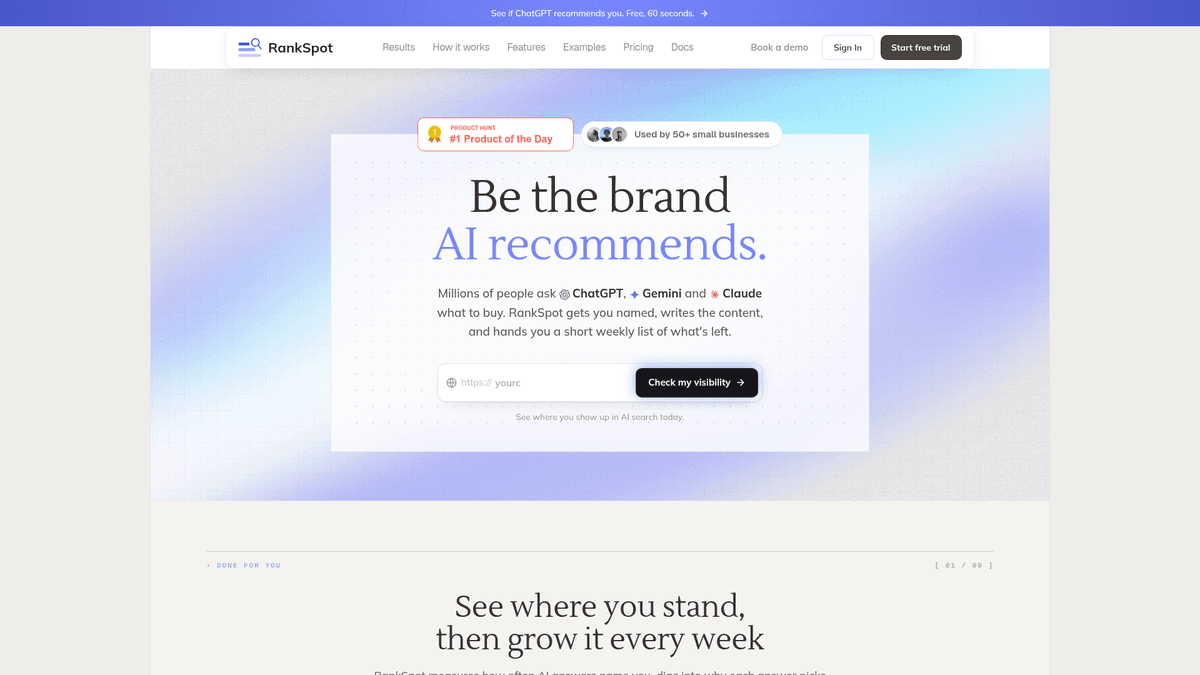
Give RankSpot your website and it maps your niche, competitors and keyword opportunities into a content plan. It finds high-intent and competitor terms, writes long-form articles, creates on-brand images, formats posts and publishes them. You buy a content pipeline rather than another set of keyword exports.
If you have no SEO hire, the 30-day plan saves you from handing each keyword to a writer and CMS editor. RankSpot produces SEO pages intended to be useful in AI-answer discovery and surfaces relevant Reddit and forum conversations. The All-in-One plan described on its homepage includes up to 30 articles a month and monitoring for up to five competitors.
It can publish directly to WordPress, Webflow, Wix, Shopify, Framer and Ghost. If you are deciding whether that workflow is the right purchase, the small-business SEO tool comparison puts content production alongside other SEO jobs.
If you spend your day investigating backlinks or large SERP datasets, a dedicated research suite will give you more room to work. RankSpot fits the team struggling to get content out. Its homepage displays both $99 and $149 per month, so use the checkout price when budgeting. The first three articles are free, with no credit card required.
2. Ahrefs (G2 reviews): best for deep organic search research
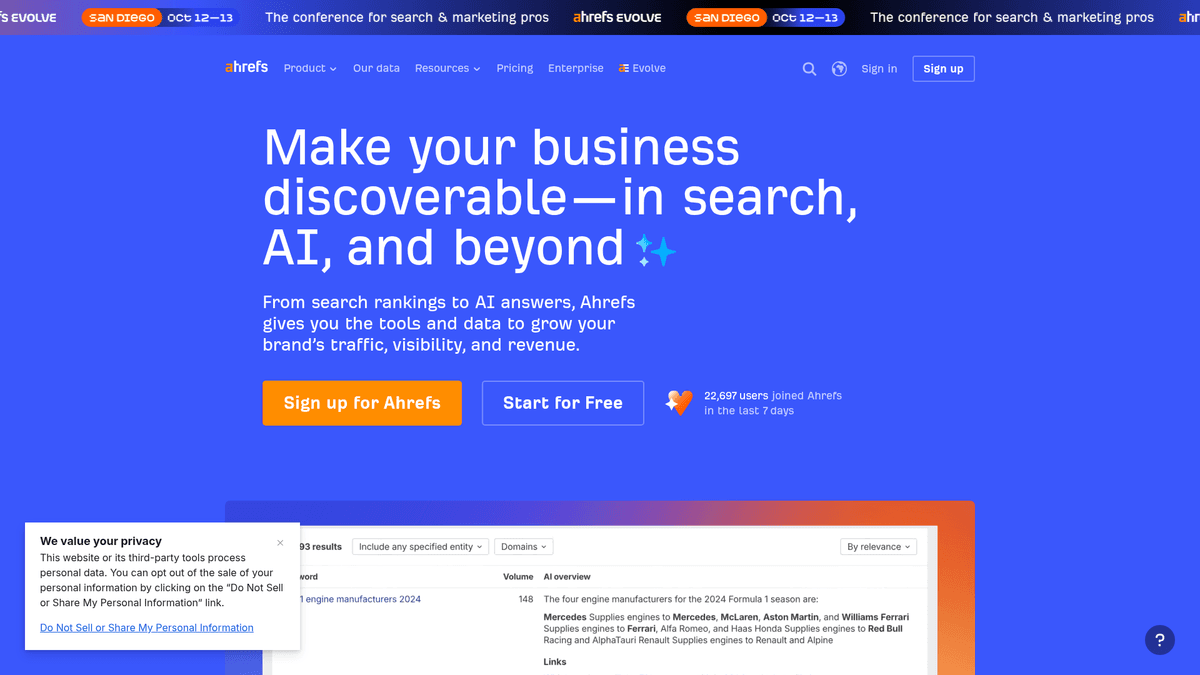
Ahrefs is the choice when you need to investigate a keyword beyond its estimated volume. Keywords Explorer and SERP analysis show which websites rank for a query; the broader suite also covers auditing and rank tracking. A free keyword generator offers a way to get initial ideas before committing to the full platform.
If you manage many pages, Ahrefs gives you room to inspect the sites that rank and the terms they rank for. That depth earns its place when research takes up a substantial part of your week. You will still need a separate process to schedule and write posts.
Ahrefs lists Starter at $29/month and Lite at $129/month. Those are different tiers with different limits, not equivalent routes to the full suite. Choose the tier based on how many projects, reports and tracked terms your team will actually use.
3. Semrush (Trustpilot reviews): best for SEO and paid search in one research workspace
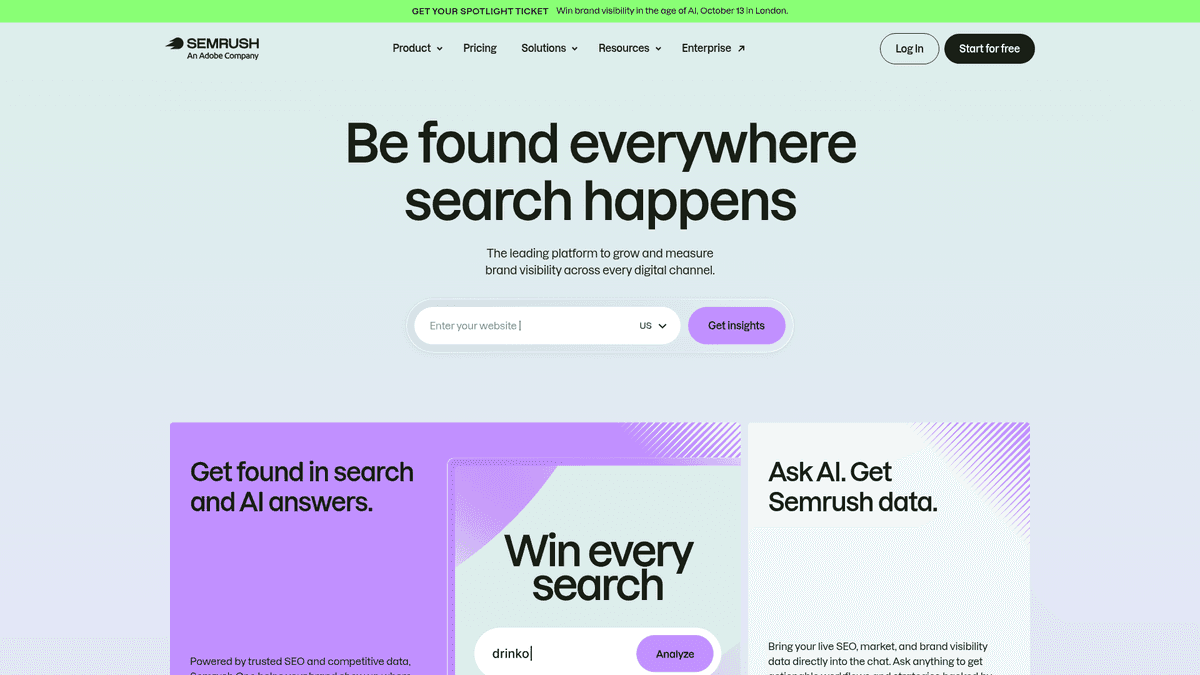
Semrush's keyword tools cover ideas, intent, difficulty and competitive research. Its combination of organic and advertising data is useful if you run Google Ads alongside content: you can compare a term's search opportunity with ad signals without maintaining two research workflows. Keyword Magic Tool is particularly handy for expanding a seed topic into related searches.
Semrush suits a team responsible for PPC and SEO. Its breadth comes with a learning curve if you only need a short list of article ideas. Ad competition measures advertisers; SEO difficulty deals with organic results. One low score does not imply the other.
Semrush lists an SEO plan at $139/month on its SEO and AI Search pricing page. Higher tiers raise limits and add capacity, so compare what the entry tier includes before treating it as a substitute for a larger plan.
4. LowFruits: best for finding approachable search results
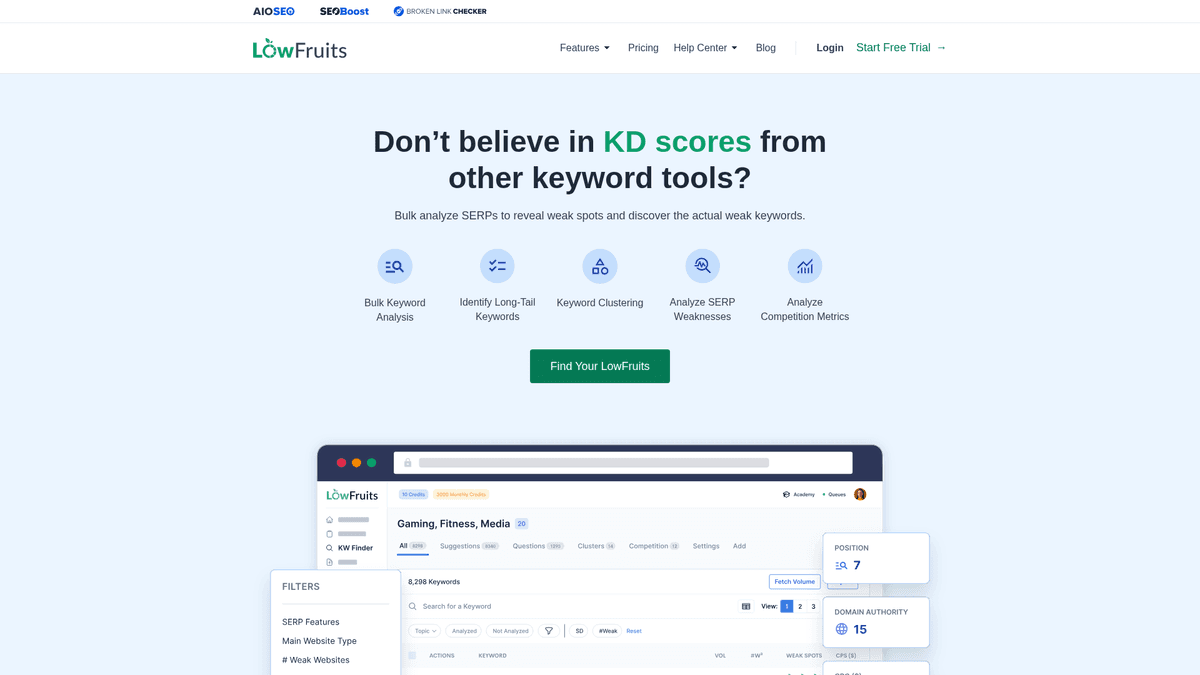
LowFruits looks for openings in the current search results, useful when your site cannot compete for broad terms yet. Start with specific questions it suggests, then inspect the ranking pages before adding a topic to your backlog.
Its pay-as-you-go model suits occasional research. The vendor lists 2,000 credits for $25 and a Standard subscription at $29.90/month with 3,000 monthly credits. Credits are a real cost constraint: a large seed list can consume them quickly.
LowFruits cannot tell you whether visitors from an approachable keyword will buy. Pick terms that match a customer problem before filling the calendar.
5. Frase: best for research that feeds directly into a brief
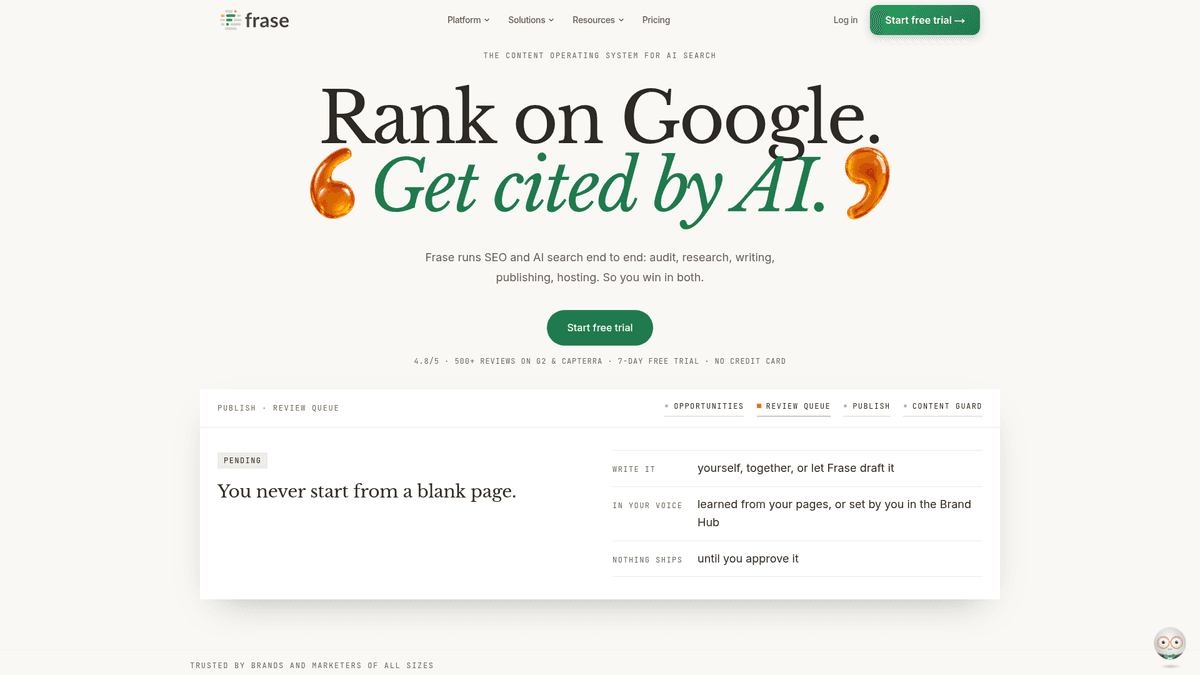
Frase connects search-results research to planning and writing. If your team publishes often, it helps a writer move from a search term to a brief about what the page should answer. Another large keyword list may be less useful at that point.
Frase lists Starter at $49/month with one site, 10 articles and 50 audit pages per month. Those limits make sense to weigh against your publishing cadence. If you need lots of broad keyword discovery across domains, a dedicated research suite may be a better primary tool.
You still need someone to choose commercially relevant topics and give the finished page a point of view. Frase helps that person prepare the brief.
6. Mangools / KWFinder: best for occasional, beginner-friendly research
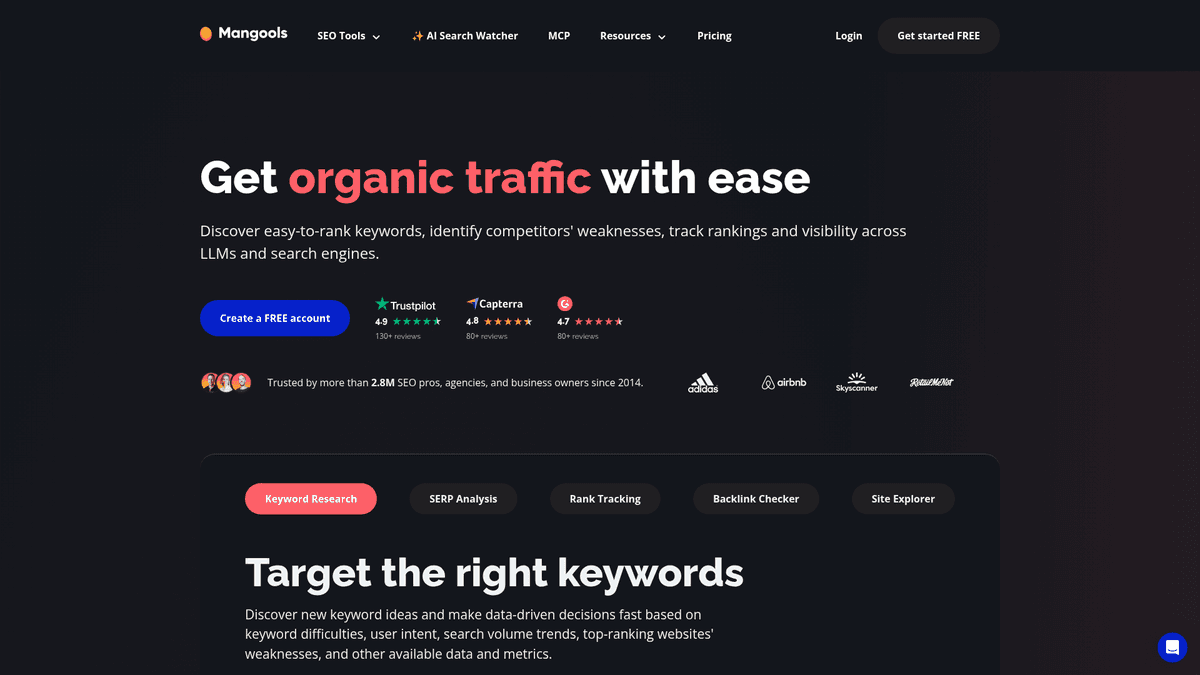
KWFinder, part of the Mangools suite, shows keyword ideas, search volumes and difficulty in a simpler interface than the largest SEO platforms. It is an approachable choice if you want to look up terms, compare variants and move on with your day. The wider suite gives you supporting SERP and tracking tools.
For a quick decision on a product-comparison query, KWFinder avoids the overhead of an enterprise-style workspace. Teams running larger competitive projects may miss the depth of the bigger suites.
Mangools sells KWFinder as part of its paid suite and provides trial access. Choose it if you need a manageable research tool rather than an automated writing and publishing system.
7. Google Keyword Planner: best free starting point
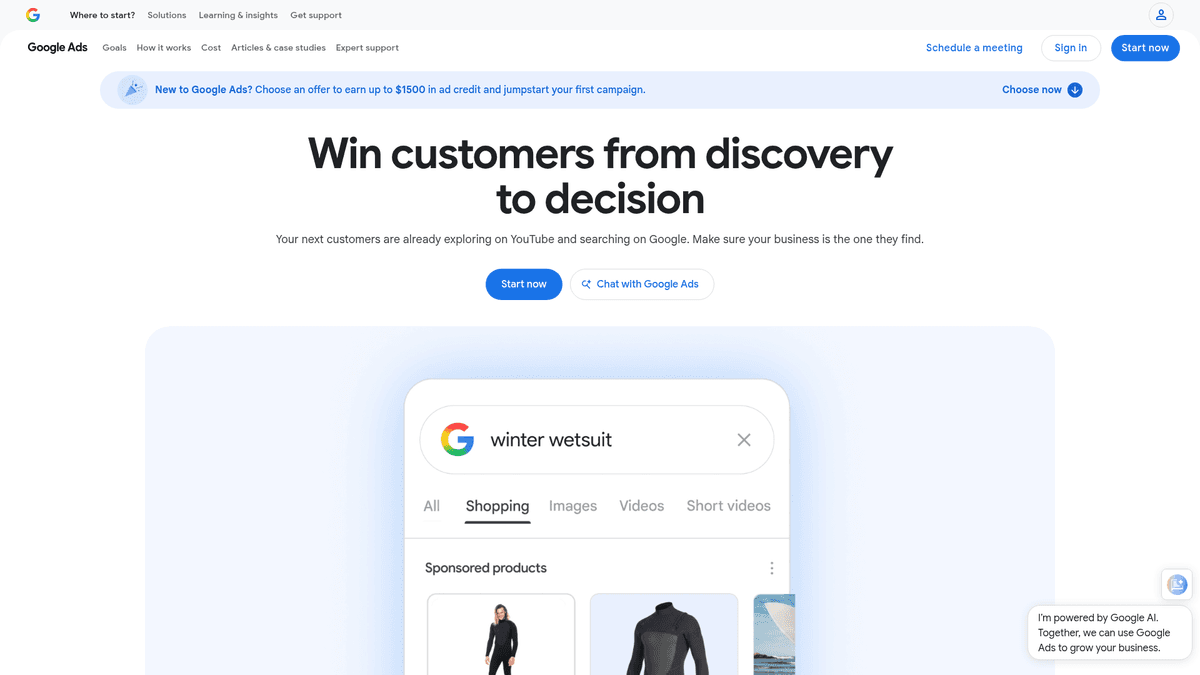
Google Keyword Planner is a free tool within Google Ads. Enter a product or seed phrase to get related terms and search-volume estimates, then filter by geography. It also shows ad-cost signals, which can help you spot terms advertisers value.
It is the easiest place to start free keyword research for a new website. But remember its purpose: planning advertising campaigns, not predicting organic rankings. Ad competition measures advertisers, not the difficulty of appearing in Google's unpaid results. You will still need to inspect intent and the pages that rank.
Google's setup requires an Ads account and billing information; using the planner is free, while running ads costs money. If budget is zero, pair it with your own Search Console queries once your site earns impressions. That adds first-party evidence of what your pages already attract.
For more free keyword ideas, try Google Autocomplete to find long-tail searches people type, and Google Trends to compare whether interest in a topic rises or falls over time. Neither supplies a complete measure of organic difficulty. In Planner, cost-per-click (CPC) is an advertising estimate, so a high CPC can flag commercial interest but cannot tell you what organic search traffic you will earn.
If you need a process for evaluating those ideas, use this keyword research strategy for SEO; it is separate from choosing the software.
8. Keywords Everywhere: best low-cost browser companion
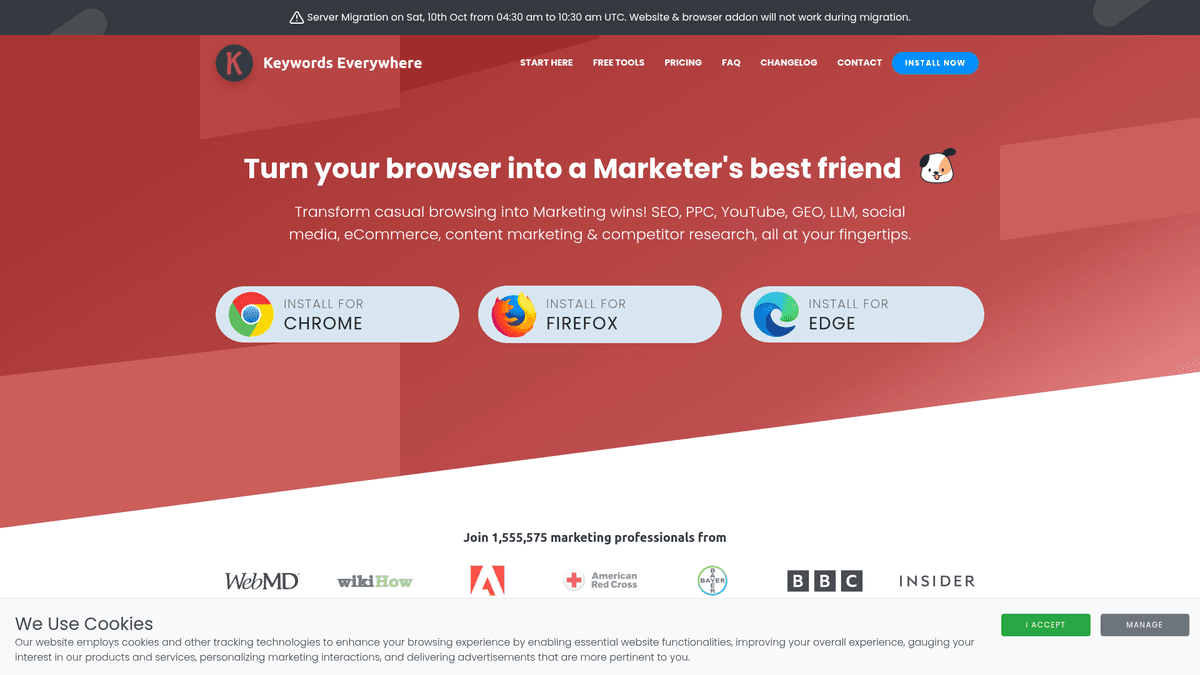
Keywords Everywhere adds keyword suggestions and metrics as you browse, so research can happen while you inspect search results rather than in a separate dashboard. It is a good fit for someone who spots ideas during customer research and wants a quick indication of demand.
Its Bronze plan costs $84/year and includes 100,000 credits. One credit supplies volume, CPC, competition and trend data for one keyword, according to the vendor. Free features exist, but the paid credits are the relevant comparison if you need metrics frequently.
The extension gives you research as you browse. Detailed plans, an editorial workflow and publishing remain your job.
9. Ubersuggest (G2 reviews): best budget all-in-one option

Ubersuggest brings keyword suggestions, competitor research and site analysis into one place. Its Individual plan lists $29/month, including one project and 125 tracked keywords per project. That is a more approachable entry point than the larger research suites if you are running a single site.
One project may cover a solo operator's needs; an agency or a founder with several brands could run out of room. Ubersuggest works for lightweight all-in-one research. Large-scale SERP investigations call for more depth.
Ubersuggest also advertises annual billing options. Treat the monthly price here as the month-to-month comparison; an annual commitment changes the effective rate.
Which tool should you choose?
On a zero budget, start with Google Keyword Planner. Once your site has impressions, Search Console can show the queries behind them. Keywords Everywhere is worth adding if in-browser discovery saves you time and you will use the credits.
For easier early wins, try LowFruits. KWFinder is the simpler choice for individual lookups and basic difficulty signals. With either one, you still have to decide whether a term can bring the right customer.
If research fills your week, Ahrefs gives you depth in organic search; Semrush fits a job that combines PPC and SEO. Frase helps when you need a brief next, while Ubersuggest offers a lower-cost starting point for one site.
If publishing keeps slipping down the to-do list, RankSpot can take a promising keyword through planning, writing, formatting and publishing. It also keeps competitor and high-intent opportunities in the mix. Try the three free articles to see whether removing those handoffs helps your team more than another research dashboard would.
FAQ
What are the top 10 keyword research tools?
There is no universal top 10: the useful choice depends on whether you need free ideas, deep competitive data, content briefs, or finished posts. The nine tools compared here are RankSpot, Ahrefs, Semrush, LowFruits, Frase, Mangools/KWFinder, Google Keyword Planner, Keywords Everywhere, and Ubersuggest. Google Search Console is a valuable tenth free source for queries your own site already appears for.
Is keyword research part of SEO?
Yes. Keyword research helps you understand what your customers search for and which pages to create or improve. It is one part of SEO alongside building useful pages, keeping your site accessible to search engines, and measuring what happens after publication.