Backlinks are easy to count. Figuring out which ones deserve your attention takes more work. The best backlink checker shows who links to you, what disappeared, and which competitor placements might be worth pursuing. If you run SEO on a small budget, buy the tool that helps you make your next decision.
I would start with Google Search Console and Ahrefs Webmaster Tools for my own site. SE Ranking is worth considering for ongoing link monitoring and competitor research; Semrush fits agency workflows, and Majestic suits people who spend their days on links. RankSpot turns competitor opportunities into an SEO and AI-search content plan. You would still need a dedicated checker for detailed link data.
Why backlink data matters
A backlink is a link from another website to yours. Link reports show who mentions you, what changed and where you might earn a relevant link next. One site can send hundreds of links, so I look at referring domains first and inspect the linking pages afterward.
For a quick backlink quality analysis, read the page that links to you. Is the site relevant? Does the link make sense in the paragraph, and does it lead to a useful page? Check the anchor text and whether the page is live. Domain Authority, Domain Rating and Trust Flow can sort a long list, but Google does not use those tools' scores as a verdict on your links. I would take a relevant editorial mention over a heap of unrelated directory entries.
A backlink analysis tool discovers links across the web. A backlink monitoring tool watches links you have chosen for changes. When comparing backlinking tools, ask whether you need to explore a competitor's backlink profile or check that your own earned links still work. Free tools often do one job better than the other.
The 8 best backlink checker tools at a glance
These are entry prices in USD per month on monthly billing unless noted. A free account may mean a trial, a small lookup allowance or access only to sites you own.
Tool | Free plan? | Best for | Starting price |
|---|---|---|---|
RankSpot | 3-day trial with 3 articles; limited free tools | Turning competitor and link opportunities into published content | $99/month |
Ahrefs Webmaster Tools | Yes, for verified sites | In-depth checks on sites you own | $0; paid Ahrefs Starter $29/month |
Semrush | Limited free access | Agency-grade backlink audit and outreach | $139.95/month for SEO Toolkit Pro |
Moz Link Explorer | Limited free lookups | Fast Domain Authority and Spam Score checks | $99/month for Moz Pro Standard |
Ubersuggest | Limited free lookups | Budget-friendly competitor checks | $29/month for Individual |
SE Ranking | Trial, not an ongoing free plan | Tracking links alongside broader SEO work | $129/month for Core |
Majestic | Limited free lookup | Specialist link-quality metrics | $49.99/month for Lite |
Google Search Console | Yes, for verified properties | Google's own sample of your site's links | $0 |
A free backlink checker online may accept any domain and return a small sample. Webmaster Tools and Search Console ask you to verify ownership, then give you a better view of your own property. A free trial is different from a lasting free plan. That distinction matters before you create an account.
1. RankSpot: best for turning opportunities into content
RankSpot is the first tool I would show a founder who has competitor research sitting in a spreadsheet and no time to use it. It finds backlink, directory and forum opportunities, researches high-intent and competitor keywords, then plans, writes and publishes articles. It also tracks where AI answers name your brand. For detailed link discovery, you still need a dedicated crawler-backed tool such as Ahrefs or Majestic.
Say several competitors have links from niche resource pages and mentions in relevant forums. A dedicated checker lets you inspect each referring page. RankSpot helps you choose questions to answer and publish the pages those communities might want to share. For more on finding those topics, see this founder's guide to competitor keywords. I would pair it with Search Console or Ahrefs Webmaster Tools to inspect individual backlinks.
RankSpot publishes up to 30 articles a month on its $99/month plan, with a review queue, keyword research, AI-visibility tracking and direct publishing to WordPress, Webflow, Wix, Shopify, Framer and Ghost. Its 3-day trial includes 3 articles. It saves a lean team the handoff between research and publishing. It does not offer the full competitor backlink exports, per-link toxicity reports or continuous link-status alerts you would expect from a specialist checker.
I would choose it when the gap is partly a publishing problem. For daily client link audits or prospecting, I would buy a dedicated checker.
2. Ahrefs Webmaster Tools: best free depth for your own site
Ahrefs Webmaster Tools is my pick for understanding links to a site I own. Verify your property to use the free Site Explorer tool. Its Site Audit can also flag problems on pages that earned links, including pages that now return errors.
You can see referring domains and the pages drawing attention without paying for the full platform. That gives a small business plenty to work with before buying a subscription.
You only get this depth on verified sites. Ahrefs has a separate free public backlink checker for other domains, but its snapshot is capped. For repeated competitor research and Link Intersect, you need paid access. Starter is $29/month; Lite, the tier for deeper competitor work, is listed at $129/month. Watch the credits and report limits.
For a monthly check on your own site, the free version is useful. A competitor-link campaign calls for a paid tool.
3. Semrush: best for agencies that need audit and outreach together
Semrush works well when links sit inside a larger client workflow. Backlink Analytics shows competitor backlink profiles. Its Backlink Audit tool groups potentially risky links, and the link-building workflow handles prospects and outreach. Agencies can keep those tasks in one place.
I would reach for it if a client lost a valuable product-page link while picking up questionable directory mentions. I could inspect those links and find trade publications citing competitors in the same workspace. Open the linking pages before calling any link harmful. A toxicity score helps you prioritize review; it does not justify disavowing every red row.
Semrush lists SEO Toolkit Pro at $139.95/month with 5 websites to monitor and 10,000 results per report. Agency tiers raise those limits. You can get limited free access, though audits across multiple sites call for a paid plan. I would not spend that much for a weekly list of new and lost links.
Agencies and in-house SEOs can use the combined research, audit and outreach workflow. For one early-stage site, the cost and report limits are harder to justify.
4. Moz Link Explorer: best for fast authority checks
When someone drops a potential partner domain into Slack, Moz Link Explorer gives you a quick read on its link profile. Domain Authority and Page Authority help with comparisons; Spam Score gives you another reason to inspect a site. Moz Pro's Link Intersect shows domains linking to competitors but not to you.
I use those scores to sort prospects, then read the pages. A new niche site might have modest authority and exactly the audience you want. A high-scoring site might have nothing to do with your buyers. The surrounding copy matters.
Free Link Explorer queries work for spot checks. Moz Pro Standard costs $99/month on monthly billing, or $79/month with annual billing. I would want to use more than its link reports at that price. If link discovery drives the purchase, compare the domains it finds with another checker.
Moz suits quick comparisons and small-scale link-gap analysis. Its free lookups run out, and you still have to inspect the pages behind the scores.
5. Ubersuggest: best low-cost entry for competitor checks
Ubersuggest has a simpler dashboard than an agency suite. Its backlink view sits beside keyword research and competitor reports, so a solo founder can find a linked page and get content ideas in the same place.
If a rival's comparison page earns links from relevant newsletters, I would read both the page and those newsletters. Could a better comparison or original example help their readers? Some links come from relationships or assets you cannot reproduce, so I would not chase every link in the report.
You can try limited free lookups, and the Individual paid plan starts at $29/month. That price makes it approachable. Large-scale prospecting, detailed exports and frequent monitoring call for a stronger link workflow than its entry plan provides.
I would use it for occasional competitor scans on a one-person SEO budget. Free queries and deeper analysis are limited.
6. SE Ranking: best for ongoing backlink monitoring
SE Ranking goes beyond a one-off backlinks checker. Its Backlink Checker reports referring domains, anchor text, link attributes and gained or lost links. Backlink Monitoring watches links you choose, while its backlink gap view finds domains linking to competing sites.
The discovery and monitoring features serve different jobs. You might discover a customer story linking to your product, then monitor it to see if the link changes. That is useful for a team investing time in partnerships; the total number of links tells you much less.
SE Ranking's Core plan is $129/month, or $103.20/month with annual billing. It offers a free trial rather than a permanent full-feature free plan. Its price sits close to larger suites, so its appeal depends on whether you use its rank tracking, SEO audits and broader tools too.
I would choose it for backlink tracking alongside routine SEO reporting. There is no long-term free full monitor, and the plan is no longer especially cheap for a small team.
7. Majestic: best for link specialists
Majestic concentrates on links. Trust Flow measures strength from trusted parts of its graph, while Citation Flow signals link volume. Topical Trust Flow shows the subjects associated with a site. These are Majestic's metrics, not Google ranking factors.
If you are buying a domain or sorting hundreds of possible placements, Majestic helps you examine which sources make up its link profile. Read the linking pages too. An odd balance between its scores gives you a reason to look closer, not proof of manipulation.
Lite starts at $49.99/month. The Historic Index and Clique Hunter competitor-link feature are on the $99.99/month Pro tier, so do not pick Lite assuming you get every specialist feature. Majestic offers limited free checking, but sustained analysis needs a subscription. And because it concentrates on links, you will want another tool for keyword planning or content production.
Link builders and domain researchers get the most from it. For keyword planning or content production, you will need something else, and some research features require Pro.
8. Google Search Console: best free first-party starting point
Open Search Console's Links report once you have verified your website. It shows external links, top linking sites and top linked pages. Google's own report is free, and it gives you a baseline for your site before you pay for another tool.
As Google's Links report documentation explains, the report is a sample, not a complete list of every link. You cannot use it to inspect a competitor's property, assign Trust Flow to a prospect or get an alert when a valued link disappears. Google also notes that links in the report may have been removed since discovery. A link shown there does not necessarily pass ranking value.
I use it to find pages people have linked to, then compare those pages with search performance. If a linked page has outdated copy or broken internal paths, that is work you can do now. Ahrefs Webmaster Tools adds more detail on your site; a paid checker makes sense once competitor prospecting becomes routine.
Every verified site owner should start here. For competitor research or dedicated monitoring, use another tool alongside it.
How to choose a backlink checker by job and budget
Choose around this month's task. Index size matters less if all you need is an alert when a partner removes a link.
Your job | Start here | Add or upgrade when |
|---|---|---|
Check your own links for free | Google Search Console + Ahrefs Webmaster Tools | You need competitor domains or automated link alerts |
Inspect a few competitor links on a budget | Ubersuggest or limited public lookups | Query caps block regular prospecting |
Monitor valuable earned links | SE Ranking | You need deeper agency reporting or outreach management |
Run audits and outreach for clients | Semrush | Link-only specialist metrics matter more than the full suite |
Assess link graphs or domains | Majestic | You need keyword, content or publishing workflows |
Turn competitor opportunities into consistent publishing | RankSpot plus an own-site checker | You need per-link exports or a link-status monitor |
For a free website backlink checker, I would pair Search Console with Ahrefs Webmaster Tools. Both focus on a site you own; public widgets offer shorter glimpses of anyone's site. A Moz, Ubersuggest or Majestic lookup may be enough to vet one prospect before an email. If you need a competitor's full referring-domain list each week, budget for a paid tool. Comparing Ahrefs, Semrush and other checker tools? Choose based on the backlink data you can actually use, not a headline index size. For broader platform choices, see our SEO tools for small businesses.
A simple workflow for useful backlink analysis
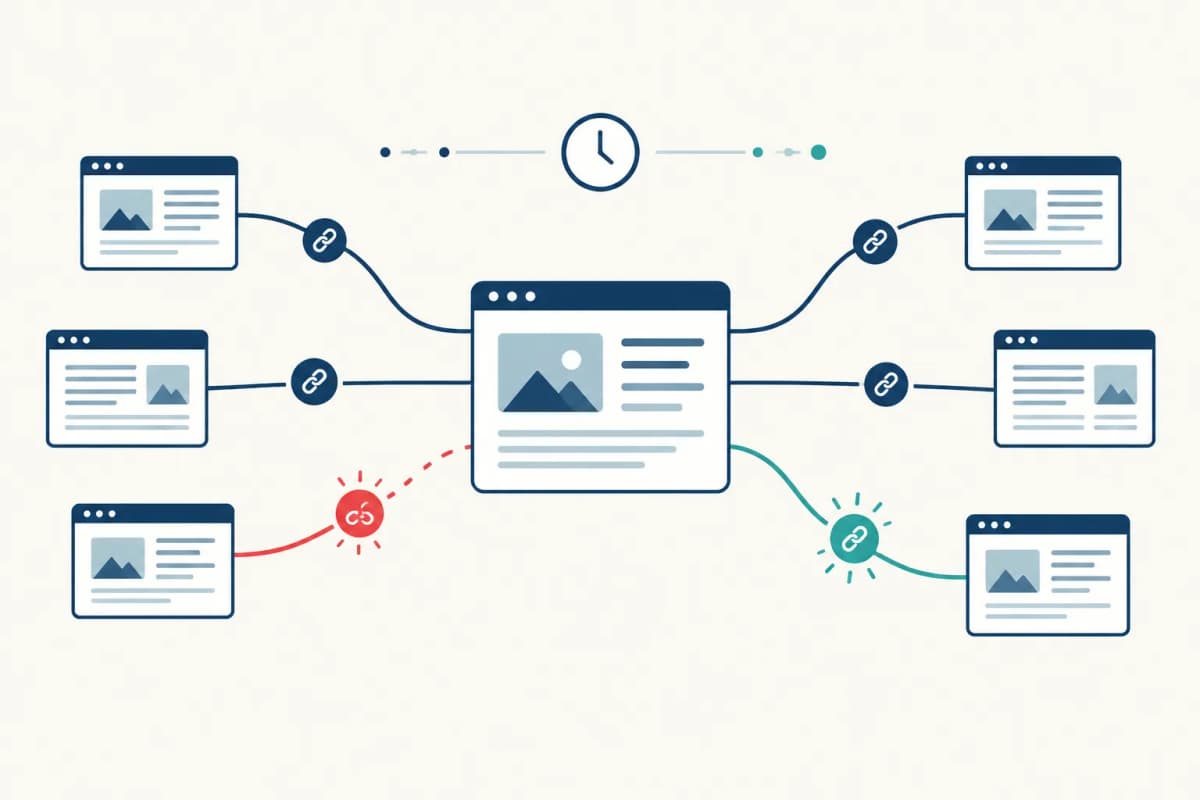
Find the pages that earn links. Sort by linked pages, not just total domain count. Look for product comparisons, original data, templates and resources with a clear reason to be cited.
Look at referring domains before link totals. Multiple sitewide links from one domain should not become hundreds of separate outreach ideas.
Inspect context. Read the linking page. Check relevance, whether the link is editorial or placed in a boilerplate list, the linked page's usefulness and the link attributes.
Spot gaps you can close. A backlink gap in a relevant roundup may suggest a pitch; a citation to original research may suggest you need a better asset first. Building links starts with something useful to offer, not copying every competitor placement.
Track the handful that matter. A backlink tracking tool earns its keep when it catches the loss of a meaningful placement or reveals that a linked page now redirects badly.
I would never bulk-disavow links based on a score. Low authority, an unfamiliar domain or a nofollow attribute tells you too little on its own. Read the page first. A backlink monitor can flag changes, but you have to judge the link.
Monitor backlink profile changes without chasing every alert
Record your referring domains and most-linked pages, then watch new and lost backlinks on pages that matter to the business. If a customer story stops linking to your product, look at the story and the URL. Did the link disappear, or did a redirect break? You may be able to recover the mention without finding a new partner.
Keep two kinds of broken links separate. When an outside page links to a dead URL on your site, restore the page or add a redirect. A broken link on a prospect's site might be worth an outreach email if you have a useful replacement. An authority score will not fix either one.
For regular backlinks monitoring, put important partner, editorial and resource-page links in SE Ranking or another monitor. Compare meaningful losses with organic traffic, without blaming every dip on one missing link. I would review the link data monthly and deal with important losses when they happen.
GEO bonus: do backlinks matter for AI citations?
Backlinks appear to be a useful signal for AI citations, with an important caveat. Earned Media analyzed 760 AI-search responses across ChatGPT, Perplexity, Gemini and Claude and found that domains with more referring domains tended to get cited more often. In the U.S. sample, the top quartile for referring domains received 2.3 times as many citations as the bottom quartile. The study pooled results across engines, so it does not isolate ChatGPT or Perplexity, and it cannot show that links caused the citations.
"Domains in the top quartile for referring domains received 2.3 times as many citations as the bottom quartile in the U.S." - Earned Media
Earn mentions from relevant sources and give them pages worth citing, with clear answers, original detail and current information. RankSpot can publish those pages and surface directory or forum opportunities; a checker shows who links to them. Neither guarantees an AI citation. For dedicated citation reporting, compare AI visibility tools.
Verdict
My free setup would be Google Search Console and Ahrefs Webmaster Tools for a site I own. For paid work, I would pick Semrush for audits and outreach, SE Ranking for monitoring within an SEO suite, or Majestic for link-focused analysis. Moz and Ubersuggest suit lighter checks.
If you know where competitors earn attention but lack time to publish, try RankSpot's 3-day trial. It handles the research-to-publishing work and shows your AI visibility. Pair it with a dedicated checker for full link data, and use the two tools to act on what you find.
FAQ
What is the best free backlink checker in 2026?
For a site you own, use Google Search Console with Ahrefs Webmaster Tools: both are free for verified properties and complement each other. If you want competitor data without paying, public checkers offer limited snapshots rather than full reports.
Is there a free alternative to Ahrefs?
Google Search Console is free for your verified site and shows a sample of external links. Moz, Ubersuggest and Majestic offer limited public lookups, but none gives you Ahrefs' full paid competitor reports for free.
Which one is better, Semrush or Ahrefs?
Choose Semrush if you need audits, outreach and client workflows in one place. Choose Ahrefs Webmaster Tools if your immediate need is free analysis of your verified site; for in-depth competitor work, compare paid report limits and the domains that matter to you.
Can I use Ubersuggest for free?
Yes, Ubersuggest offers limited free lookups, including a backlink view. Its Individual paid plan starts at $29 per month when you need more than occasional checking.