SaaS SEO marketing should bring the right people to your product, then help them decide whether to try it. If you have a small team, start with searches close to a buying decision. Broad blog posts can bring visitors who will never become customers.
A useful page can keep answering a buyer's question after you publish it. Connect that page to a relevant use case and product page, and you give the buyer a route toward a trial. To keep earning visits, you must also make those pages discoverable, credible, and current.
What SaaS SEO marketing actually does
SEO for SaaS means making your software discoverable in a search engine when people look for a problem, workflow, category, comparison, or product. Unlike a one-time purchase, a SaaS signup is often only the start of the commercial relationship. That changes which results matter. A trial that activates is worth more than a thousand readers who were never going to use the product.
How SaaS SEO differs from traditional SEO
The technical basics still apply to a SaaS website: accessible pages and useful answers. But the purchase looks different. An online store can often connect a visit to an order. For B2B SaaS companies, several people may evaluate the product before anyone signs up. You need to know whether a page helped bring in a demo, trial, activated user, or qualified lead, not only how much organic traffic it received.
Content marketing can help buyers over the long term. You still pay for content production, technical fixes, and upkeep, so lower acquisition costs are not guaranteed. Compare that spending with qualified leads and customers instead of pageviews.
The work has four parts:
Find demand: Collect the words buyers use, including their pain points and alternatives they already know.
Match the page to the decision: Use a product page for a product decision, a comparison for a comparison, and a tutorial for a task.
Make the path usable: Give the reader a clear next step and make the page easy for search engines to access.
Learn from outcomes: Track which pages produce trials, demos, and activated users, then improve or retire weak pages.
An SEO strategy for SaaS companies needs all four. Publishing alone will not tell you whether the right customers found you.

Build the strategy around buyer intent
Start with one target audience and one painful job your product handles. If you sell a time-tracking app for small agencies, “track billable hours across clients” is a better starting point than “productivity.” The first phrase suggests a use case and a buyer who might need software. The second could mean almost anything.
"Buyers consider an average of 16 different providers when initiating a SaaS purchase." - Gartner
Give buyers specific answers about fit, setup, and trade-offs while they weigh their options.
Map searches to decisions and page types
Listen to what prospects tell sales and support, and read what they enter during onboarding. Note the tasks they struggle with and the alternatives they compare. An email marketing SaaS, for example, could write a tutorial about leaving spreadsheets and a page showing automated customer follow-ups. With the customer's permission and supporting evidence, it could also publish a case study of the workflow as part of its content strategy.
Searcher’s situation | Example search for an agency time-tracking product | Best page type | Useful next step |
|---|---|---|---|
Trying to fix a task | How to track billable hours for clients | Practical tutorial or template | See the workflow in the product |
Looking for a category | Time tracking software for agencies | Use-case or category landing page | Try the relevant feature |
Comparing options | Spreadsheet vs time tracking software | Honest comparison | Explore the product or request a demo |
Evaluating a brand | Your product integrations or pricing | Feature, integration, or pricing page | Start a trial or contact sales |
These searches illustrate different decisions; no search volume is implied. A task page can lead to a use-case page, which can show the feature that solves the task.
Prioritize keywords by business value first
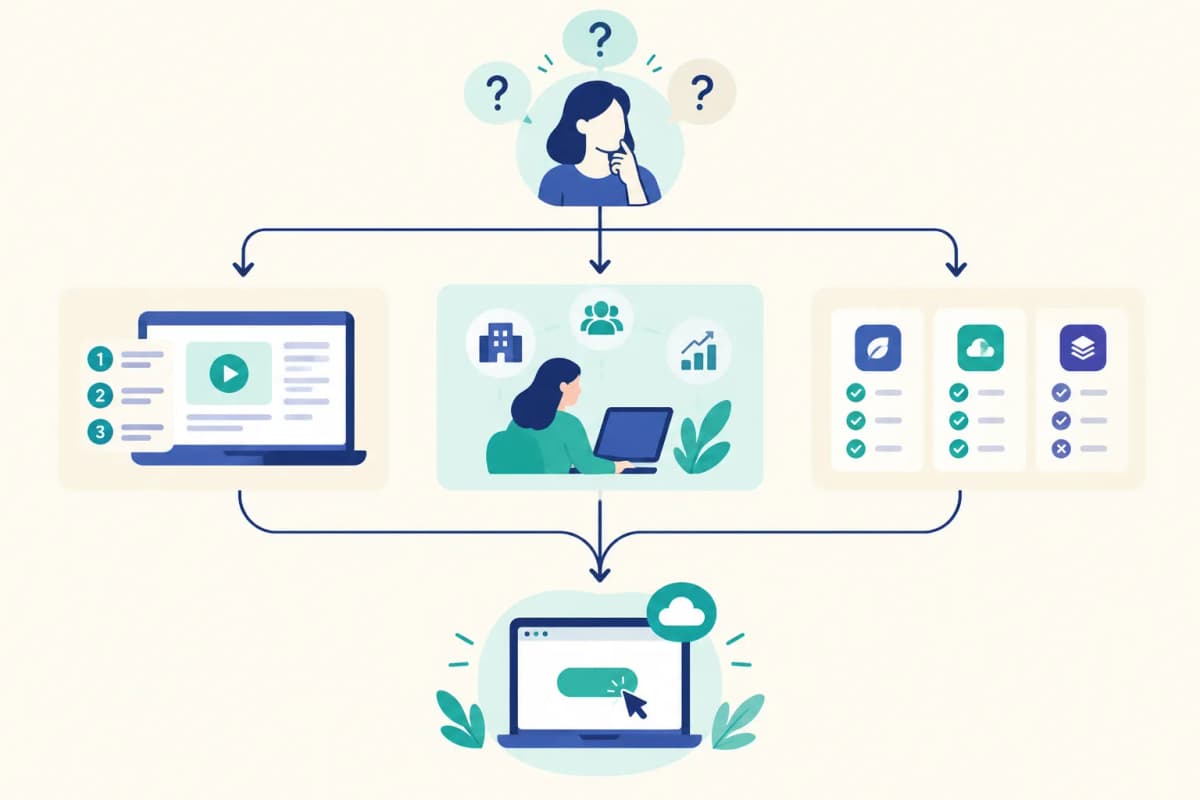
Keyword research for a SaaS SEO strategy should begin with a simple question: could your product satisfy the searcher? Gather ideas from customer language, Search Console queries, competitor pages, and terms in your category. If you need a way to sort the shortlist, use this framework for finding high-intent keywords. Then group near-duplicates by intent so you do not build several pages that answer the same question.
Score candidate topics using three practical filters:
Product fit: Can you show, rather than merely mention, how your software helps?
Buying proximity: Is the reader comparing tools or solving a task that commonly leads to a tool?
Feasibility: Can your team make a genuinely useful page with examples, product detail, and a clear answer?
Use volume and difficulty to choose between otherwise similar topics. Neither predicts signups. A narrow integration query may be worth more to you than a broad definition term. If your domain is new, begin with specific use cases and questions you can answer from experience.
Competitor keyword tracking is useful here as an idea source. Look for pages that attract the same buyers and ask whether you can address the underlying task accurately. For a hands-on starting point, see ways to find competitor keywords. Do not clone a competitor's content or build a comparison that hides your own trade-offs.
Turn topics into a connected cluster
A cluster is a small set of pages serving different steps in the same buying journey. For the time-tracking example, the central page could be “time tracking software for agencies.” Supporting pages might cover billable-hours tracking, client timesheet templates, reporting by project, and a spreadsheet comparison.
Give each page a distinct purpose. Link the billable-hours tutorial to the agency use-case page where the product becomes relevant. Link the use-case page to its integration and trial pages. This internal link building helps readers move between decisions. If two drafts answer the same query in almost the same way, combine them rather than splitting attention across duplicate pages.
Pick one product use case, list five questions buyers ask about it, and give each question a page and a relevant next step. You can build a calendar once those pages have a reason to exist.
Get the site and conversion path ready
Before you scale publishing, try reaching a key page the way a visitor would. Open it on your phone, follow the links from your home page, and complete the trial or demo path. Then inspect its indexing status in Search Console. This short technical SEO check will expose a broken path that new content cannot fix.
Keep important product and content pages accessible from navigation or internal links, and include them in a sitemap.
Check that the pages you want discovered are indexable; use canonical signals for duplicates and redirects when a page moves.
Write descriptive page titles, headings, and URLs. Add alt text that describes useful images, and keep pages readable on mobile.
Give tutorials, comparisons, and feature pages links to the next relevant step, rather than dropping the same generic CTA on every page.
Search Console's Performance report shows impressions and clicks by query and page; check indexing status separately. In analytics, look at what visitors do after they arrive. Review both sets of data by landing page so you can see which queries lead to useful actions.
On a page about agency billable hours, show how the team tracks time now and where the manual work slows them down. Then show exactly how your product handles it. Readers can decide whether to try it. If you compare products, explain your claims and say where yours is weaker.
Publish, distribute, and refresh with a repeatable workflow
Use actual workflows, screenshots, limitations, and customer questions when you create content. A writer or automation tool can assemble an SEO content draft; someone close to the product should review its claims and the next step. Publish at a pace that lets you keep pages accurate and distinct.
For your first month, use a schedule you can sustain. The weeks below describe work to do, not a timetable for rankings.
When | Main task | Output or decision |
|---|---|---|
Week 1 | Fix access and measurement; choose a customer and use case | Indexable core pages, defined conversion events, topic shortlist |
Week 2 | Publish or improve the core use-case and product pages | A clear path from a buyer's search to a trial or demo |
Week 3 | Add supporting tutorials and comparison pages | Internal links between problem, evaluation, and product pages |
Week 4 | Review queries, engagement, and signups; improve weak paths | Next topics based on observed buyer behavior |
One strong page each week is a sound start if that is what your team can manage. If you can publish daily without recycling claims or missing errors, set aside time to review and refresh those pages too.
Share a useful page in a forum, community conversation, or on social media when it answers a question there. Skip threads where a link would feel intrusive. Save recurring questions for your next round of content planning.
Make pages useful in AI answers too
Buyers may use AI search to compare approaches or ask assistants to recommend software. No format guarantees a citation. Give them a clear answer on an accessible page, name the use case, back up claims when you can, and keep product details current.
"Users who encountered an AI summary clicked on a traditional search result link in 8% of all visits. Those who did not encounter an AI summary clicked on a search result nearly twice as often (15% of visits)." - Pew Research Center
Pew measured Google searches, not SaaS conversions. Track what search visitors do after the click as well.
For generative engine optimization (GEO), sometimes called AI SEO, publish details about your own business: what the product does, who uses it, how a workflow works, and where it falls short. Generic AI summaries cannot supply those details. If you can see AI referrals and mentions, track them, but count signups separately.
If you need a separate way to watch that channel, see the AI visibility tools overview; it does not replace signup and activation tracking.
Measure what turns into revenue
Track the path from landing-page impressions and clicks to trials or demos, activation, and customers. Google's guide to using Search Console and Analytics together explains why search clicks and on-site sessions may not match exactly. For a long sales cycle, record the first page a prospect visited alongside the page where they signed up. A tutorial may have introduced the product even if the prospect returned later through your pricing page.
Metric | What it tells you | What to do if it is weak |
|---|---|---|
Indexed pages and impressions | Whether a page can appear and is being shown | Inspect access, intent, and page coverage |
Clicks and click-through rate | Whether the search result earns visits | Improve the title and summary so they match the page |
Trials or demos by landing page | Whether traffic includes plausible buyers | Tighten topic choice and next-step relevance |
Trial activation or qualified pipeline | Whether those leads see product value | Improve the product path or stop chasing that topic |
Once a month, sort pages by the problem you can fix. High impressions, low clicks: make the search result clearer. Clicks, few signups: inspect the match between the query and the next step. Signups, poor activation: see whether the page promised something the product cannot deliver. Strong outcomes: keep the page current and answer a related buyer question. This is content optimization based on outcomes, not traffic alone.
Choose SaaS SEO tools after the process
Buy a tool for a problem you can name. If you do not know which customer query to target, a writing tool will not choose for you. If good drafts sit unpublished for weeks, fix the production and CMS workflow before you buy a larger keyword database.
For a deeper breakdown of operational options, see SEO automation tools after you identify the step that is slowing you down.
Need | Tool category | What the team still owns |
|---|---|---|
See queries and indexing | Search performance and webmaster tools | Decide which queries represent buyers |
Understand on-site behavior | Analytics and conversion tracking | Define activation and pipeline events |
Expand and group topics | Keyword research tools | Judge product fit and search intent |
Diagnose site issues | Site crawlers and technical SEO tools | Decide which fixes matter to key pages |
Keep production moving | Briefing, writing, design, and publishing tools | Verify product claims and editorial quality |
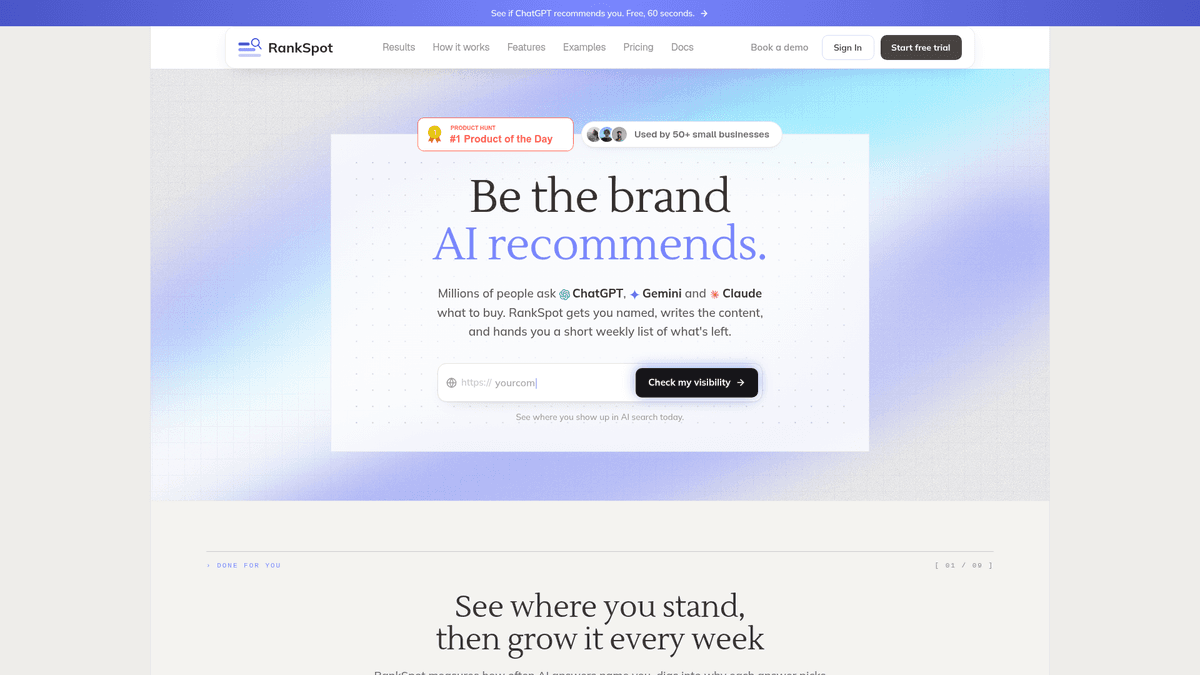
RankSpot suits a founder who has a topic strategy but keeps losing time between research and publication. Starting from a website URL, it learns the niche, proposes a content plan, finds high-intent and competitor topics, creates structured articles and images, and publishes to connected blogs. It also finds relevant Reddit and forum conversations and prepares content for search and AI-answer discovery. You still need to choose the right buyer, review product claims, and judge the work by qualified demand instead of article count.
Start with search and analytics tools. Add production software when you know what to publish but cannot keep the work moving.
Conclusion
Begin with a use-case page for a buyer close to a decision. Add answers to the questions that lead to that page, and watch whether visitors activate after signing up. Expand the cluster when you see which questions bring qualified demand, and keep those pages up to date.
If your small team knows its buyers but struggles to research, write, format, and publish on schedule, try RankSpot for the production work. Your team should still decide what is worth saying and make sure each product claim is right.
FAQ
What is SaaS SEO?
SaaS SEO is the work of making a software company's pages discoverable for searches that its potential customers make. It includes technical access, intent-led content, useful product pages, and measurement of trials or demos through to activation.
Can a beginner do SEO?
Yes. Start with one customer problem, write a page that answers it with your product's actual workflow, and link it to a relevant trial or demo page. Use Search Console to see whether the page is indexed and which searches show it, then improve the page based on the questions buyers still have.