Competitors can give you a head start on keyword research. A competitive keyword research tool shows the queries behind their organic visibility, their search ads, or both. For a small team, the useful tool is the one that helps you turn those findings into a page or campaign you can ship.
If you struggle to publish, start with RankSpot. For detailed organic rankings, consider Semrush or Ahrefs. For paid search, look at SpyFu. An ad keyword does not prove a competitor makes sales from it; an estimated organic keyword does not guarantee you traffic.
Quick picks: 11 competitor keyword research tools
Prices are USD starting rates for monthly billing where a rate is shown. Limited free access and time-limited trials are different things. “SEO” means organic ranking data or ideas; “PPC” means paid-search data or advertising ideas.
Tool | Best for | Free access? | Starting price | Competitor data |
|---|---|---|---|---|
RankSpot | Turning competitor topics into published posts | Trial: 3 articles | $99/month | SEO |
Ubersuggest | Budget-friendly domain and page ideas | Limited access | $29/month | SEO |
Mangools KWFinder | Simple competitor-domain lookups | Limited searches | $61/month | SEO |
SpyFu | Competitors' ads and keyword history | Limited preview | Paid plan | SEO + PPC |
SE Ranking | A single research and tracking workspace | 14-day trial | $129/month | SEO + PPC |
Semrush | Detailed keyword-gap reports | Limited free account | $139/month | SEO + PPC |
Ahrefs | Organic content gaps and backlinks | Free tools for owned sites | Paid plan for competitor analysis | SEO + PPC |
Keywords Everywhere | Browser-based domain ideas | Free extension; paid data | Credit-based plan | SEO + PPC metrics |
Google Keyword Planner | Free URL-seeded advertising ideas | Yes | Free | PPC ideas, not ranking data |
Similarweb | Traffic sources and search-channel comparison | Limited preview | Paid plan | SEO + PPC |
Moz Pro | Organic overlap and ranking context | Trial | Paid plan | SEO |
The pricing figures shown are monthly-billed entry rates, not annual-billing equivalents. Data coverage and account limits differ by plan.
The 11 best competitor keyword research tools
1. RankSpot: best for turning competitor opportunities into published articles
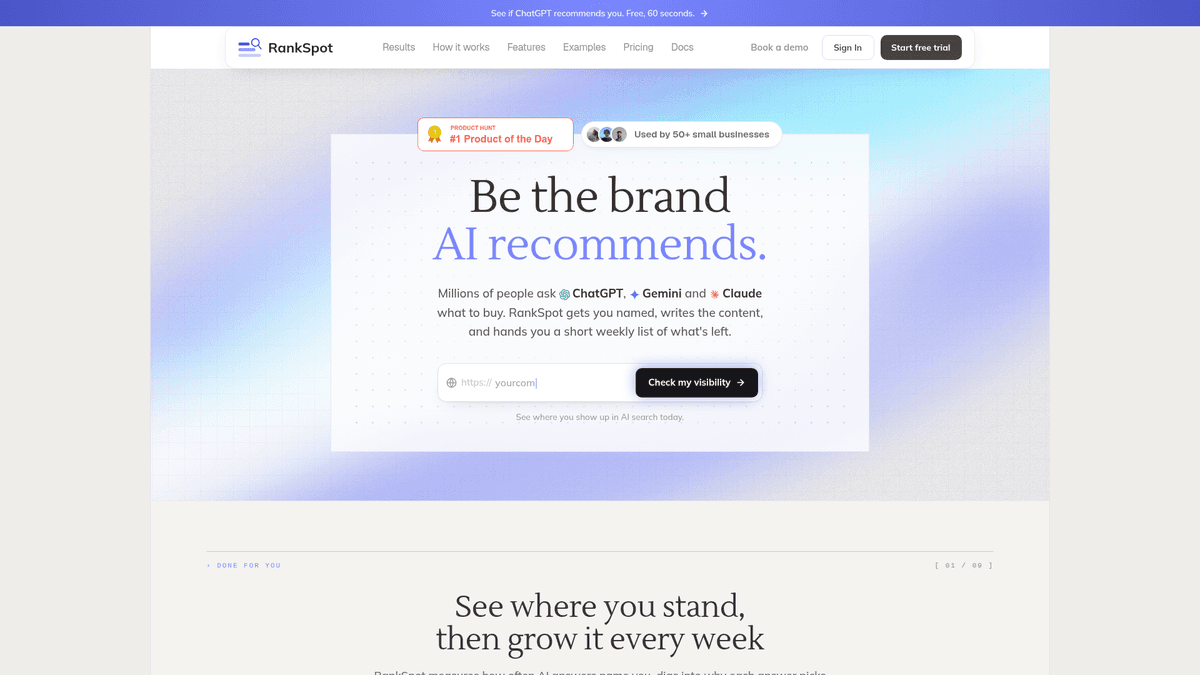
Give RankSpot your website and it learns your niche and competitors, builds a content plan, and prioritizes high-intent topics, including competitor keywords. It writes, formats, illustrates, and publishes articles through CMS connections. That helps if you already have keyword ideas but rarely get the pages out.
Best for: Founders and lean teams that want a research-to-publish workflow, including content intended for Google and AI answers.
Pros: Keyword discovery, planning, writing, on-page formatting, and publishing in one workflow. Cons: It is a content engine, not a full backlink-analysis or technical-audit suite; you should review factual claims before publication. Pricing: $99/month per site. A 3-day trial includes three articles.
2. Ubersuggest: best for an inexpensive first competitor snapshot
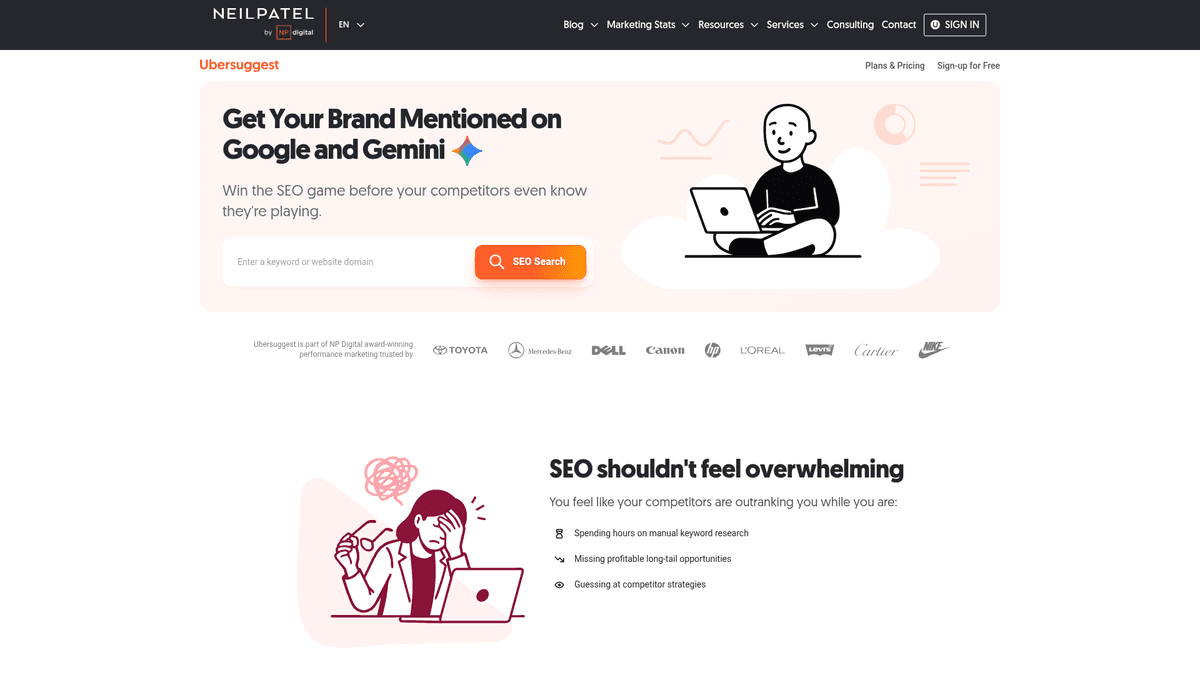
Enter a rival domain in Traffic Analyzer to see estimated organic keywords and top pages. Use Keyword Ideas to find related phrases your site could cover. The interface is approachable if you are still learning to use an SEO competitor checker.
Best for: Owners choosing and writing their own pages on a smaller budget.
Pros: Straightforward domain and topic exploration with limited free access. Cons: Competitor figures are estimates, and you still have to create and publish the content. Pricing: Individual starts at $29/month on monthly billing.
3. Mangools KWFinder: best for quick competitor-domain keyword lookups
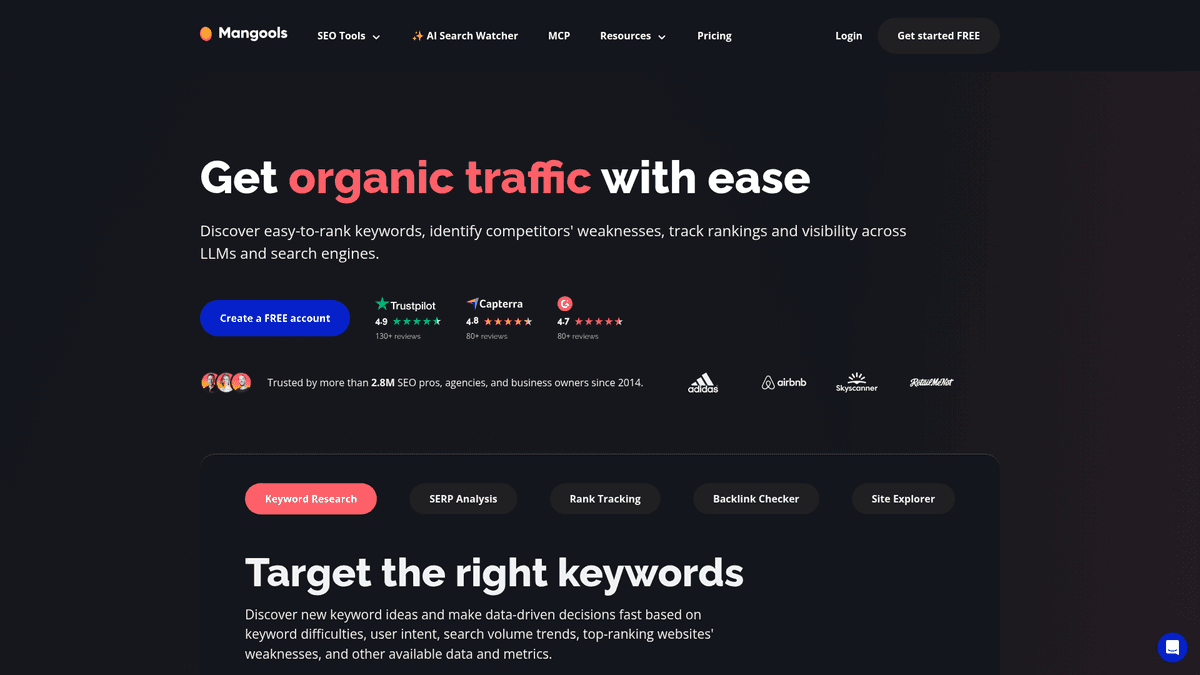
In KWFinder's Search by Domain, enter a competitor domain or page to find associated keywords. Check search volume, difficulty, and the search-results overview before deciding whether your site has a shot at the topic.
Best for: A small team that wants a focused keyword competitor analysis tool rather than a sprawling suite.
Pros: Clear research interface and useful result context. Cons: Small free allowances limit batch research, and the tool does not publish content. Pricing: Mangools Basic costs $61/month on monthly billing; limited free searches are available.
4. SpyFu: best for PPC keyword and ad history
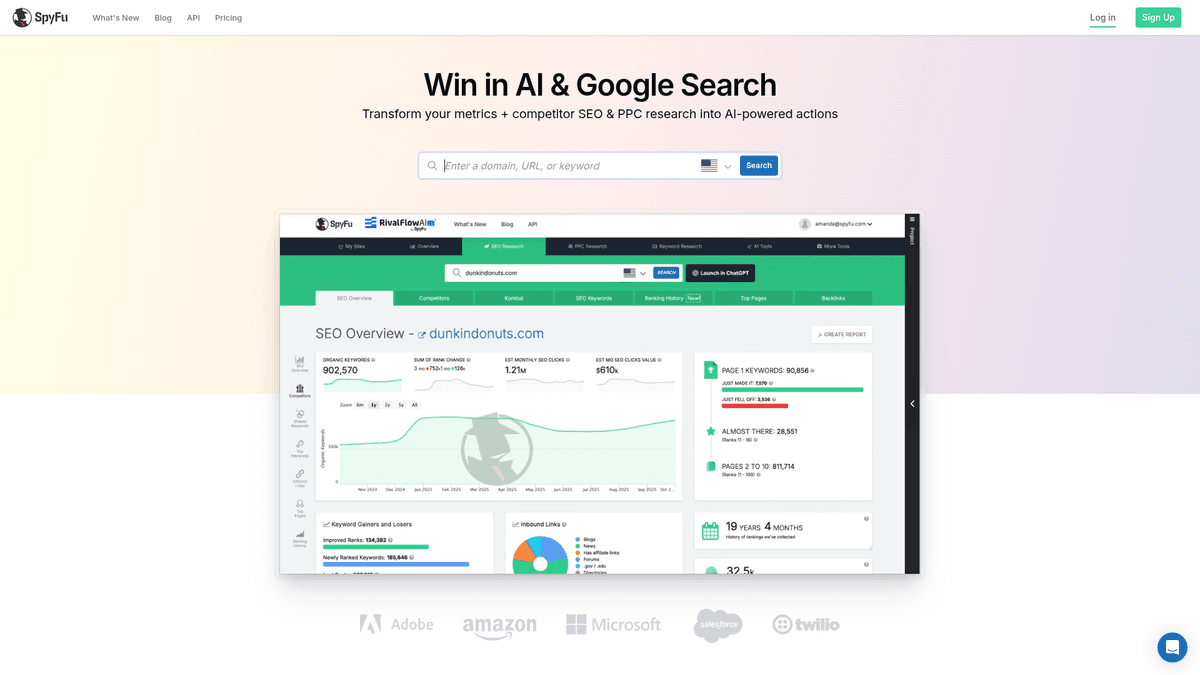
SpyFu's PPC Research and SEO Research show terms associated with a competitor's paid and organic search presence. Its history lets you see whether an advertising theme lasted or appeared briefly. Either way, choose terms that fit your offer rather than copying an ad list wholesale.
Best for: Teams buying search ads that also want to see competing organic terms.
Pros: Paid and organic competitor views in one place, with historical context. Cons: The paid-search emphasis is less useful if you only plan to publish blog content. Pricing: A limited preview is available; deeper reports require a paid subscription.
5. SE Ranking: best for research plus ongoing monitoring
Enter a domain in Competitive Research to explore its search keywords, pages, and paid-search activity. Competitor Comparison shows where its terms overlap with yours. You can track the keywords you choose to pursue.
Best for: A team that owns SEO as a recurring task and wants research, position tracking, and audits together.
Pros: Combines keyword discovery and monitoring. Cons: More setup and ongoing spend than occasional research warrants. Pricing: Core starts at $129/month on monthly billing; a 14-day trial is available.
6. Semrush: best for detailed organic and paid keyword gaps
Keyword Gap compares your domain with competing domains and flags “missing” and “weak” keywords. Filter by intent, difficulty, and position before choosing pages to create. For ad terms, open Advertising Research instead of treating organic rankings as evidence of ad targeting.
Best for: Someone who regularly works through competitor reports and needs both SEO and PPC context.
Pros: Granular gap analysis and broad search tooling. Cons: Higher cost and a learning curve for a solo operator. Pricing: The SEO plan is $139/month on monthly billing; the free account allows 10 reports a day.
7. Ahrefs: best for organic content gaps and link context
Competitive Analysis identifies keywords competitors rank for that your site does not. In Site Explorer, check the ranking page's estimated organic keywords and backlinks. Those details help you judge the work needed to compete.
Best for: Teams that need to understand both the topic and the links behind a rival's rankings.
Pros: Organic research and backlink analysis in one workflow. Cons: Paid competitor research is separate from the free Webmaster Tools for a site you own; data is still estimated. Pricing: Paid access is required for the full competitor workflow.
8. Keywords Everywhere: best for lightweight research inside the browser
With the extension's Organic Ranking Keywords and domain views, you can inspect a competitor while browsing. Search volume and cost-per-click metrics give you more to go on than the keyword alone.
Best for: Operators gathering ideas in short bursts.
Pros: Low-friction browser workflow. Cons: Credit-based usage and fewer end-to-end planning features than a full suite. Pricing: The extension is free to install; paid credits unlock richer metrics.
9. Google Keyword Planner: best free source of URL-based ad keyword ideas
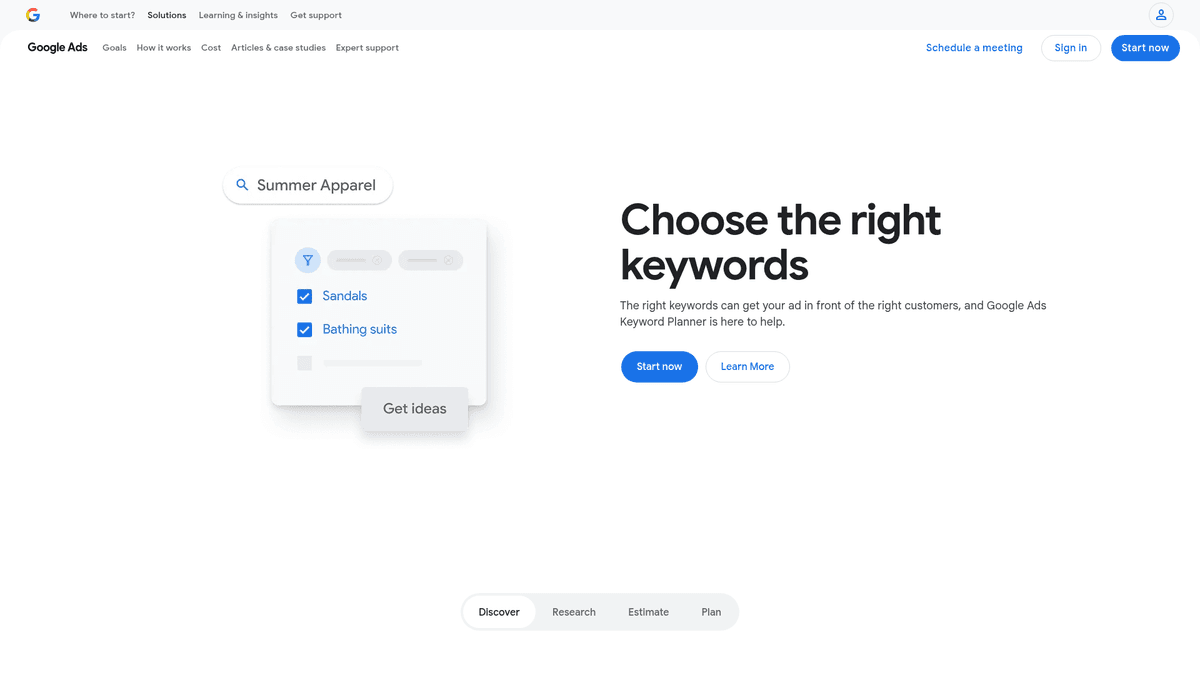
In Discover new keywords, choose Start with a website and enter a competitor URL. Google returns related advertising keyword ideas and bid data. These are suggestions based on a site's content, not a list of terms that site ranks for or buys ads on.
Best for: A founder starting with no budget, especially one planning a Google Ads campaign.
Pros: Free to use with Google Ads access and helpful for bid-oriented discovery. Cons: Its “competition” measure describes advertising competition, not organic ranking difficulty; it cannot show a true competitor keyword gap. Pricing: Free tool; running ads is separate.
"Choose Discover new keywords, start with a website, and enter any website to get keyword ideas." - Google Ads Help
10. Similarweb: best for seeing the wider traffic picture
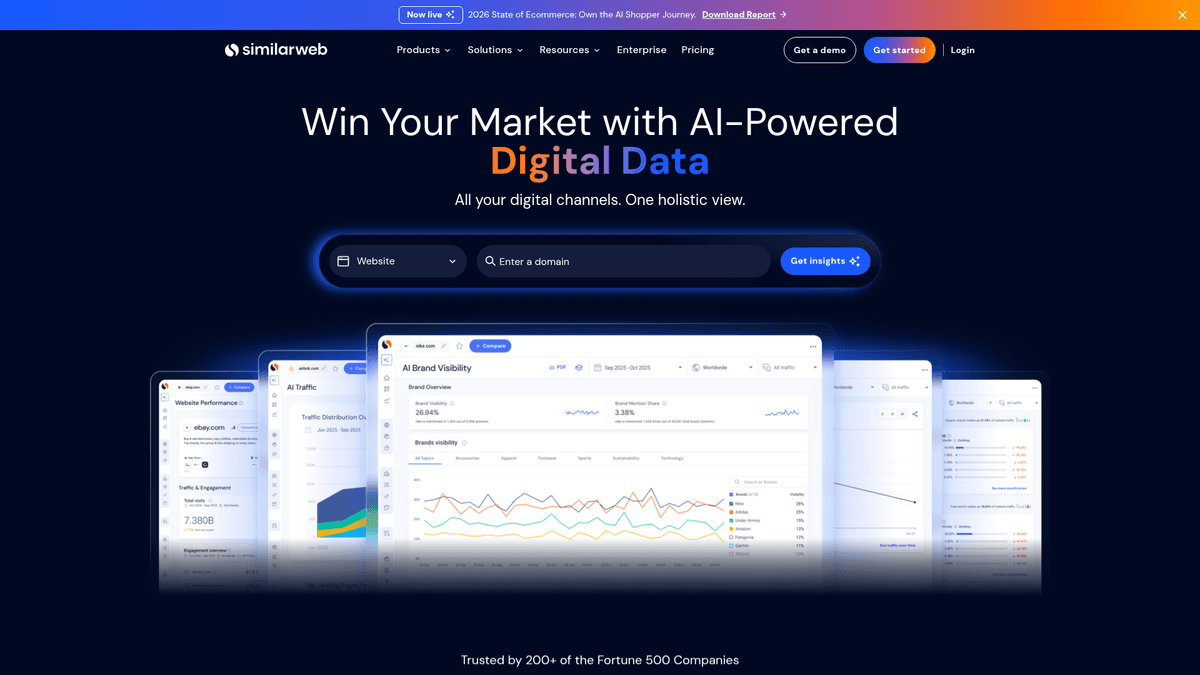
Website Analysis puts a rival's estimated organic and paid search traffic beside its other traffic sources. If search accounts for little of its traffic, that is useful context before you spend a day sorting its keywords.
Best for: Founders evaluating a market or a rival's channel mix.
Pros: Puts search in the context of overall traffic. Cons: Traffic figures are estimates, and a channel overview is less direct than a dedicated keyword gap report. Pricing: Limited previews are available; expanded analysis requires a paid plan.
11. Moz Pro: best for organic overlap with a simpler SEO suite
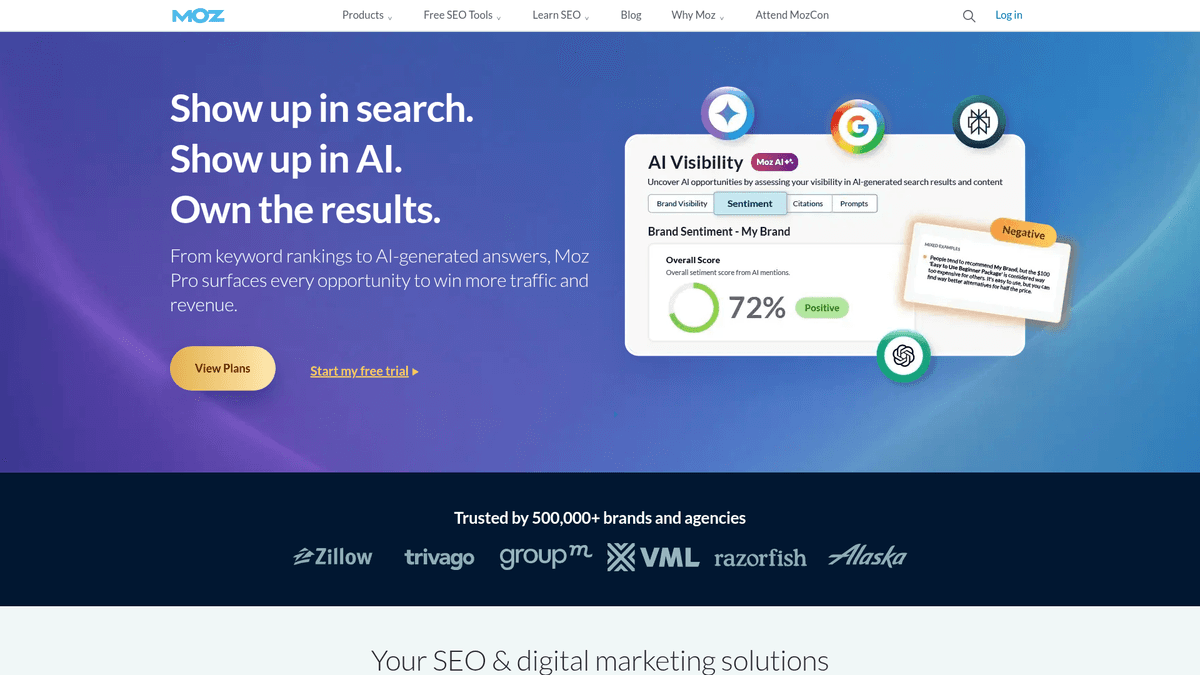
Keyword Explorer and True Competitor show which domains overlap with yours in search. Some may not be businesses you compete with for sales. Keyword Gap then shows the organic terms worth a closer look.
Best for: A marketer who wants organic competitive research and ranking context without centering the workflow on PPC.
Pros: Useful for identifying actual search rivals rather than guessing from a sales competitor list. Cons: Not the first choice for ad-history analysis or automated publishing. Pricing: Moz Pro offers trial access; full competitor research uses a paid plan.
Organic gaps and paid keywords require different decisions

An organic gap report finds a targeted keyword where a competitor has a ranking position and you do not. Look at the ranking page, its search intent, keyword difficulty, and backlink profile before writing. If the result is a category page, you may need a product page to serve the same intent.
A paid keyword report shows terms appearing in a rival's ads. If you buy ads, group the relevant terms by intent, weigh the bid estimates against your potential ad spend, and match each ad to a landing page. SpyFu's historical ads can help you make that shortlist. No keyword tool can see a competitor's private conversion data or prove its ad performance. Keyword Planner supplies average monthly searches and bid estimates without confirming that the rival buys the term.
How to choose a competitive keyword research tool
Start with your bottleneck. Google Keyword Planner gives you URL-based ideas for free. To see a rival's actual ranking overlap, use a domain research tool. If your keyword spreadsheet is full and your blog is empty, a publishing workflow may help more than another export.
Separate SEO from PPC. SpyFu is useful if you need ad terms and history. Semrush and SE Ranking cover both channels. Ahrefs and KWFinder fit an organic content workflow. Google's advertising competition label measures something different from SEO difficulty.
Budget for the work after the report. A low subscription bill still leaves you planning, writing, editing, and uploading each article. Automated publishing saves that effort, while specialist backlink or technical SEO work needs different tools. For a broader comparison of lightweight setups, see SEO tools for small businesses.
A short workflow for acting on competitor keywords
Pick search competitors, not just business competitors. Search a core product term and write down the domains you keep seeing.
Pull a gap or domain report. Look for terms they rank for that you do not. On a free budget, Keyword Planner gives you ideas, not confirmed rankings. Free and paid competitor keyword methods explains the mechanics.
Filter for buyer fit. Favor a query you can serve with a product or service page over a high-volume topic that will not bring customers. Read the results and assess the ranking pages, alongside the tool's difficulty score. See keyword research strategies for 2026 for more on intent and prioritization.
Ship and measure. Publish a page that answers the query, then watch your impressions and clicks in Search Console's Performance report. Competitor traffic and ranking figures remain estimates, not a forecast for your site.
The verdict
Choose the research depth your team can actually use. Google Keyword Planner is a free starting point for ideas, SpyFu fits ad-led campaigns, and Semrush or Ahrefs suit deeper competitive analysis. If your main obstacle is consistently turning competitor opportunities into useful published pages, try RankSpot: it connects research, planning, writing, and publishing, with three trial articles to judge the output before committing.
FAQ
What are the top 5 keyword research tools?
For competitor-focused work, five useful choices are RankSpot for research-to-publish automation, Semrush for gaps, Ahrefs for organic and link context, SpyFu for PPC history, and Google Keyword Planner for free URL-based ideas. The best fit depends on whether you need organic rankings, ad data, or a way to publish the resulting content.
How to search competitors keywords?
Enter a competing domain into an organic research tool such as Semrush Keyword Gap or Ahrefs Competitive Analysis, then filter the results for relevant terms you do not rank for. If you only have Google Keyword Planner, seed it with a rival URL for related ideas, but do not treat those ideas as confirmed competitor rankings.
Is there a free tool to research competitor keywords?
Yes. Google Keyword Planner can generate ideas from a competitor URL for free with Google Ads access, and Semrush offers limited free reports. Planner does not reveal a competitor's actual organic ranking list; a dedicated domain research tool is better for that job.
What is the best free tool for keyword research?
Google Keyword Planner is the simplest free starting point for URL-seeded ideas and advertising bid context. For a limited look at actual competitor-domain research, try Semrush's free account or Mangools' limited searches.